AI Agent Context Window: What It Is and Why It Limits Your Workflow
If you've ever wondered why your AI agent "forgets" things, why sessions degrade over time, or why you have to re-explain your project every Monday — the context window is the answer to all of it.
Understanding how the context window works doesn't just satisfy curiosity. It changes how you structure your workflow, what you put in your prompts, and how you build systems that stay useful over time.
What the Context Window Is
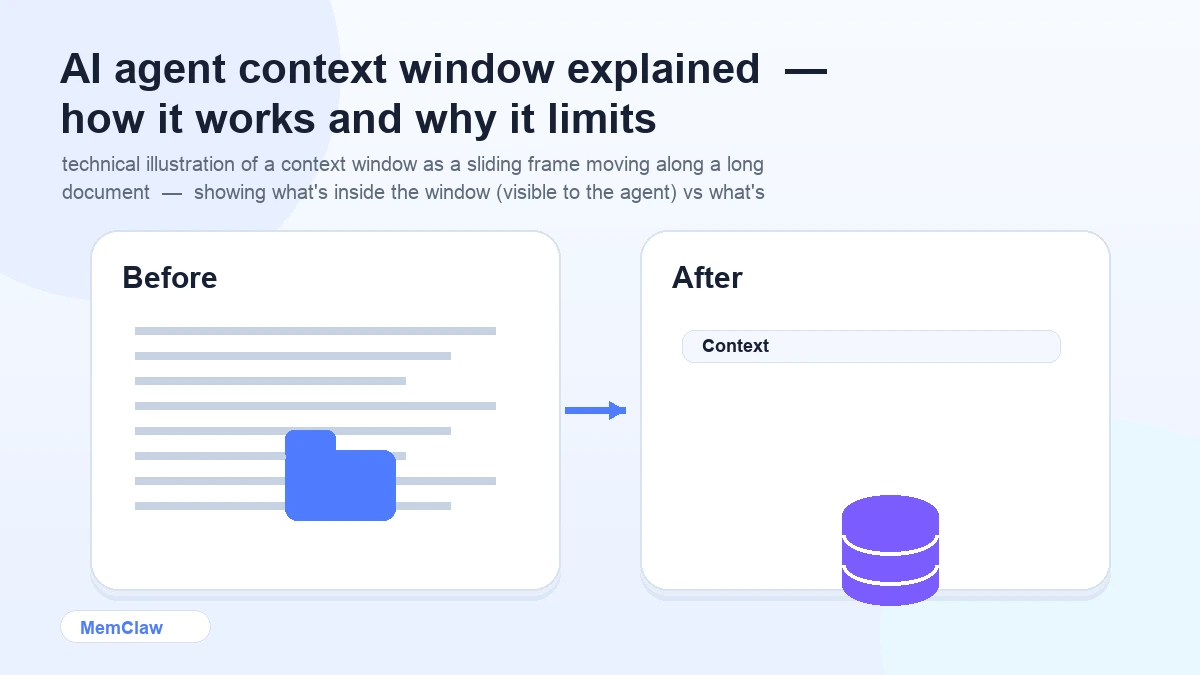
The context window is the total amount of text an AI model can "see" at once. Everything inside the window is available to the model when generating a response. Everything outside it is invisible — as if it never existed.
Think of it as working memory. A human can hold a certain amount of information in active attention at once. The context window is the AI equivalent — a fixed-size buffer of text that the model processes together.
Modern models have large context windows — 100,000 to 1,000,000 tokens for frontier models. A token is roughly 0.75 words, so 100,000 tokens is about 75,000 words — a short novel. That sounds like a lot. In practice, it fills up faster than you'd expect.
What Goes Into the Context Window
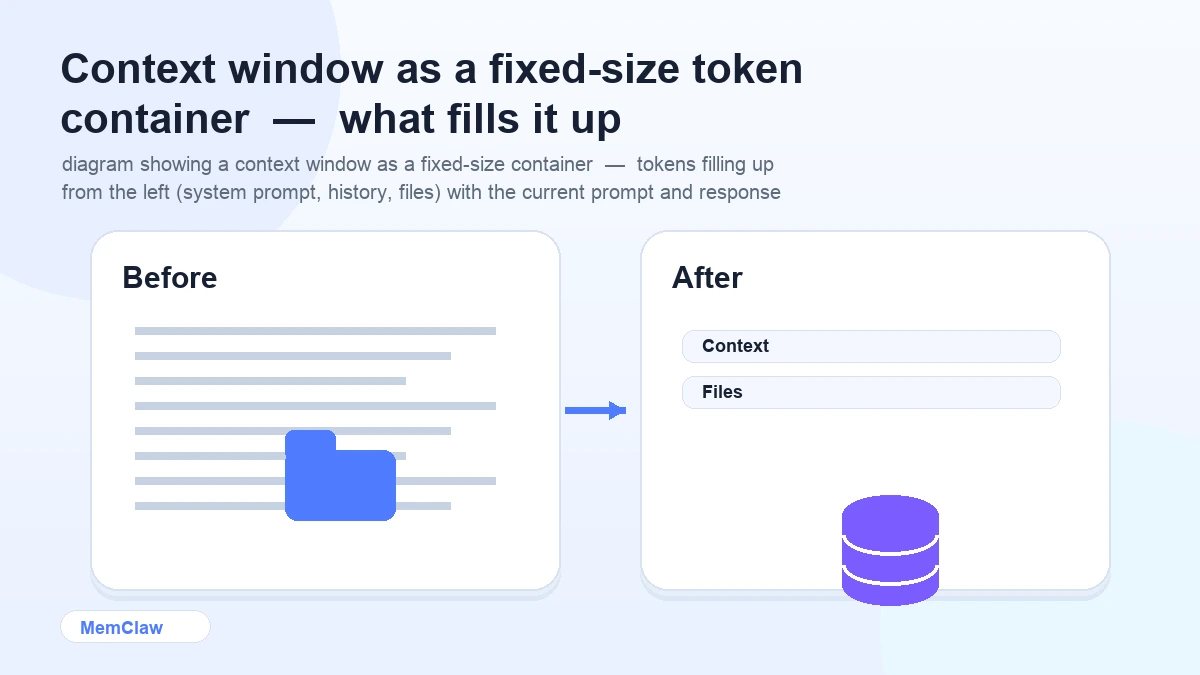
Every token in a session competes for space in the context window:
- System prompt — instructions, persona, constraints set by the application
- CLAUDE.md / context files — project context loaded at session start
- Conversation history — every message in the current session
- File contents — any files the agent reads during the session
- Tool outputs — results from bash commands, file reads, web fetches
- Your current prompt — what you just typed
- The agent's response — what it generates
In a long session, conversation history alone can consume tens of thousands of tokens. Add file reads and tool outputs, and you can hit the practical limit of useful context well before hitting the hard token limit.
Why Sessions Degrade Over Time
Here's the mechanism behind the "long sessions produce worse output" phenomenon:
As a session progresses, the context window fills up. When it gets full, older content gets pushed out — typically the earliest parts of the conversation. The model loses access to context it had earlier.
More subtly: even before the window fills up, a very long context makes it harder for the model to focus on what's relevant. The signal-to-noise ratio drops. The model has to "attend" to more text to find the relevant parts, and it doesn't always get it right.
The practical result: sessions that start sharp tend to get fuzzier over time. Output quality degrades. The agent starts making suggestions that contradict earlier decisions — because those decisions are now outside the window or buried under thousands of tokens of conversation.
Why the Agent Forgets Between Sessions
This is the simpler case. When a session ends, the context window is cleared. The next session starts with a completely empty window — nothing from the previous session carries over.
This isn't a bug. It's how stateless inference works. The model doesn't store anything between sessions. The context window is temporary working memory, not persistent storage.
The implication: anything you want the agent to know in the next session has to be explicitly loaded into the new context window. If you don't load it, the agent doesn't know it.
How Context Window Size Affects Your Workflow
Larger context windows are better — up to a point. A 200k token window lets you load more project context, more file contents, and have longer sessions before quality degrades. This is genuinely useful.
But larger windows don't solve the persistence problem. Even a 1M token window is cleared at session end. The agent still starts fresh next session. Size helps within a session; it doesn't help across sessions.
And larger windows don't solve the quality problem. Research consistently shows that model performance on tasks requiring information from the middle of a very long context is worse than performance on tasks where the relevant information is near the beginning or end. "Lost in the middle" is a real phenomenon — more tokens doesn't mean better attention.
The practical takeaway: don't rely on a large context window as a substitute for good context management. Load focused, accurate context rather than dumping everything in and hoping the model finds what it needs.
Practical Implications for Your Workflow
Keep context files focused, not comprehensive
A 200-line CLAUDE.md with accurate, current information is more useful than a 2,000-line one with everything you've ever thought about the project. The model attends better to focused context.
What to include:
- Current stack and architecture
- Active decisions and constraints
- Current task state
- Hard rules (what not to do)
What to leave out:
- Completed work history
- Superseded decisions
- Background that isn't relevant to current work
Use /clear to reset mid-session
When a session has accumulated a lot of conversation history and output quality is dropping, /clear resets the conversation while keeping your CLAUDE.md context. You get a fresh context window without losing the session setup.
/clear
Use this when:
- The agent is stuck in a wrong direction
- You're switching to a significantly different part of the codebase
- Output quality has noticeably degraded
Load context at session start, not mid-session
Context loaded at the beginning of a session is more reliably attended to than context introduced mid-session. Your CLAUDE.md or workspace should be loaded before any work begins — not after you've already started.
Open the [project] workspace.
Then start working. Don't load context after you've already asked several questions.
Keep sessions focused
A session working on one specific feature or component will produce better output than a session that jumps between unrelated parts of the codebase. The context window fills with relevant information rather than a mix of unrelated code and conversation.
One session, one focus area. When you switch to something significantly different, consider starting a new session.
The Persistence Solution: External Context Stores
Since the context window is cleared at session end, persistence has to come from outside the model. The standard approaches:
Context files (CLAUDE.md, CONTEXT.md) Text files that you load into the context window at session start. Simple, free, works with any agent. The limitation: you maintain them manually.
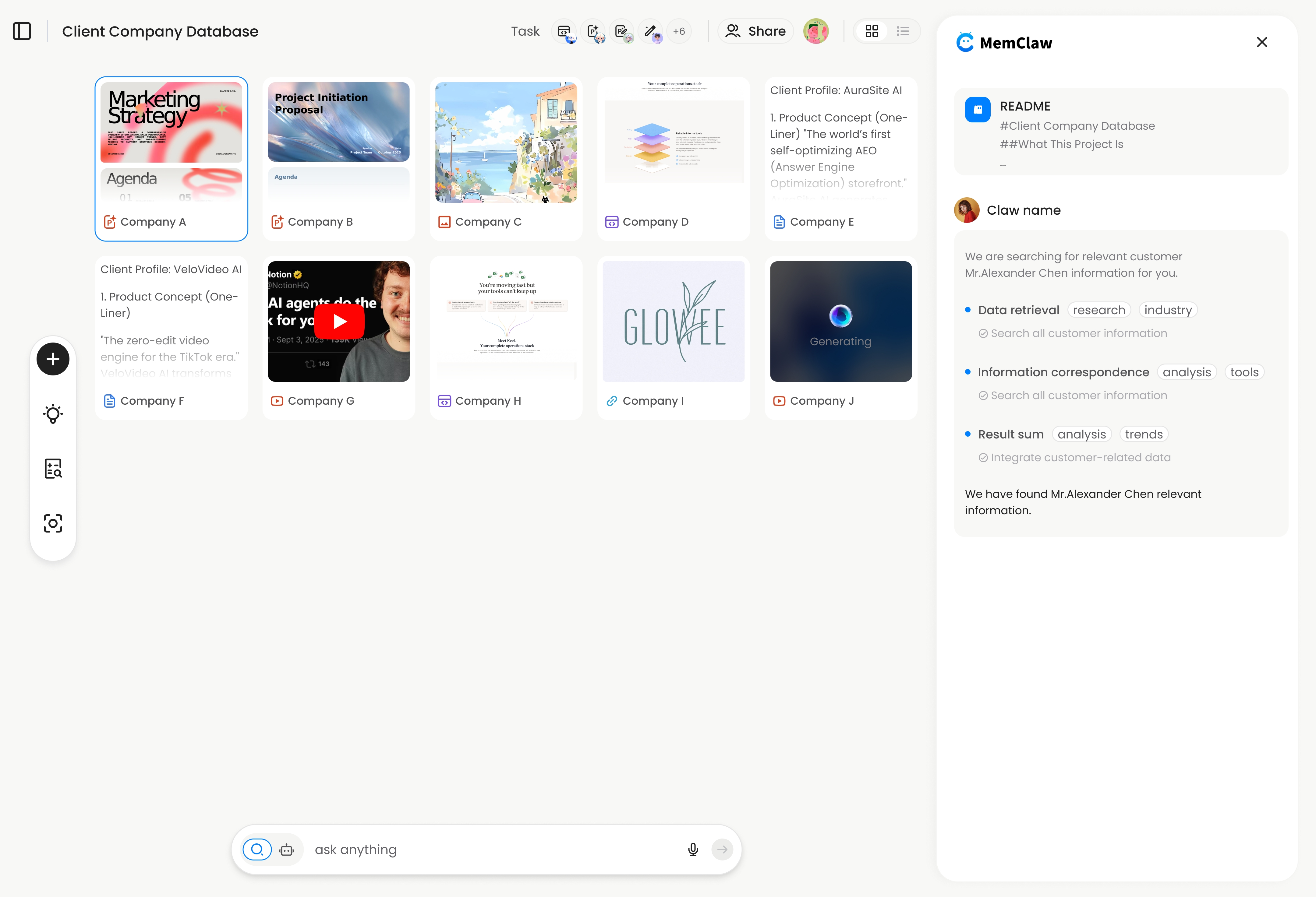
Persistent workspaces (MemClaw) Structured context stores that the agent reads and writes automatically. The workspace persists across sessions — the agent loads it at session start and updates it as you work.
Open the [project] workspace
The workspace content is loaded into the context window at session start. Decisions, task state, and artifacts from previous sessions are immediately available. The agent works, updates the workspace, and the next session starts with current state.
! MemClaw persistent workspace — external context store that survives session end
Try it: Get started at memclaw.me →
Context Window vs Long-Term Memory: The Distinction
It's worth being precise about terminology, because "memory" gets used loosely:
| Term | What it means | |------|--------------| | Context window | The text the model can see right now, in this session | | Session memory | Everything in the current context window | | Persistent memory | Information stored outside the model, loaded into future sessions | | Long-term memory | Persistent memory that survives across many sessions |
When people say "the AI has no memory," they usually mean it has no persistent memory — nothing survives session end. The context window is a form of memory, just a temporary one.
The solution to "no memory" is always the same: build a persistent store outside the model, and load it into the context window at session start.
Frequently Asked Questions
Does a larger context window mean better performance?
Not necessarily. Larger windows allow more information to be loaded, which is useful. But model performance on tasks requiring information from the middle of a very long context is often worse than on shorter, focused contexts. Quality of context matters more than quantity.
What happens when the context window fills up?
Different models handle this differently. Some truncate the oldest content. Some refuse to process further input. Some summarize older content. In practice, you'll notice output quality degrading before you hit a hard limit — that's the signal to use /clear or start a new session.
Can I see how full my context window is?
In Claude Code, use /cost to see token usage for the current session. This gives you a sense of how much of the context window you've used.
Why does the agent sometimes "forget" something I said earlier in the same session?
Two possible causes: the relevant information got pushed out of the context window (session too long), or the model failed to attend to it properly (too much competing context). Both are solved by keeping sessions focused and using /clear when sessions get long.
Is there a way to make the context window larger?
You can't change the context window size — it's a property of the model. You can choose models with larger context windows (Claude's models support up to 200k tokens). But as noted above, larger windows don't solve the quality problem — focused context does.
The Bottom Line
The context window is the fundamental constraint behind every AI agent memory problem. It's temporary, it fills up, and it's cleared at session end.
Working with this constraint — not against it — means:
- Loading focused, accurate context at session start
- Keeping sessions scoped to one focus area
- Using
/clearwhen sessions degrade - Building persistent context stores that survive session end
The context window isn't going away. But with the right workflow, it stops being a limitation and starts being a tool.
Ready to build a persistent context store for your projects? Get started with MemClaw →