How to Build a Reliable AI Coding Assistant Workflow
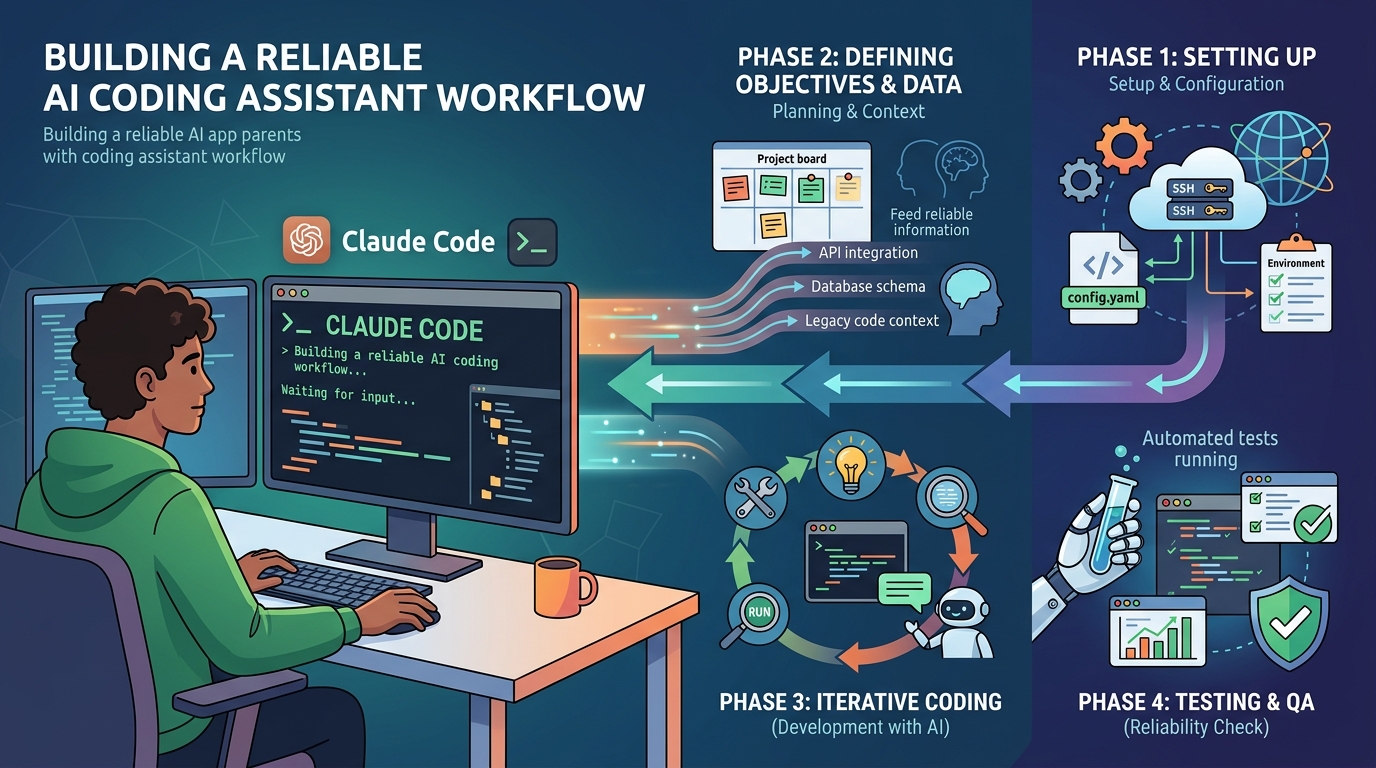
AI coding assistants are genuinely useful. They're also genuinely inconsistent — until you build a workflow around them.
The inconsistency isn't random. It comes from a predictable source: the agent doesn't know enough about your project to make good decisions. It doesn't know your stack, your conventions, your constraints, or what you decided last week. So it guesses. Sometimes it guesses right. Often it doesn't.
The fix isn't a better model. It's a better workflow. This guide covers the habits and systems that turn an AI coding assistant from "occasionally helpful" into "reliably productive."
The Foundation: Give the Agent Project Context
Every other practice in this guide builds on this one. Before you write a single line of code with an AI assistant, the agent needs to know:
- Stack — language, framework, key libraries, runtime version
- Conventions — naming patterns, file structure, code style
- Constraints — what's off-limits, what's already decided, what can't change
- Current focus — what you're working on right now
Without this, the agent is guessing. With it, the agent is working from the same mental model you have.
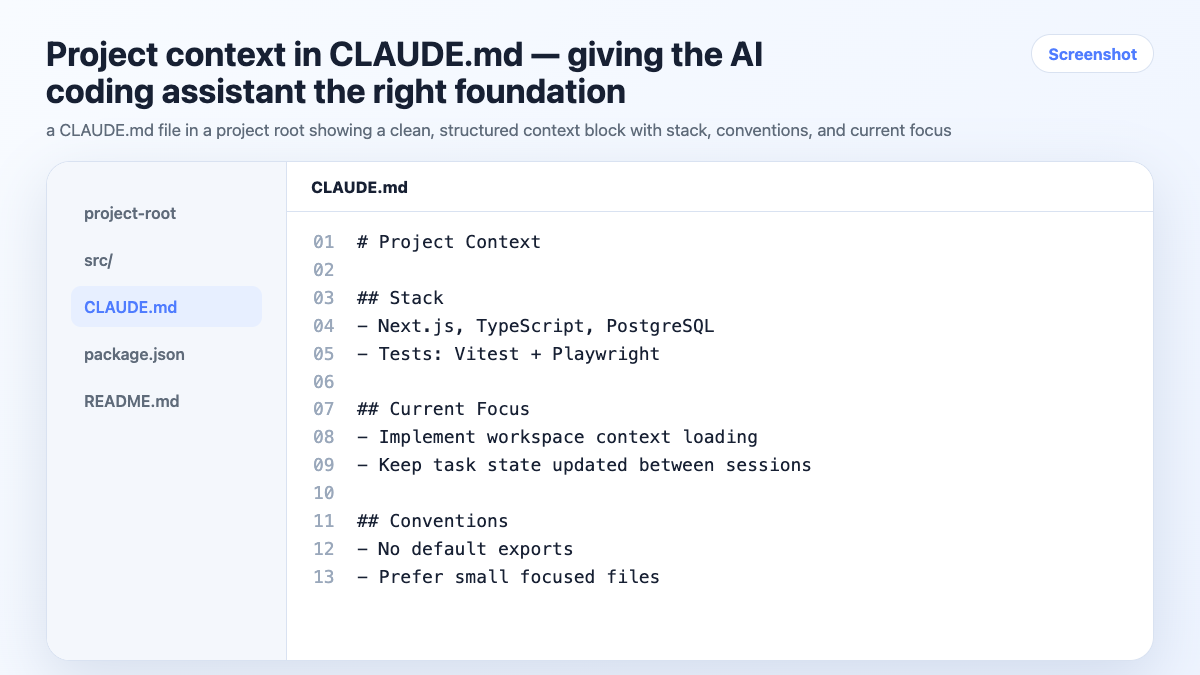
The minimum viable context block:
# Project Context

Stack: Next.js 14, TypeScript, Tailwind, Supabase
Auth: Clerk
Payments: Paddle (not Stripe — already integrated)

Conventions:
- No default exports
- Async/await over .then()
- Vitest for tests, not Jest
- Components in /components, hooks in /hooks

Current focus: Checkout flow — step 3 (payment confirmation)
Put this in a CLAUDE.md in your project root. Claude Code loads it automatically. For other agents, paste it at session start or tell the agent to read the file.
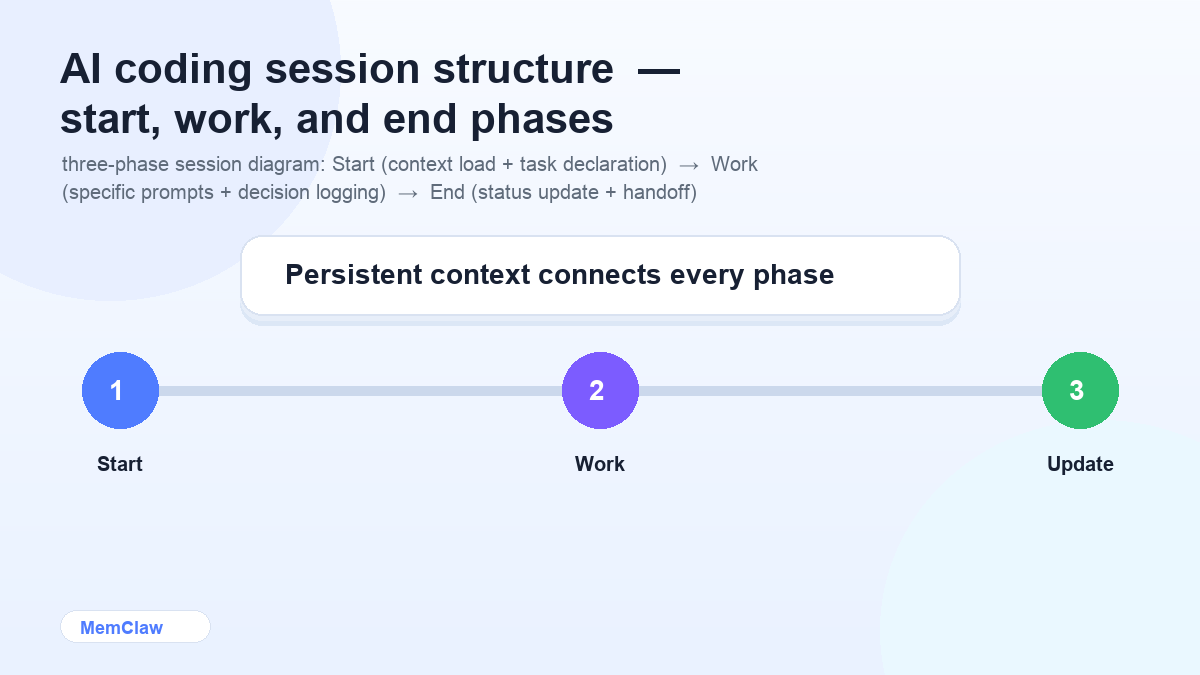
Session Structure: Start Clean, End With a Handoff
Starting a Session
Every session starts the same way:
Read CLAUDE.md. We're working on the checkout flow today — specifically step 3, payment confirmation.
Or with a persistent workspace:
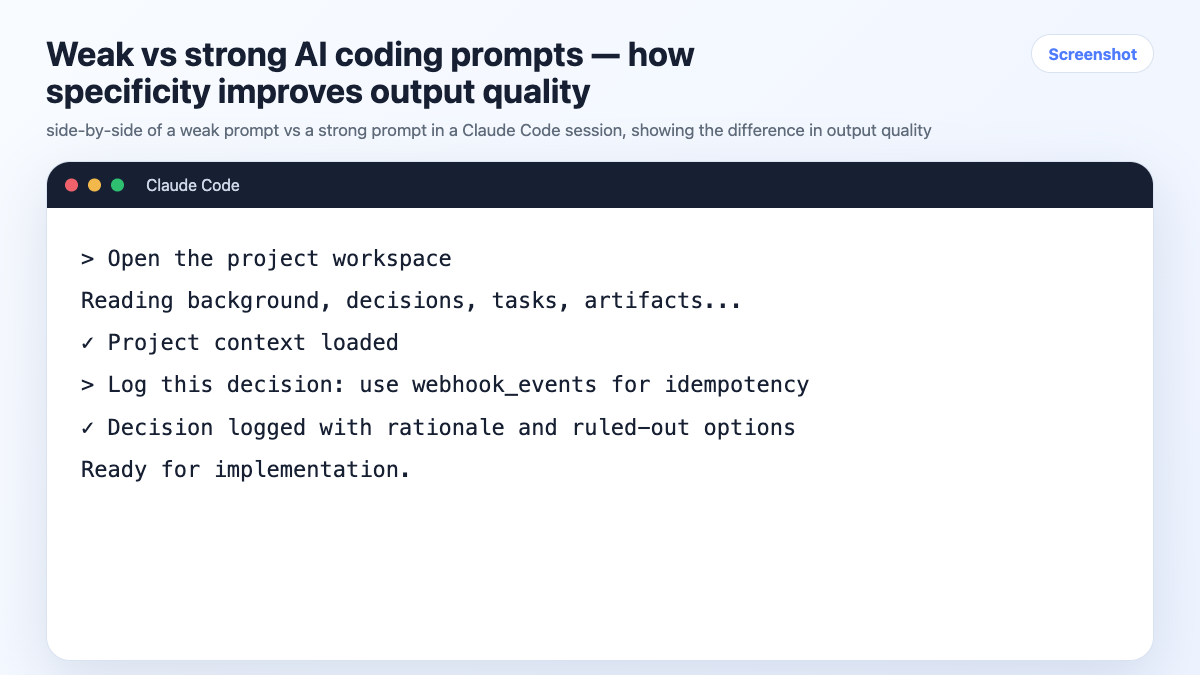
Open the [project] workspace.
The agent orients itself before you start. You don't spend the first 10 minutes correcting wrong assumptions.
What to include in the session opener:
- Which part of the project you're working on today
- Any context that's changed since last session
- The specific task you want to tackle first
During the Session
A few habits that keep output quality high:
Be specific about what you want. "Fix this" produces worse output than "This function throws when user is null — add a null check and return an empty array." The more specific the input, the more useful the output.
Correct immediately, not later. When the agent produces something wrong, correct it in the same message. Don't let wrong patterns accumulate in the context window — they'll influence subsequent output.
Log decisions as you make them. When you choose an approach, rule something out, or make an architectural decision, tell the agent to record it:
Log this: we're using optimistic updates for the cart — no loading state on add-to-cart.
Ending a Session
Before closing:
Update CLAUDE.md with current status. What did we finish? What's still in progress?
Takes 60 seconds. Means the next session starts with accurate state.
Writing Better Prompts for Code
The quality of AI coding output is directly proportional to the quality of the prompt. These patterns consistently produce better results:
Provide the full context, not just the problem
Weak:
Fix the bug in the cart component
Strong:
The CartItem component throws "Cannot read properties of undefined (reading 'price')"
when a product is removed while the cart is updating. The issue is in the
removeItem function at line 47. The cart state updates asynchronously via
useCartStore. Fix the race condition without blocking the UI.
Specify constraints upfront
Refactor this function to handle the edge case where `items` is empty.
Constraints: don't change the function signature, keep it under 20 lines,
no new dependencies.
Ask for explanation alongside code
Add error handling to this API call. Show me the code and explain
why you chose that error handling pattern over try/catch.
This catches cases where the agent's reasoning is wrong even when the code looks right.
Request alternatives when you're unsure
I need to debounce this search input. Show me two approaches —
one with a custom hook, one with a library — and tell me the trade-offs.
Managing Multiple Projects
If you're working on more than one codebase, context isolation becomes critical. The agent has no way to know which project it's in unless you tell it — and if you don't, patterns from Project A will surface in Project B.
The rule: one session, one project. Close the session before switching.
For 2-3 projects: A CLAUDE.md per project directory is enough. Claude Code loads the right one automatically based on your working directory.
For 4+ projects: Manual context files start breaking down. You forget to update them. They go stale. Context bleeds between projects.
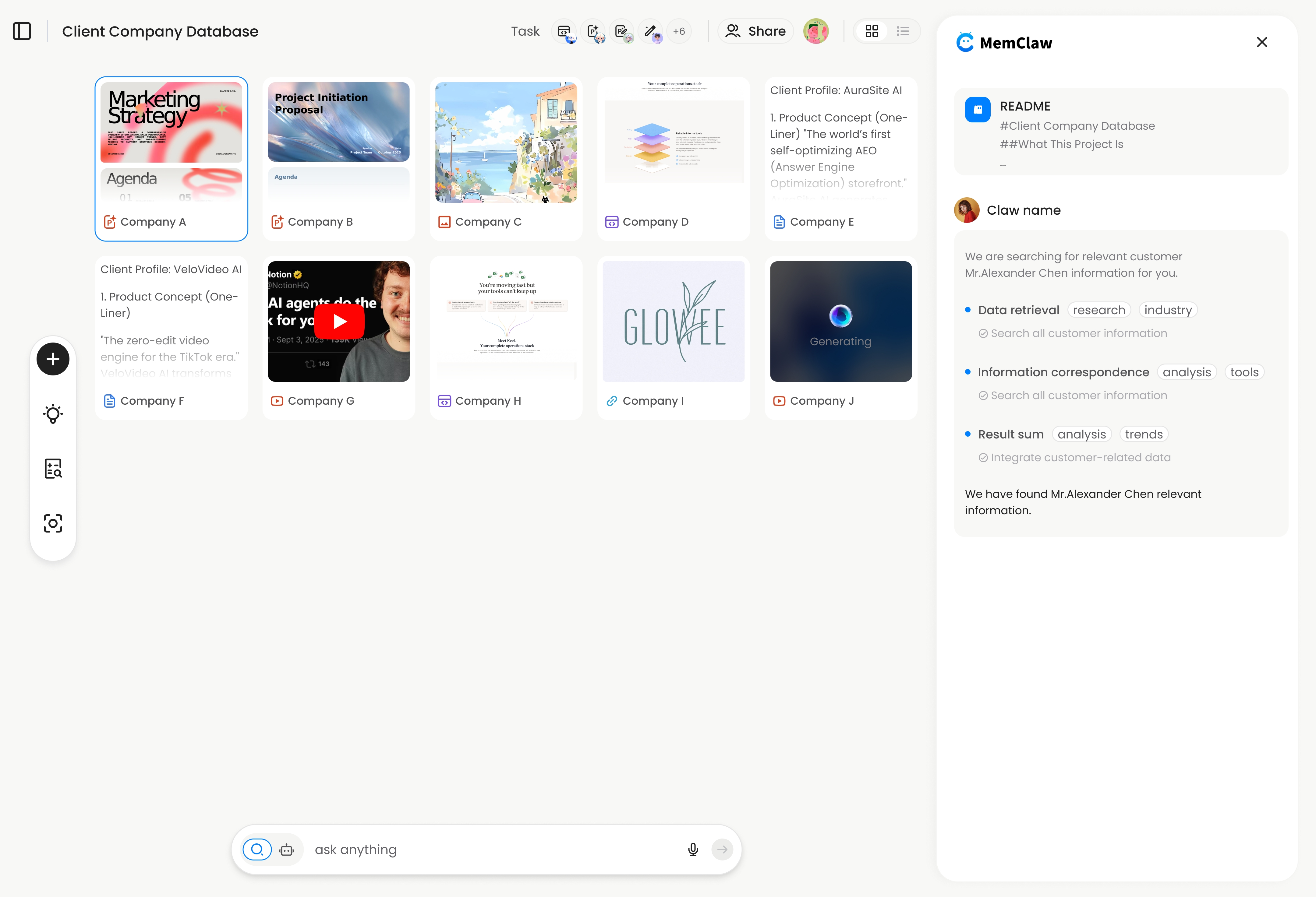
MemClaw persistent workspaces solve this at scale. Each project gets its own workspace — the agent reads it at session start and updates it automatically as you work.
export FELO_API_KEY="your-api-key-here"
/plugin marketplace add Felo-Inc/memclaw
/plugin install memclaw@memclaw
Create a workspace called "checkout-service"
Create a workspace called "admin-dashboard"
Create a workspace called "mobile-app"
Session start:
Open the checkout-service workspace
Full context — stack, decisions, current tasks — restored in seconds. No re-briefing.
! MemClaw workspace for multi-project AI coding workflow
Try it: Get started at memclaw.me →
Code Review With AI
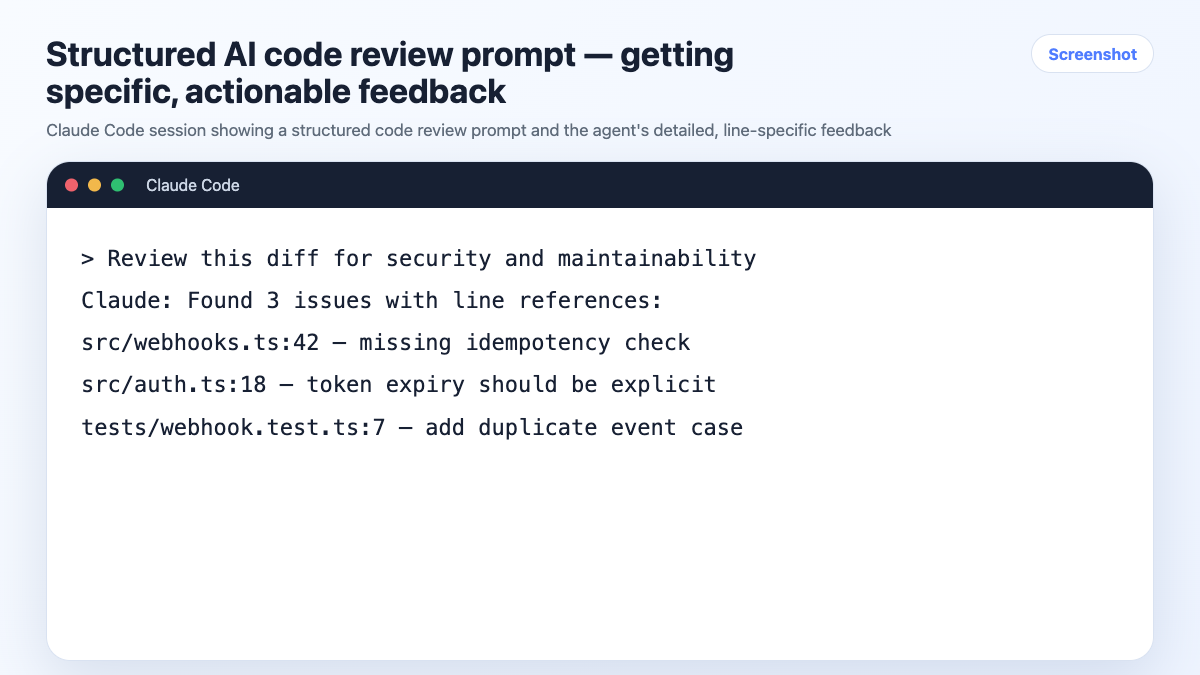
AI coding assistants are underused for code review. A structured review prompt catches more issues than a vague "review this code":
Review this function for:
1. Correctness — does it handle all edge cases?
2. Performance — any obvious bottlenecks?
3. Security — any injection risks, unvalidated input, exposed secrets?
4. Readability — would a new developer understand this in 30 seconds?

Flag anything that would fail in production. Be specific about line numbers.
For security-sensitive code, add:
Pay special attention to: SQL injection, XSS, CSRF, and authentication bypass.
Assume this endpoint is publicly accessible.
Testing With AI
AI is fast at generating test cases, especially edge cases you might miss. The key is giving it enough context about what the function is supposed to do:
Write Vitest unit tests for this function.
Cover: happy path, empty input, null input, invalid types, and boundary values.
The function should [describe expected behavior].
Don't mock external dependencies — use the actual implementations.
For integration tests:
Write an integration test for the checkout flow.
Test the full path: add item → apply coupon → enter payment → confirm order.
Use the test fixtures in /tests/fixtures. Mock only the Paddle API call.
When AI Output Goes Wrong
AI coding assistants produce wrong output. Knowing how to handle it efficiently matters.
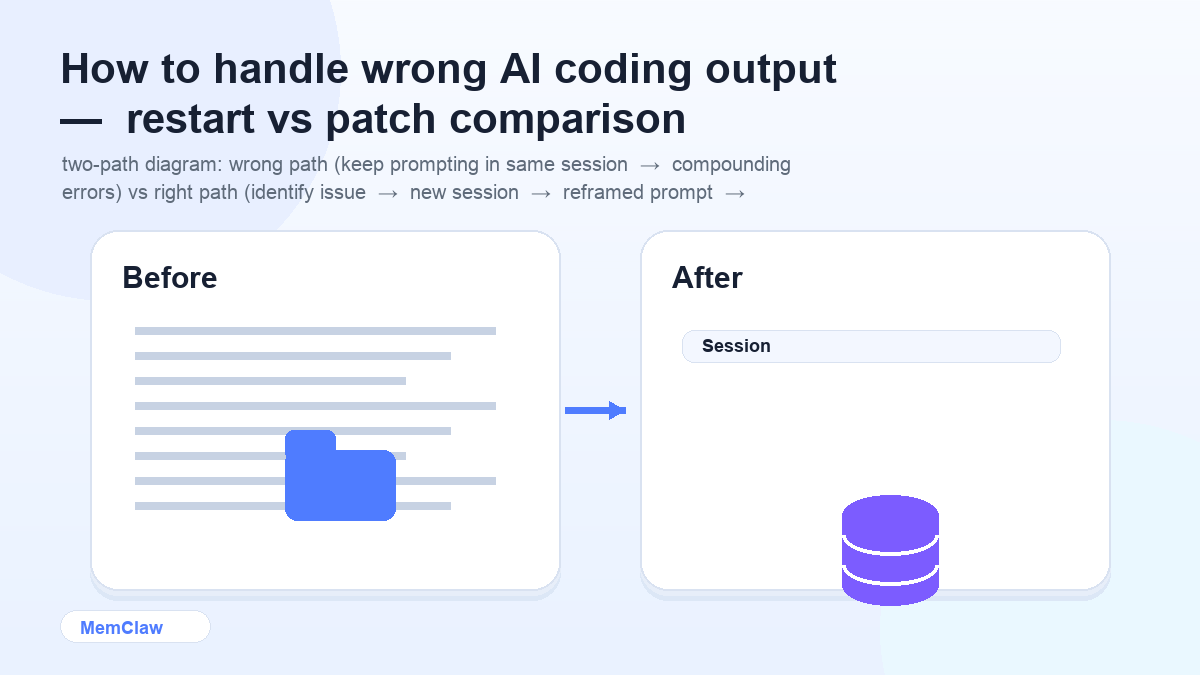
Wrong approach: keep prompting in the same session trying to fix it. The wrong output is now in the context window and will influence subsequent responses.
Right approach:
- Identify exactly what's wrong and why
- Start a new session (or clear context)
- Rewrite the prompt with the specific constraint that was violated
Previous attempt generated a solution that mutates the original array.
Write a version that returns a new array without modifying the input.
Constraint: pure function, no side effects.
The extra 2 minutes to restart and reframe saves more time than trying to patch a bad response.
Frequently Asked Questions
Should I use AI for all my code, or just some of it?
Use it where it adds speed without adding risk. Boilerplate, tests, documentation, and well-defined functions are high-leverage. Core business logic, security-sensitive code, and anything where you don't fully understand the output should get more scrutiny — use AI to draft, but review carefully before shipping.
How do I keep the agent from suggesting patterns I don't want?
Put explicit constraints in your CLAUDE.md or context block. "No Redux," "no default exports," "no external dependencies without approval" — the more specific, the better. Constraints in the context file apply to the whole session; constraints in the prompt apply to that specific request.
Does the agent get worse over long sessions?
Yes, in a specific way: as the context window fills up with earlier conversation, the agent has less "room" to focus on the current task. For long sessions, it's worth starting fresh periodically — especially when switching to a significantly different part of the codebase.
What's the best way to use AI for debugging?
Give it the full error message, the relevant code, and what you've already tried. "Here's the error, here's the function, I've already checked X and Y — what else could cause this?" is much more useful than "why is this broken?"
The Short Version
AI coding assistants are reliable when they have good context and you have consistent habits. The practices that matter most:
- Load project context at every session start
- Be specific in prompts — constraints, expected behavior, what you've already tried
- Log decisions as you make them
- End sessions with a status update
- One session per project, no context switching mid-session
The tools are secondary. The habits are what make it work.
Working across multiple codebases? Set up persistent workspaces with MemClaw →