AI Context Bleed: Why Your Agent Mixes Up Projects (And How to Stop It)
You're working on Client B's landing page. The agent suggests a tone that's clearly wrong — too technical, too formal. Then you realize: that's Client A's voice. The agent is pulling from the wrong project.
Or you're building a Python API and the agent keeps suggesting TypeScript patterns. You haven't touched TypeScript in this session — but you were using it yesterday, on a different project.
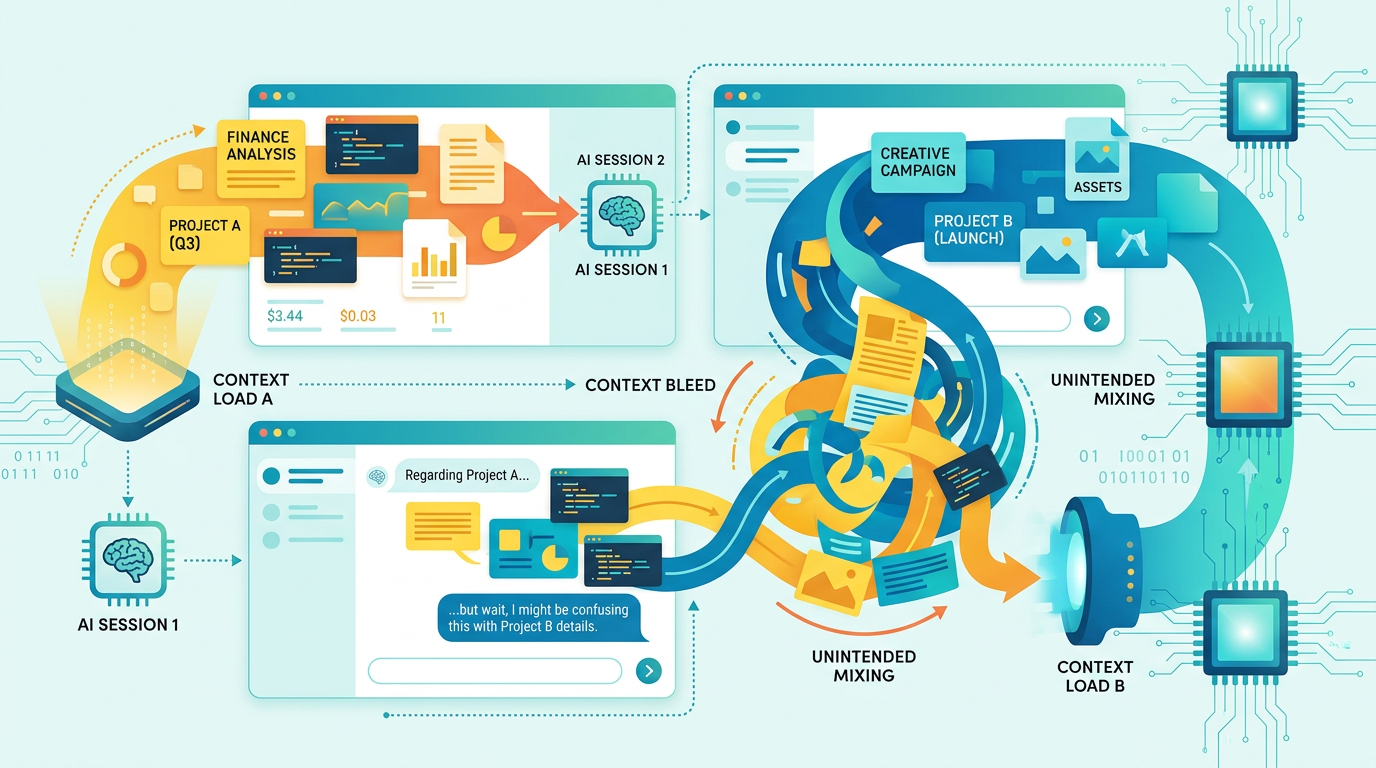
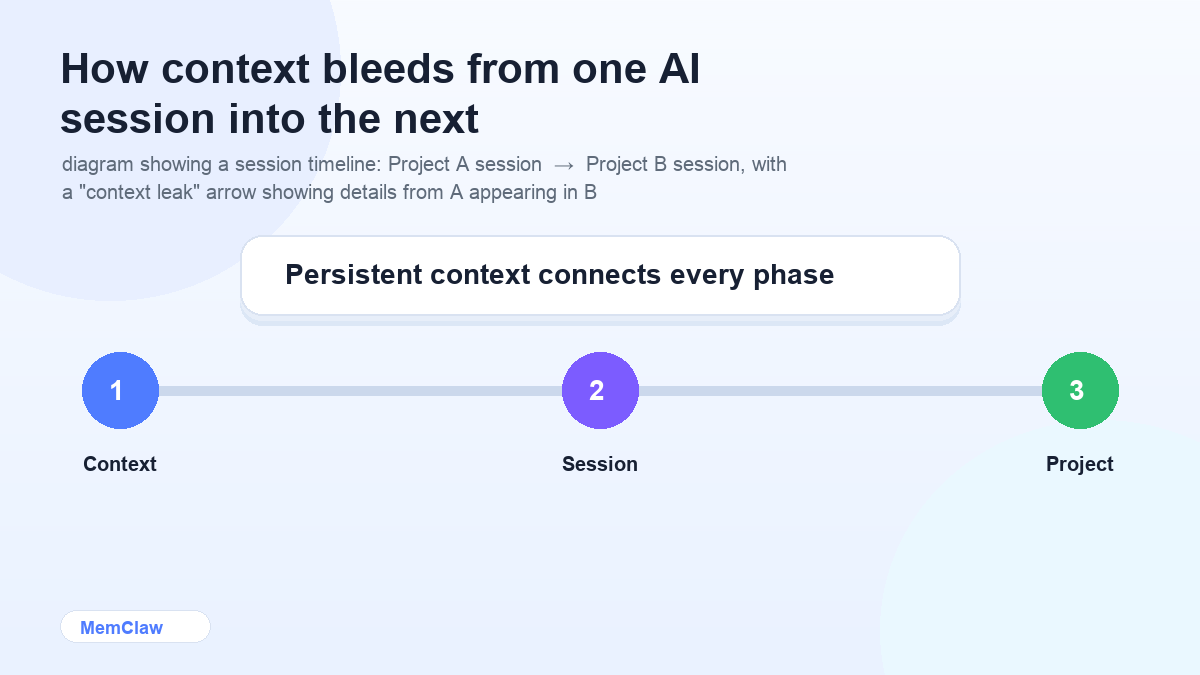
This is AI context bleed: when details from one project surface in another. It's subtle, it's common, and it costs more time than most people realize.
Why Context Bleed Happens
Context bleed has two main causes.
Cause 1: No project boundaries
AI agents don't have a built-in concept of "projects." They know what's in the current context window — and nothing else. If you've been working on Project A and switch to Project B in the same session, the agent doesn't reset. It carries everything forward.
The same applies across sessions if you're using a shared system prompt or a global memory feature. Anything that applies to "all your work" can surface in the wrong place.
Cause 2: Implicit context from recent sessions
Even when you start a fresh session, you might unconsciously bring context with you. You paste a code snippet from Project A while working on Project B. You reference a decision without specifying which project it belongs to. The agent picks it up and runs with it.
How to Spot Context Bleed
Context bleed is often subtle. Watch for these signals:
Wrong tone or voice. The agent's output sounds like a different client, a different brand, or a different audience than the one you're working on.
Wrong stack references. The agent suggests a library, pattern, or tool that belongs to a different project. "Use Redux here" when this project uses Zustand. "Add a Stripe webhook" when this project uses Paddle.
Stale decisions resurfacing. The agent recommends something you already ruled out — but ruled out in a different project. The rejection didn't carry over; the suggestion did.
Wrong naming conventions. Variable names, file structures, or API patterns that match a different codebase.
Misplaced constraints. The agent applies a constraint from one client (no external dependencies, specific accessibility requirements, a particular deployment target) to a project where that constraint doesn't apply.
If you're catching these regularly, context bleed is costing you real time.
How to Prevent It
Rule 1: One session, one project
The most important rule. Never context-switch mid-session. If you need to jump to another project, close the session completely and open a new one.
This sounds obvious, but it's easy to break. A "quick question" about Project B while you're in a Project A session is enough to introduce bleed. The agent doesn't know the question was about a different project — it just knows what's in the window.
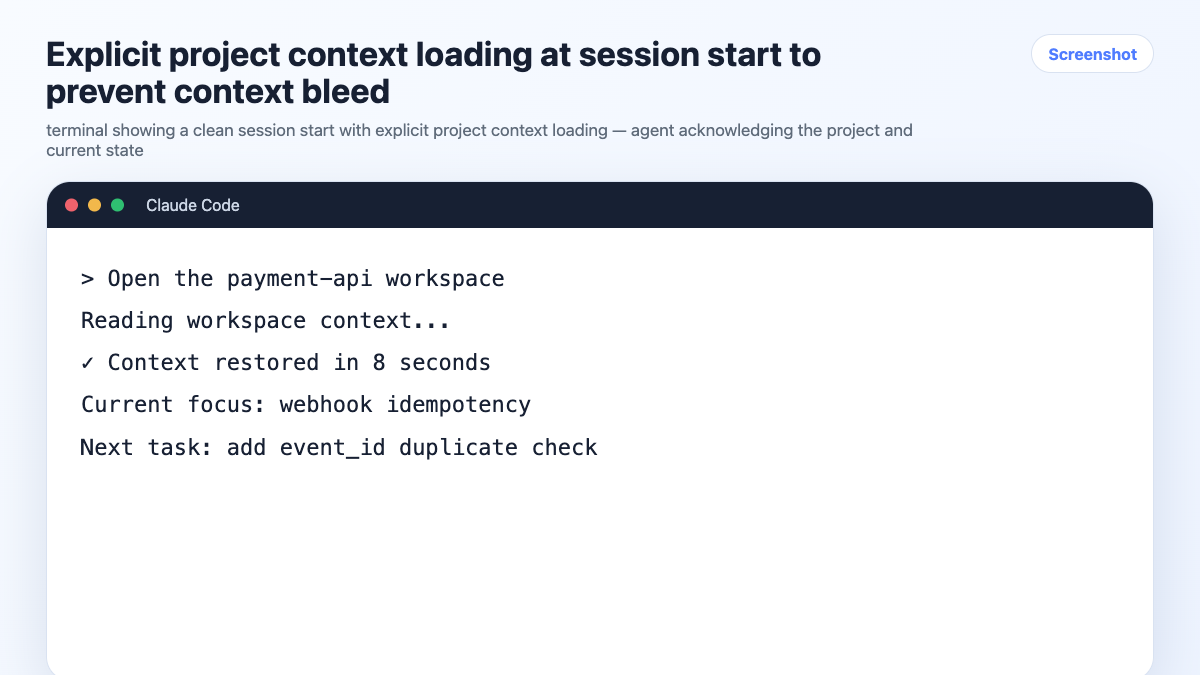
Rule 2: Load project context explicitly at session start
Every session should start with a clear project declaration:
We're working on [project name] today. Read CONTEXT.md before we start.
or with a persistent workspace:
Open the [project-name] workspace.
This anchors the agent to the correct project before any work begins. It's not just about loading information — it's about setting a clear boundary.
Rule 3: Keep project context isolated
Each project needs its own context store — a CLAUDE.md, a CONTEXT.md, or a persistent workspace. The key is that project-specific information lives in the project, not in a shared global location.
What belongs in project context:
- Stack and architecture
- Client preferences and constraints
- Key decisions (and what was ruled out)
- Current task state
- Naming conventions and code style
What doesn't belong in project context:
- Your personal preferences (those go in a global system prompt or memory)
- Information about other projects
- Anything that applies across all your work
The cleaner the separation, the less opportunity for bleed.
Rule 4: Be explicit when referencing other projects
Sometimes you genuinely need to reference another project — comparing approaches, reusing a pattern, checking a decision. When you do, be explicit:
In my other project (not this one), I used Redis for caching. I'm not suggesting we do that here — just noting it as context for why I'm asking about caching options.
Flagging the cross-project reference prevents the agent from treating it as relevant to the current project.
Rule 5: Use persistent workspaces for hard isolation
For serious multi-project work, manual context files are prone to bleed because the isolation depends on you — remembering to load the right file, keeping it updated, not mixing sessions.
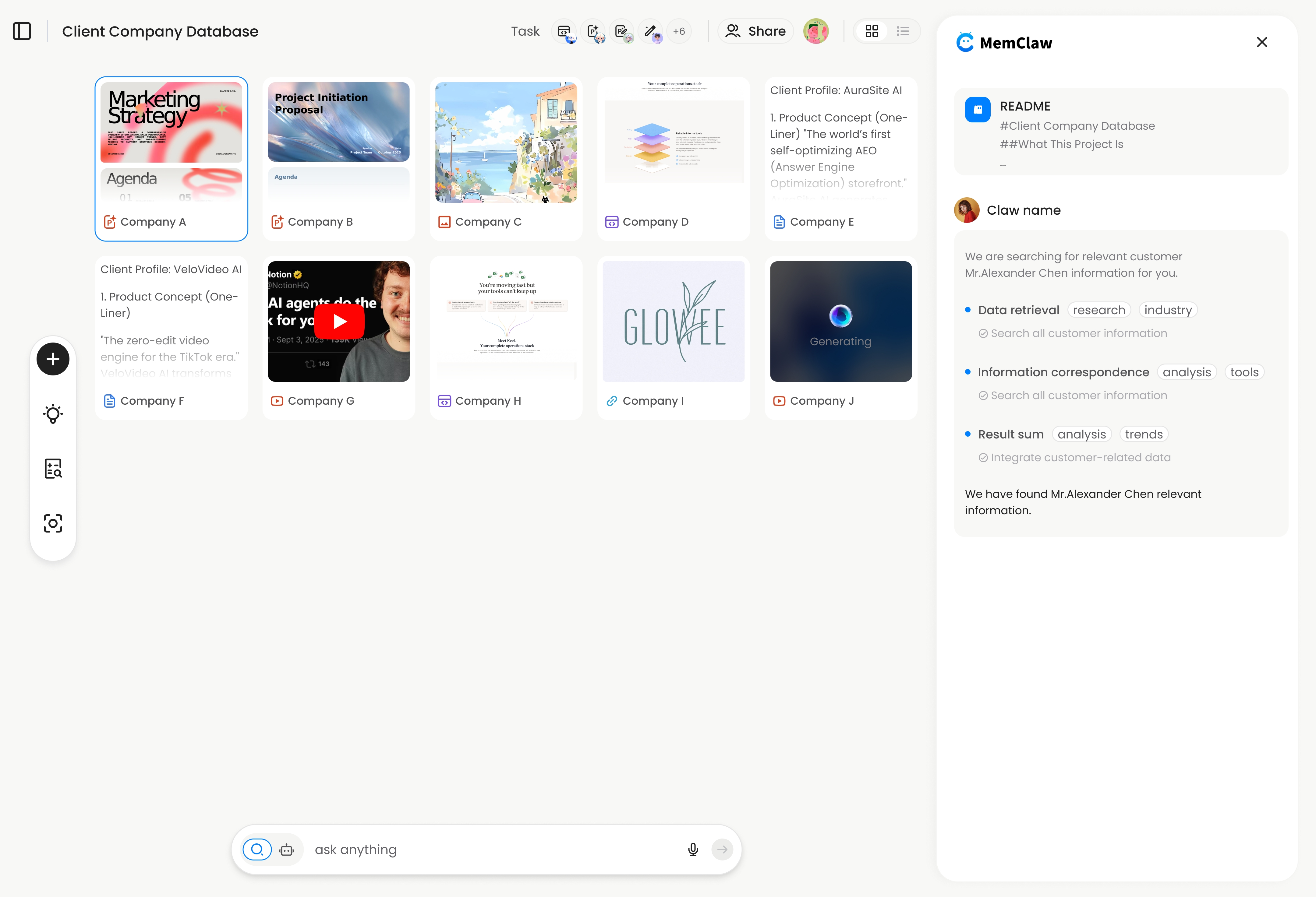
MemClaw workspaces provide hard isolation. Each workspace is a separate context store. Opening a workspace tells the agent exactly which project it's in. There's no shared state between workspaces — Client A's workspace has zero knowledge of Client B's.
export FELO_API_KEY="your-api-key-here"
/plugin marketplace add Felo-Inc/memclaw
/plugin install memclaw@memclaw
Open the client-a workspace
The agent is now in Client A's context. Client B doesn't exist until you open that workspace in a separate session.
! MemClaw workspace providing hard project isolation
Try it: Get started at memclaw.me →
When You've Already Got Bleed: How to Clean It Up
If you're mid-session and notice context bleed, the cleanest fix is to start a new session with explicit context loading. Don't try to correct the agent in the current session — the contaminated context is already in the window.
[Close session]
[Open new session]
Open the [correct project] workspace.
If you're using context files, check whether the bleed came from the file itself (stale or incorrect information) or from the session (you introduced cross-project context). Update the file if needed before starting the new session.
Frequently Asked Questions
Is context bleed the same as hallucination?
No. Hallucination is when the agent generates false information. Context bleed is when the agent uses real information from the wrong source — a different project, a different client, a different session. Both produce wrong output, but the cause is different.
Does context bleed happen with all AI agents?
Any stateless AI agent can produce context bleed if project boundaries aren't enforced. The agent isn't doing anything wrong — it's using the context it has. The fix is always about how you structure and load that context.
Can context bleed happen within a single project?
Yes, in a different form. If your context file has outdated information — a decision that was reversed, a stack that changed — the agent will use the stale context. This is why keeping context files updated matters as much as having them in the first place.
How do I know if my context file is causing bleed?
Review it periodically. Look for information that's no longer accurate, decisions that were reversed, or constraints that no longer apply. A stale context file is a bleed source even within a single project.
The Short Version
Context bleed happens when project boundaries aren't enforced. The fix is simple: one session per project, explicit context loading at session start, and project-specific context stores that don't share state.
Manual context files work if you're disciplined about it. Persistent workspaces make the isolation automatic.
Stop mixing up your projects. Set up isolated workspaces with MemClaw →