
Every project management tool you use right now probably has "AI" somewhere in its marketing copy. Asana has it. Monday.com has it. ClickUp, Notion, Jira — all of them. And nearly all of them promise the same thing: AI project management will transform how your team works.
Most of them are wrong. Or at least, they're overselling.
That doesn't mean AI has nothing to offer project managers. It does — in specific, well-defined areas. But the gap between the pitch and the reality is wide enough that PMs who go in without a clear picture end up frustrated, or worse, making decisions based on AI outputs they shouldn't trust.
This is an honest look at where AI for project management genuinely helps, where it still falls short, and how to actually integrate it into your workflow.
Where AI Genuinely Helps Project Managers
Automating Repetitive Tasks
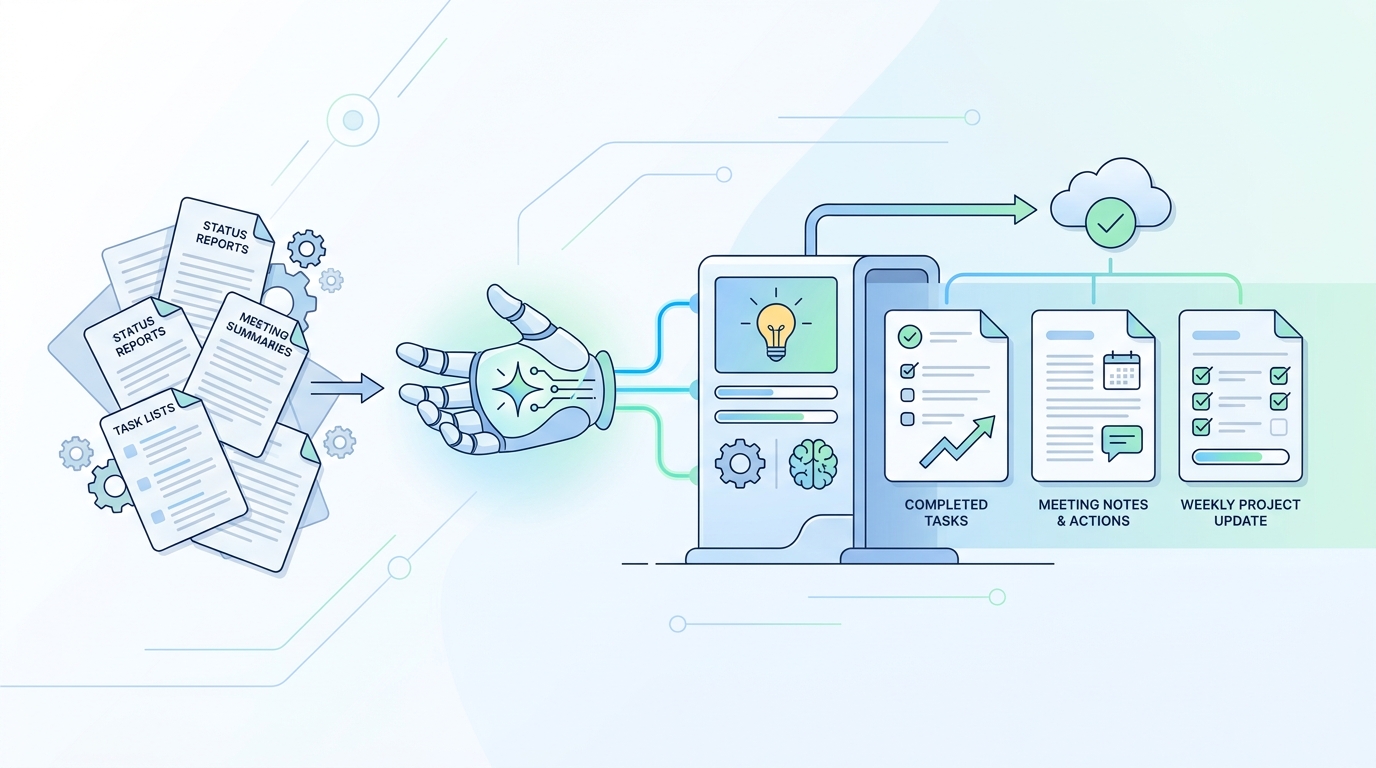
The clearest win for AI in project management is the stuff nobody wants to do: writing status updates, summarizing meeting notes, generating task lists from a conversation transcript, drafting project briefs from a rough outline.
These are high-volume, low-judgment tasks. AI handles them well because they follow patterns, and pattern-matching is what AI does best. Tools like Atlassian Intelligence can generate task summaries and flag blockers from Jira data. Asana's AI features can draft status updates and suggest task assignments based on workload.
The time savings are real. If you're spending 30–45 minutes a week on status reports, AI can cut that to 10. That's not transformational, but it's genuinely useful.
Risk Prediction and Resource Optimization
Machine learning for project management earns its keep in risk prediction and resource optimization. Models trained on historical project data can surface patterns that humans miss. If your last six projects with a particular dependency structure ran 20% over schedule, a model can flag that risk early in the next one.
Resource optimization works similarly. AI can analyze team capacity, skill distribution, and task complexity to suggest allocation decisions that a PM might not see when they're deep in the weeds of a single project.
This is a second set of eyes on data you already have — not a magic oracle.
Knowledge Management and Context Continuity
This is the underserved use case in most AI project management discussions, and it's one of the most painful problems in practice.
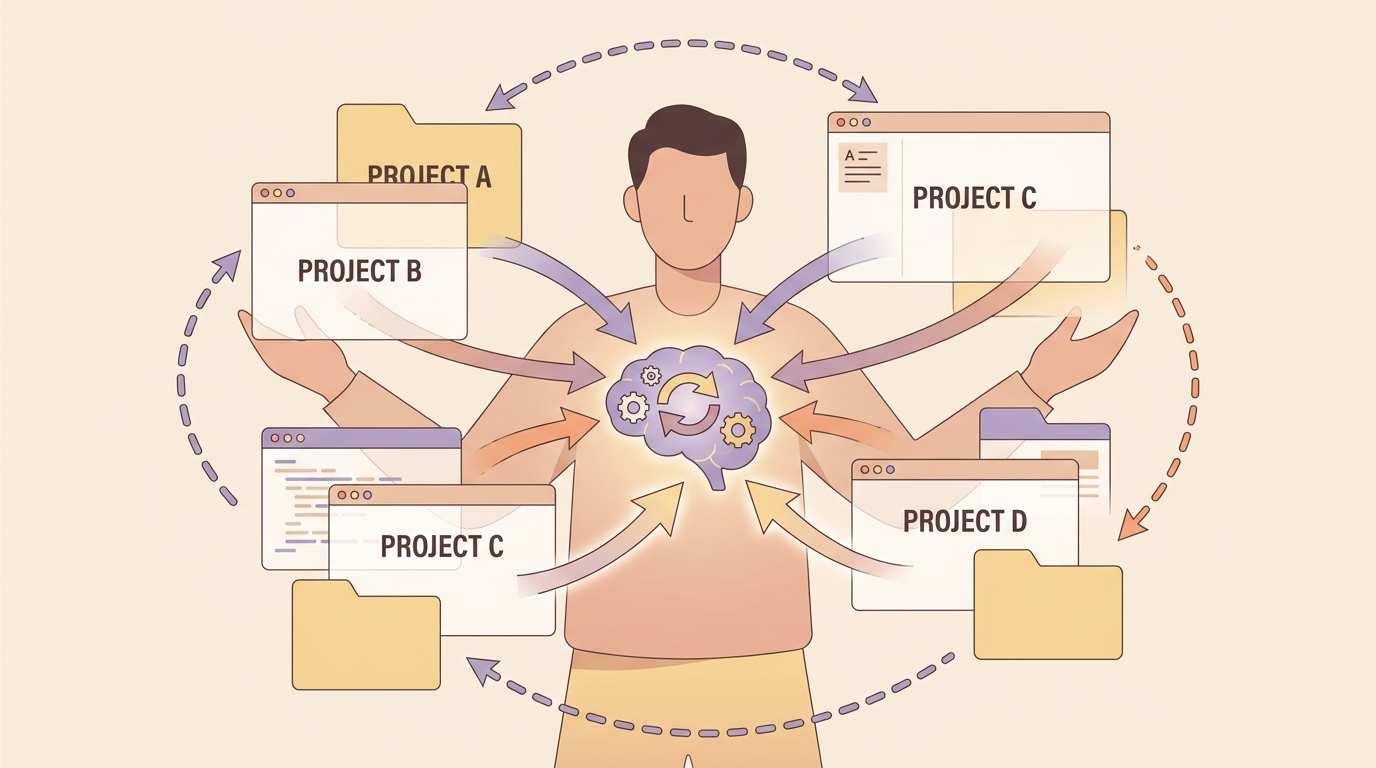
Project managers switch contexts constantly — between clients, between projects, between sessions separated by days or weeks. Every time you return to a paused project, you spend time reconstructing context: what was the last decision? What did the client say about the budget? Where did we land on the architecture question?
In my experience managing multiple concurrent projects, context reconstruction is one of the most consistent time sinks — and one of the least visible. It doesn't show up in your project tracker. It just quietly eats 20–30 minutes every time you switch contexts.
One PM managing six client accounts shared this in a user review: "Before I had a system for this, I'd spend the first 20 minutes of every client call just trying to remember where we left off. I was re-reading old emails, digging through Slack threads. It was embarrassing and it was costing me real time."
We tested several AI tools designed for knowledge management and found that the ones built around project-scoped memory — where each project maintains its own isolated context boundary — solve this problem most cleanly. According to its official documentation, MemClaw provides this kind of project-scoped memory for AI coding assistants, with a context restoration feature that lets you recover full project context with a single command.
The broader principle applies across project management with AI: tools that help you store, organize, and retrieve project knowledge reduce the cognitive overhead of context-switching — which is one of the biggest hidden costs in multi-project work.
Where AI Still Falls Short
AI Optimizes Bad Specs Without Questioning Them
This is the most underappreciated failure mode in AI project management. AI tools are very good at executing on what you give them. They're not good at telling you that what you gave them is wrong.
Ask an AI to generate a project plan from a vague brief, and it will produce a polished, well-structured plan. It won't tell you the brief has a fundamental scope problem, or that the timeline is unrealistic given the dependencies, or that the success metric you've defined can't actually be measured.
A PM who only hears "yes" from their tools is making decisions inside an expensive echo chamber.
The Data Trust Problem
A 2026 survey found that 47% of executives made material business decisions based on inaccurate or outdated data in the past year. AI doesn't fix bad data — it amplifies it. If your project tracking data is inconsistent, your AI-generated insights will be confidently wrong.
Only 19% of organizations pull AI inputs from a single centralized system. The rest are feeding AI tools from fragmented, often contradictory sources. The outputs look authoritative. They're not.
Organizational Resistance Kills Pilots
95% of enterprise AI pilots fail to deliver measurable ROI. The technology usually works. The organization usually doesn't.
The failure patterns are consistent: compliance requirements that only surface in production, data teams with approval queues that take months, PMs who distrust non-deterministic outputs, executives who over-index on hallucination risk after one bad experience.
Pilots answer "can this work?" They don't answer "can this work inside our organization's specific constraints?" Those are different questions.
The Skills Gap
98% of project managers use AI tools daily — averaging 11 interactions per day. Only 39% have received any systematic training on how to use them well. Two-thirds are using unapproved "shadow AI tools" without organizational support.
The gap isn't familiarity. It's judgment: knowing when an AI output is reliable versus when it's plausible-sounding nonsense. That judgment takes time and deliberate practice to develop, and most organizations aren't investing in it.
The Human Element AI Can't Replace
The tasks AI handles well are the ones with clear patterns and low stakes for being wrong. The tasks that define good project management are the opposite.
Stakeholder relationships require reading the room — understanding that a sponsor's silence in a meeting means something different than their words. Political navigation requires knowing which battles to pick and which to let go. Ethical judgment calls require weighing competing values that don't reduce to an optimization problem.
Creative problem-solving under ambiguity — when the project is off the rails and there's no playbook — is still entirely human territory.
The PM role isn't disappearing. It's evolving. The PMs who thrive will be the ones who use AI to clear the low-value work off their plate so they can spend more time on the high-judgment work that actually moves projects forward.
How to Actually Use AI in Your PM Workflow
If you're trying to integrate project management with AI into your practice, here's a practical starting point:
- Pick one use case, not a transformation. Start with status report drafting, or meeting summarization, or risk flagging. Get good at one thing before adding more.
- Audit your data quality first. AI outputs are only as good as the inputs. Before deploying any AI tool, understand where your project data lives, how consistent it is, and who's responsible for keeping it accurate.
- Build probabilistic thinking into your planning. AI can't give you certainty. It can give you probability distributions. Learn to present timelines with confidence intervals rather than single-point estimates — it's more honest and more useful.
- Invest in judgment, not just familiarity. Using an AI tool 11 times a day doesn't mean you're using it well. Deliberately practice evaluating AI outputs: when do you trust them? When do you push back? When do you override?
- Protect your project knowledge. Context loss is a real cost. Whether you use a dedicated knowledge management tool or a disciplined note-taking practice, make sure the decisions, constraints, and history of each project are captured somewhere you can actually find them. MemClaw is one option for teams using AI coding assistants who need project-scoped memory isolation.
The Bottom Line
AI for project management is a force multiplier — but only for the right tasks. It's genuinely useful for automating repetitive work, surfacing patterns in historical data, and managing project knowledge across sessions and contexts.
It's not useful for replacing judgment, questioning bad specs, or navigating the human complexity that defines most real project challenges.
The PMs who get the most out of AI are the ones who are clear-eyed about both sides of that equation. They use AI where it's strong, stay skeptical where it isn't, and keep investing in the human skills that no tool can replicate.
Want to manage project context and memory across your AI-assisted workflows? MemClaw provides project-scoped memory for OpenClaw, keeping each project's context isolated and instantly restorable.