The Best AI Tools for Freelancers Managing Multiple Clients
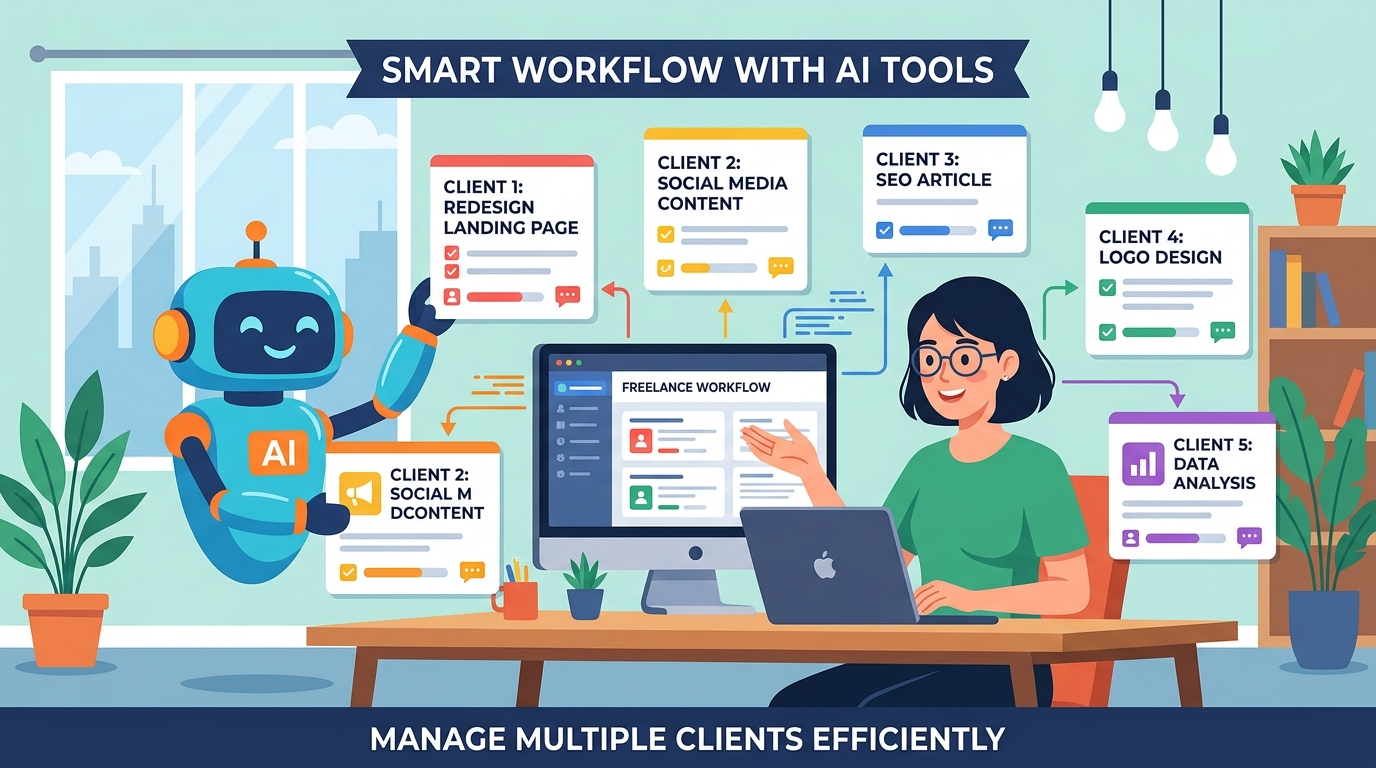
Freelancing with AI is genuinely great — until you're running four clients at once.
Client A wants a landing page rewrite. Client B needs a technical spec. Client C is waiting on a code review. Client D just sent a "quick question" that's actually a 2-hour rabbit hole.
The AI tools exist. The problem is keeping them organized across clients. Context bleeds. Decisions get lost. You spend time re-explaining the same background to the same agent, over and over.
This guide covers the AI tools that actually move the needle for freelancers — and how to set them up so each client stays isolated.
The Freelancer AI Stack Worth Using
Writing and Content: Claude / ChatGPT
For drafting, editing, rewriting, and summarizing, Claude and ChatGPT are the workhorses. Most freelancers already use one or both.
The gap isn't the model — it's the workflow. If you're pasting client briefs into a fresh chat every time, you're leaving a lot of efficiency on the table.
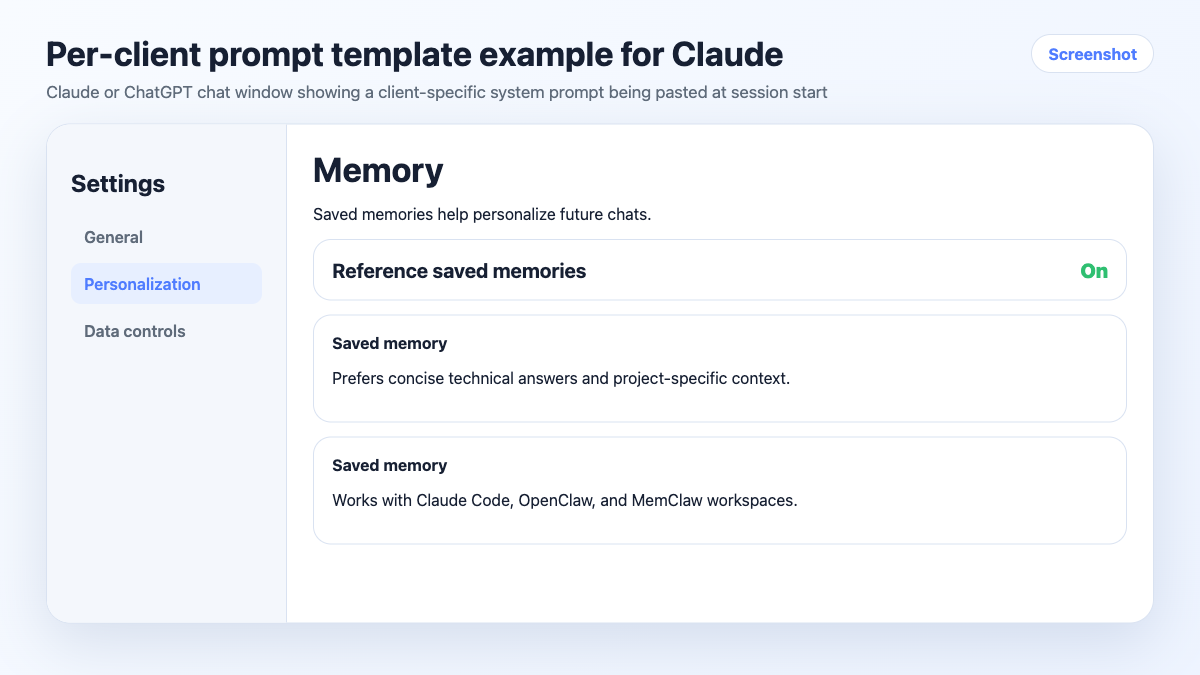
What actually helps: Keep a per-client prompt template that includes tone, audience, brand voice, and any standing constraints. Paste it at the start of each session. Better yet, use a persistent workspace so the agent loads it automatically (more on this below).
Coding: Claude Code / Cursor
If you do any development work — even light scripting, automation, or no-code tooling — Claude Code and Cursor are the two tools worth knowing.
Claude Code works in your terminal and can read your entire codebase. Cursor is an IDE with AI built in. Both are significantly faster than copy-pasting code into a chat window.
The multi-client problem hits hard here. Each client has a different stack, different conventions, different constraints. Without project-scoped context, the agent will happily suggest patterns from Client A's React codebase while you're working on Client B's Python API.
Research: Perplexity
For quick research — competitor analysis, industry background, fact-checking — Perplexity is faster than Google for most freelance use cases. It cites sources, handles follow-up questions, and doesn't require you to open 12 tabs.
Not a replacement for deep research, but for the "I need to understand this topic in 10 minutes" use case, it's hard to beat.
Transcription and Meeting Notes: Otter.ai / Fireflies
Client calls are where a lot of context lives — decisions made, scope changes agreed, preferences stated. If you're not capturing that automatically, you're relying on memory or manual notes.
Otter.ai and Fireflies both join calls automatically and produce transcripts with summaries. The output isn't perfect, but it's good enough to pull key decisions from and log them somewhere useful.
Image and Design: Midjourney / DALL-E / Canva AI
For freelancers doing any visual work — social content, presentations, mockups — AI image tools have compressed what used to take hours into minutes. Midjourney produces the highest quality output; Canva AI is faster for templated work.
The Problem Nobody Talks About: Client Context Isolation
Here's what the "best AI tools for freelancers" listicles miss: the tools aren't the bottleneck. Context management is.
Every client has:
- A different tone and brand voice
- A different tech stack or toolset
- Decisions made in previous sessions
- In-progress work the agent needs to know about
- Things you've explicitly ruled out
When you're switching between clients multiple times a day, keeping all of that straight — and keeping it out of the wrong client's sessions — is genuinely hard.
The typical freelancer workaround is a folder of notes docs, one per client. It works, but it's manual. You have to remember to open the right doc, paste the right context, and keep it updated as the project evolves.
How to Keep Client Context Isolated
Option 1: Per-Client CLAUDE.md (Free, Manual)
If you use Claude Code, you can put a CLAUDE.md file in each client's project directory. Claude Code loads it automatically when you work in that directory.
# Client: Acme Corp

Tone: Professional but approachable. No jargon.
Stack: Next.js, Tailwind, Supabase
Payment processor: Stripe (confirmed, do not suggest alternatives)
Current focus: Onboarding flow redesign
Key contact: Sarah (product), James (engineering)
Free, no setup, works immediately. The downside: you maintain it manually, and it doesn't track tasks or log decisions automatically.
Option 2: Persistent Workspaces with MemClaw (Recommended for 3+ Clients)
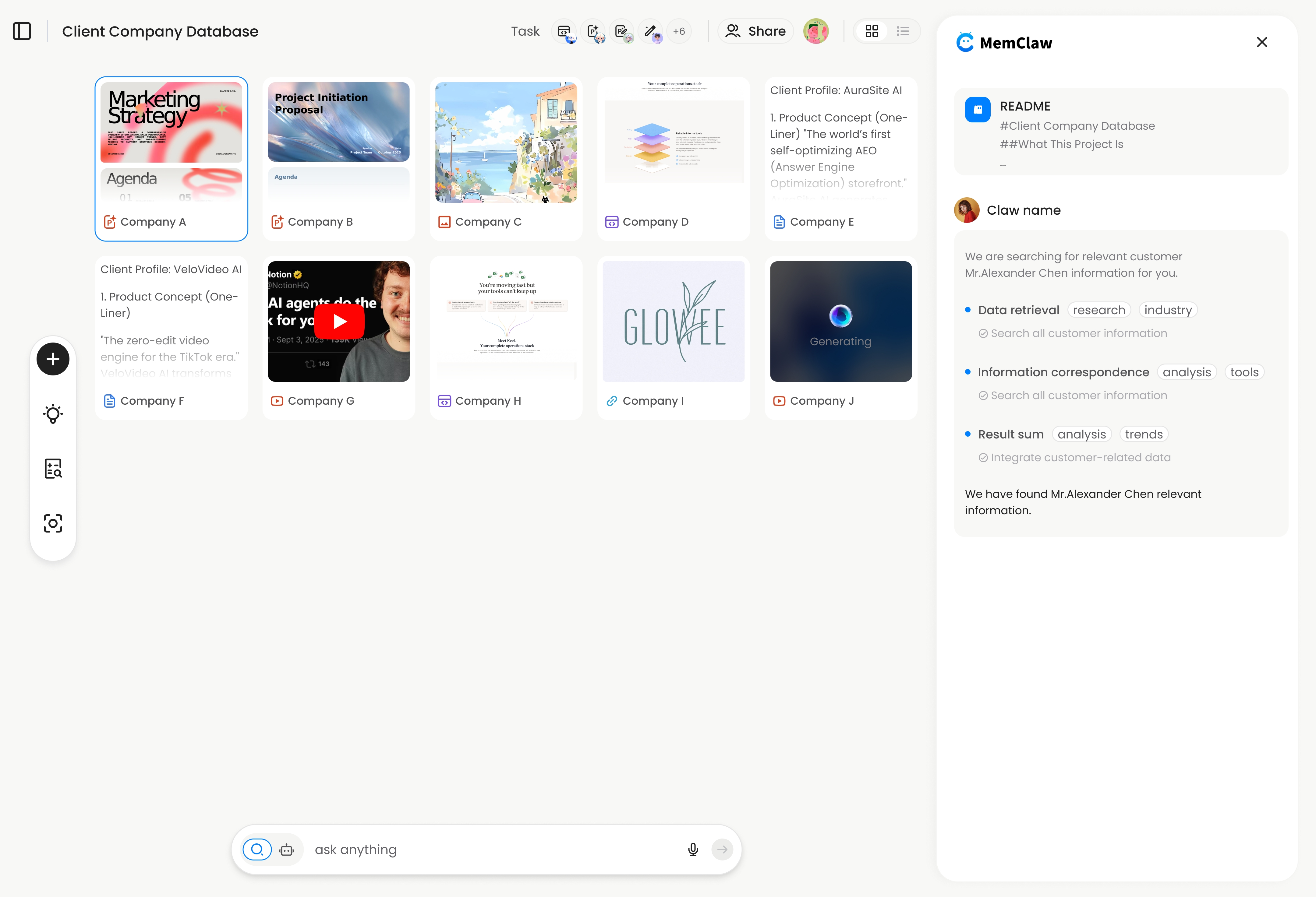
MemClaw gives each client their own persistent workspace — a structured context store the agent reads at session start and updates as you work.
You don't maintain it manually. When you make a decision, the agent logs it. When you complete a task, it's marked done. When you open the workspace next session, the agent knows exactly where things stand.
Setup takes about 2 minutes:
export FELO_API_KEY="your-api-key-here"
/plugin marketplace add Felo-Inc/memclaw
/plugin install memclaw@memclaw
Then create a workspace per client:
Create a workspace called "acme-corp"
Create a workspace called "client-b-landing-pages"
Create a workspace called "client-c-api"
At the start of each session:
Open the acme-corp workspace
Full context restored. No re-briefing. No context bleed between clients.
! MemClaw workspace for freelancer client management
Try it: Get started at memclaw.me →
A Practical Daily Workflow
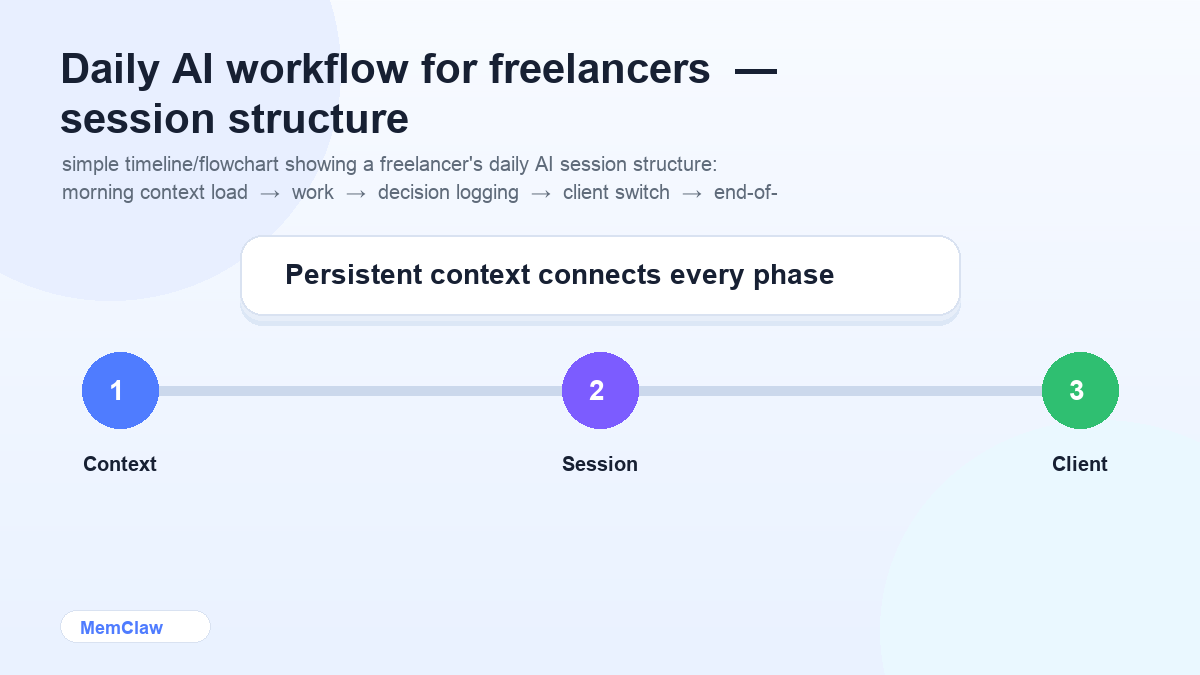
Here's what a structured AI-assisted freelance day looks like with proper context isolation:
Morning: Load context, not catch-up
Open your first client session. Load the workspace or context file. The agent knows what's in progress, what was decided, what's next. You start working in under a minute instead of spending 15 minutes re-orienting.
During work: Log decisions as you make them
When scope changes, when you rule something out, when a client confirms a direction — tell the agent to log it. Takes 5 seconds. Saves 20 minutes next session.
Log this: client confirmed they want the mobile nav to be a bottom tab bar, not a hamburger menu.
Switching clients: Hard context switch
Close the session. Open a new one. Load the next client's workspace. Don't try to context-switch within a single session — that's how Client A's brand voice ends up in Client B's copy.
End of day: Status snapshot
Before closing your last session:
Summarize what we finished today and what's still open.
Takes 30 seconds. Means tomorrow's session starts with a clear picture of where things stand.
Frequently Asked Questions
Do I need all these tools, or can I just use one?
Start with one writing AI (Claude or ChatGPT) and add tools as specific needs come up. The stack above is what a full-time freelancer running 4+ clients might use — not a day-one setup.
Is MemClaw only for developers?
No. The workspace interaction is all natural language — you just tell the agent what to do. Writers, designers, consultants, and project managers use it the same way developers do.
What if a client uses a different AI tool than I do?
MemClaw workspaces work across Claude Code and OpenClaw. The context lives in the workspace, not in the agent — so switching tools doesn't mean losing context.
How do I handle client confidentiality with AI tools?
Don't paste sensitive client data (PII, financial data, confidential contracts) into AI tools without checking your client agreements first. For most freelance work — copy, code, strategy — this isn't an issue, but it's worth being deliberate about.
The Short Version
The AI tools that matter for freelancers: Claude or ChatGPT for writing, Claude Code or Cursor for development, Perplexity for research, Otter for meeting notes.
The thing that makes them actually work across multiple clients: keeping each client's context isolated, so the agent always knows which project it's in and where things stand.
Manual context files work for 1-2 clients. For 3+, persistent workspaces are worth the 2-minute setup.
Running 3+ clients with AI? Set up isolated workspaces with MemClaw →