AI Tools for Product Managers: What Actually Saves Time
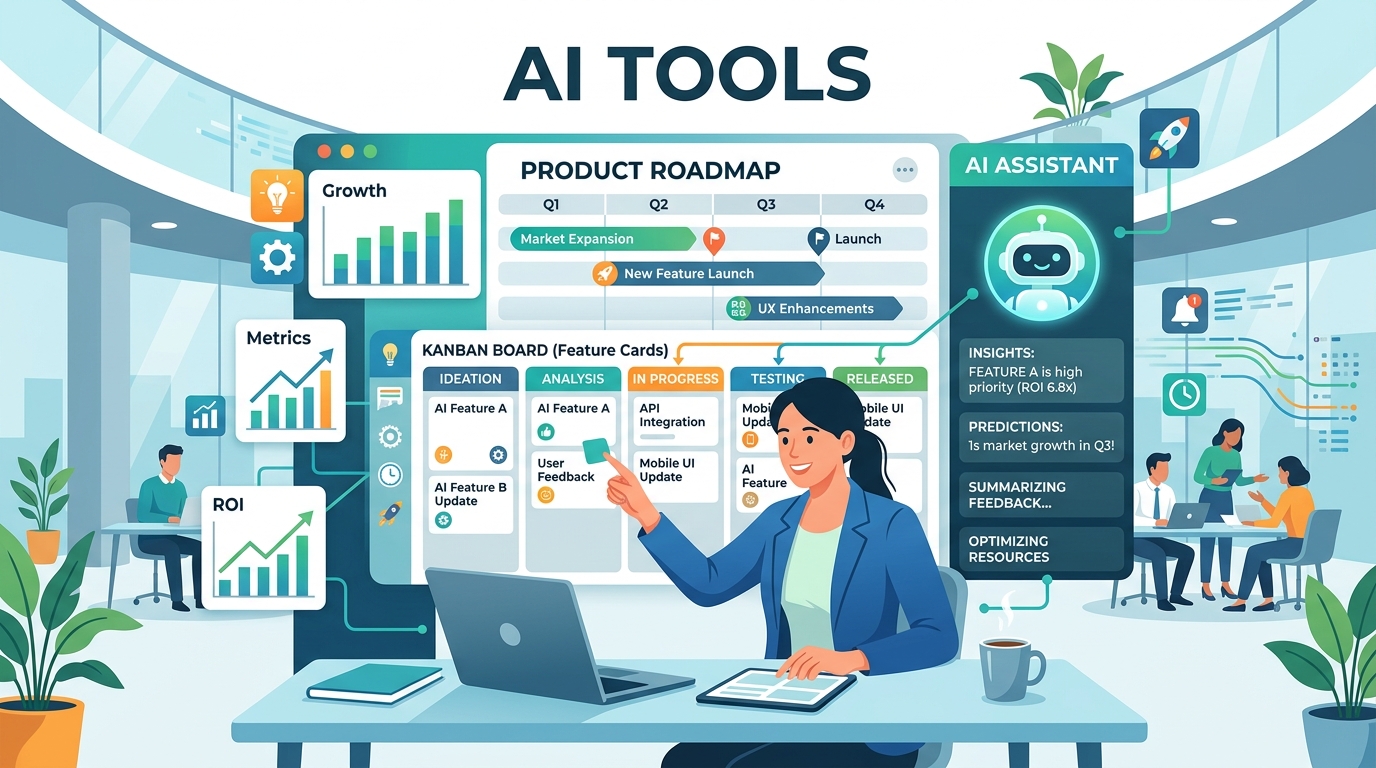
Product managers deal with a specific kind of cognitive load: you're always tracking multiple things at once. Three features in flight. Two teams waiting on decisions. A roadmap that needs updating. Stakeholder questions that need answers yesterday.
AI tools can genuinely help with this — but only if you set them up to handle the multi-context nature of PM work. A generic "use ChatGPT for writing" setup misses most of the value.
This guide covers the tools and workflows that actually move the needle for PMs.
Where AI Saves PMs the Most Time
Before the tool list, it helps to be specific about where the leverage is.
Writing first drafts. PRDs, specs, briefs, stakeholder updates, release notes — PMs write constantly. AI doesn't replace the thinking, but it compresses the time from "I know what I want to say" to "I have a draft worth editing" from an hour to ten minutes.
Synthesizing research. User interview transcripts, support tickets, survey responses, competitor analysis — there's always more input than time to process it. AI is fast at summarizing, finding patterns, and pulling out key themes.
Answering "what did we decide about X?" Decisions get made in meetings, Slack threads, and one-on-ones. They're hard to find later. AI can help surface them — if you've been logging them somewhere it can access.
Drafting stakeholder communication. Translating technical decisions into business language, writing update emails, preparing for exec reviews — AI handles the translation layer well.
The Core PM AI Stack
Writing and Drafting: Claude
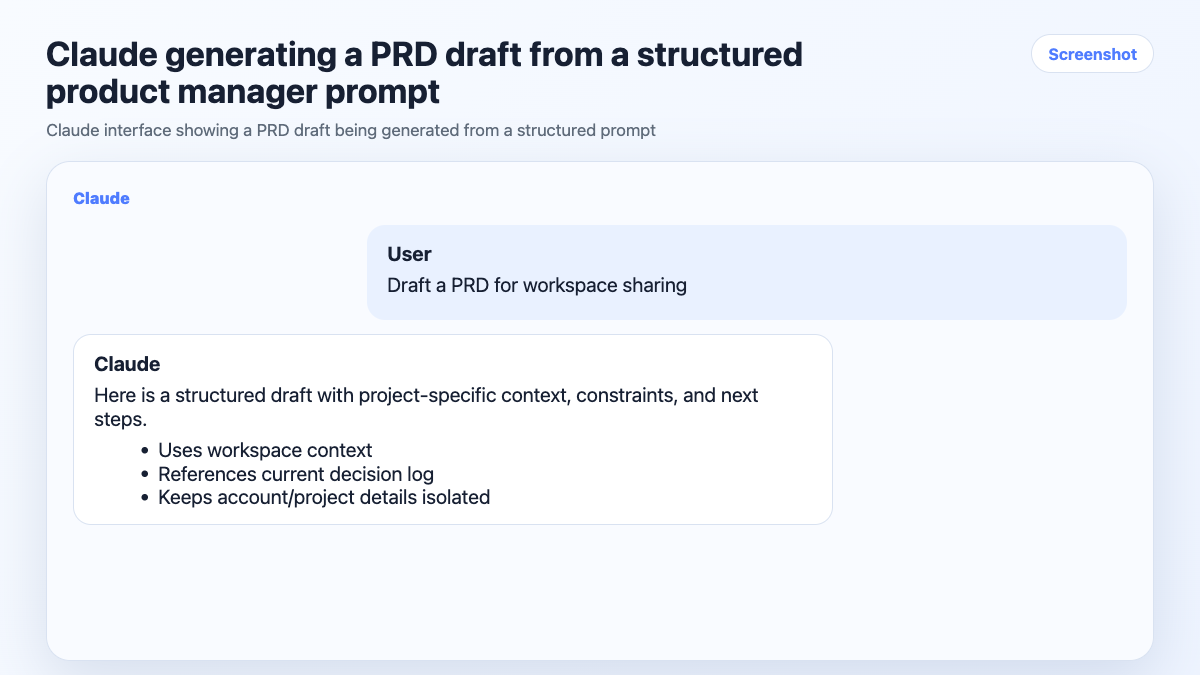
For long-form writing — PRDs, specs, strategy docs — Claude handles nuance and structure better than most alternatives. It's good at maintaining a consistent voice across a long document and at following a specific format when you give it one.
Useful prompts to have ready:
Write a PRD for [feature] targeting [user segment].
The problem: [problem statement].
Success metrics: [metrics].
Out of scope: [constraints].
Rewrite this update for a non-technical executive audience.
Keep it under 200 words. Focus on business impact, not implementation.
Research Synthesis: Claude + Perplexity
For synthesizing existing research (transcripts, tickets, notes), Claude is the right tool — paste the raw material and ask for themes, patterns, or a summary.
For new research (competitive landscape, industry context, market data), Perplexity is faster than Google for most PM use cases. It handles follow-up questions and cites sources, which matters when you're sharing findings with stakeholders.
Meeting Notes and Decisions: Otter.ai / Fireflies
PMs are in a lot of meetings. Otter.ai and Fireflies join calls automatically, produce transcripts, and generate summaries. The output isn't perfect, but it's good enough to pull key decisions from.
The habit that makes this useful: after each meeting, take the summary and log the decisions somewhere the AI can reference later. A shared doc, a project workspace, a decision log — anywhere that's searchable and persistent.
Roadmap and Planning: Your Existing Tool + AI
AI doesn't replace Jira, Linear, or Notion for roadmap management. But it's useful for drafting ticket descriptions, writing acceptance criteria, and translating rough ideas into structured specs.
Write acceptance criteria for this user story:
As a [user], I want to [action] so that [outcome].
The PM-Specific Problem: Context Across Features
Here's where generic AI advice breaks down for PMs.
You're not working on one thing. You're tracking the auth redesign, the onboarding flow, the API v2, and the mobile nav — simultaneously. Each has its own context: decisions made, constraints, current status, stakeholder expectations.
When you switch between features in an AI session, the agent has no way to know which context applies. It'll mix up decisions, apply the wrong constraints, or give you output that's right for Feature A but wrong for Feature B.
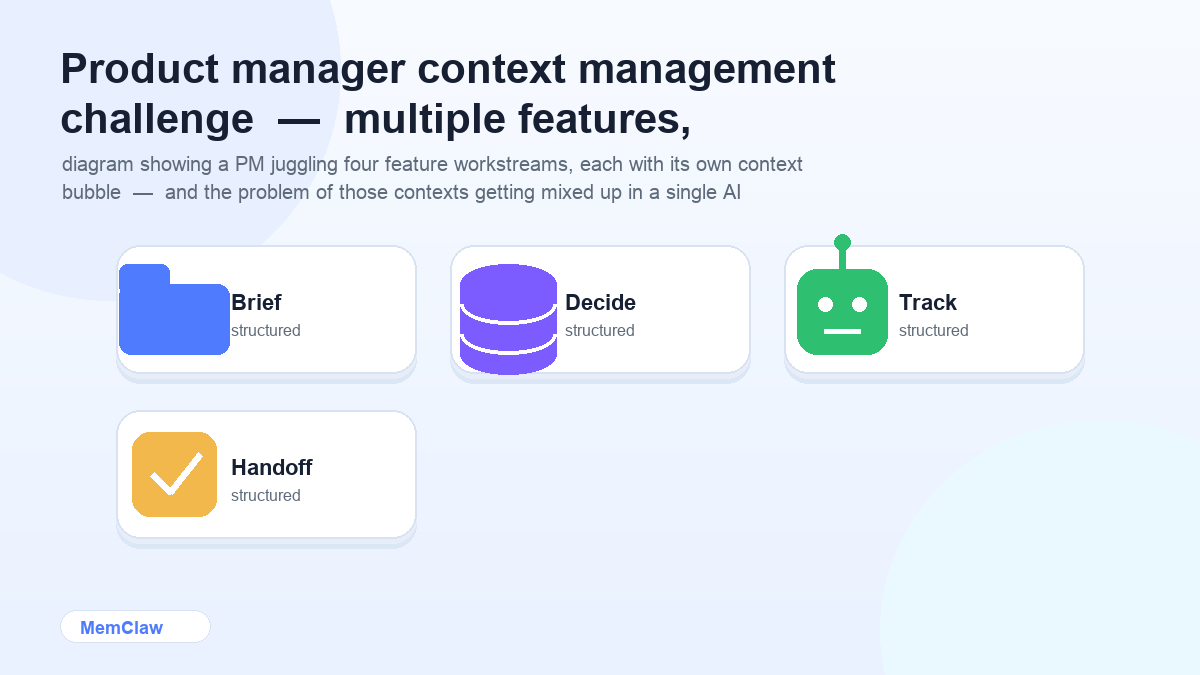
The fix is the same as for any multi-project AI work: one session per feature, with explicit context loading at the start.
Setting Up Per-Feature Context
Option 1: Feature Context Files
Create a context doc per major feature or workstream. Keep it in your notes system or a shared folder:
# Feature: Onboarding Redesign

## Status
- Discovery: done
- Design: in review
- Engineering: not started

## Key Decisions
- Skipping the "import data" step for v1 — too much friction, revisit in Q3
- Using progressive disclosure for advanced settings
- Mobile-first, desktop secondary

## Stakeholders
- PM: [you]
- Design: Sarah
- Eng lead: James
- Exec sponsor: VP Product

## Open Questions
- Do we gate the checklist behind email verification?
- What's the fallback if the user skips onboarding entirely?

## Success Metrics
- 7-day activation rate: target 45% (currently 31%)
- Onboarding completion rate: target 70%
Start each session: Read onboarding-context.md. We're working on the onboarding redesign.
Option 2: Persistent Workspaces with MemClaw
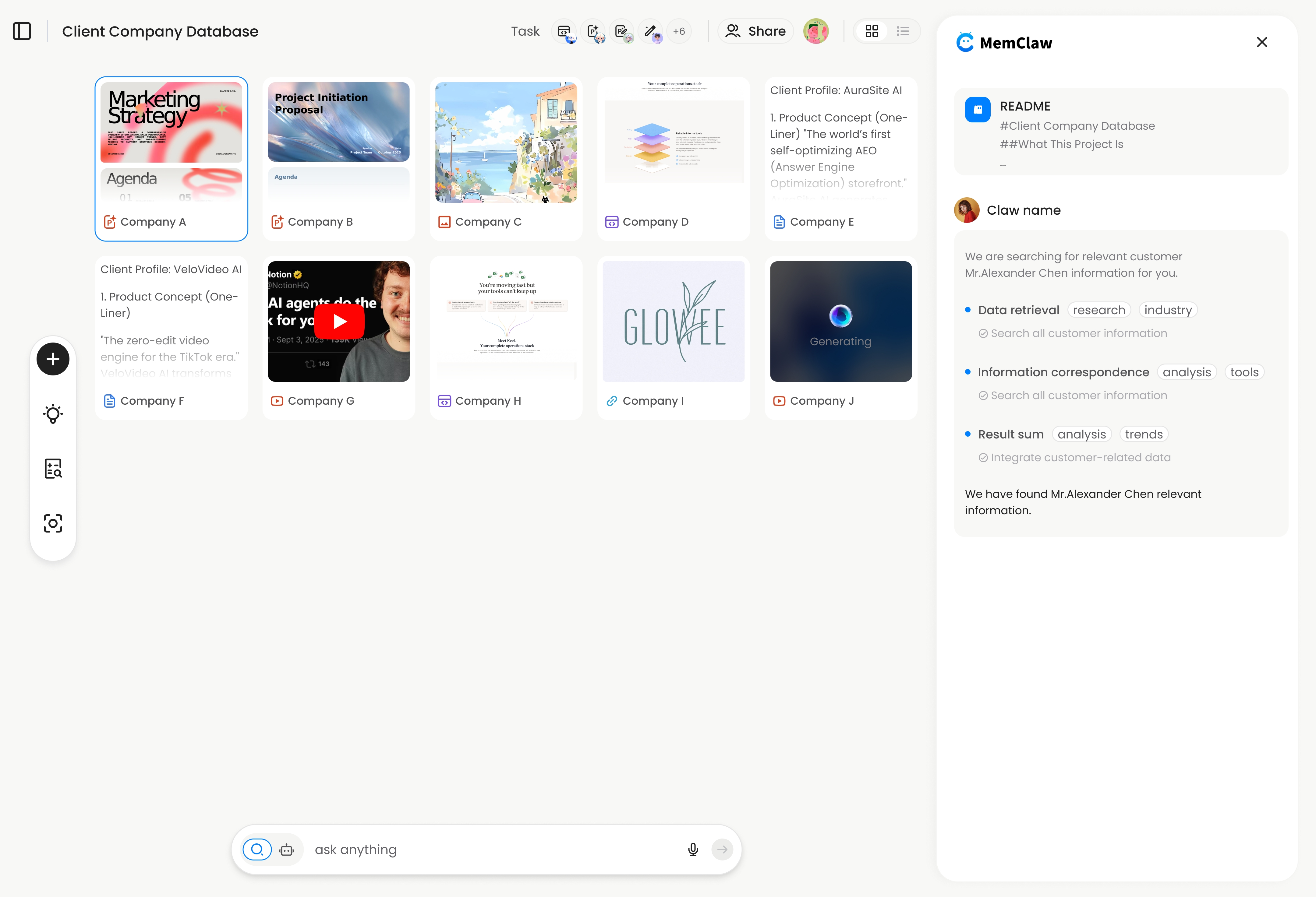
For PMs tracking 4+ features or working with AI agents like Claude Code or OpenClaw, MemClaw workspaces provide automatic context management.
Each feature gets its own workspace. The agent reads it at session start and updates it as you work — logging decisions, tracking tasks, storing artifacts like specs and research summaries.
Open the onboarding-redesign workspace
Full context restored. No re-briefing. Decisions logged automatically.
! MemClaw workspace for product manager feature tracking
Try it: Get started at memclaw.me →
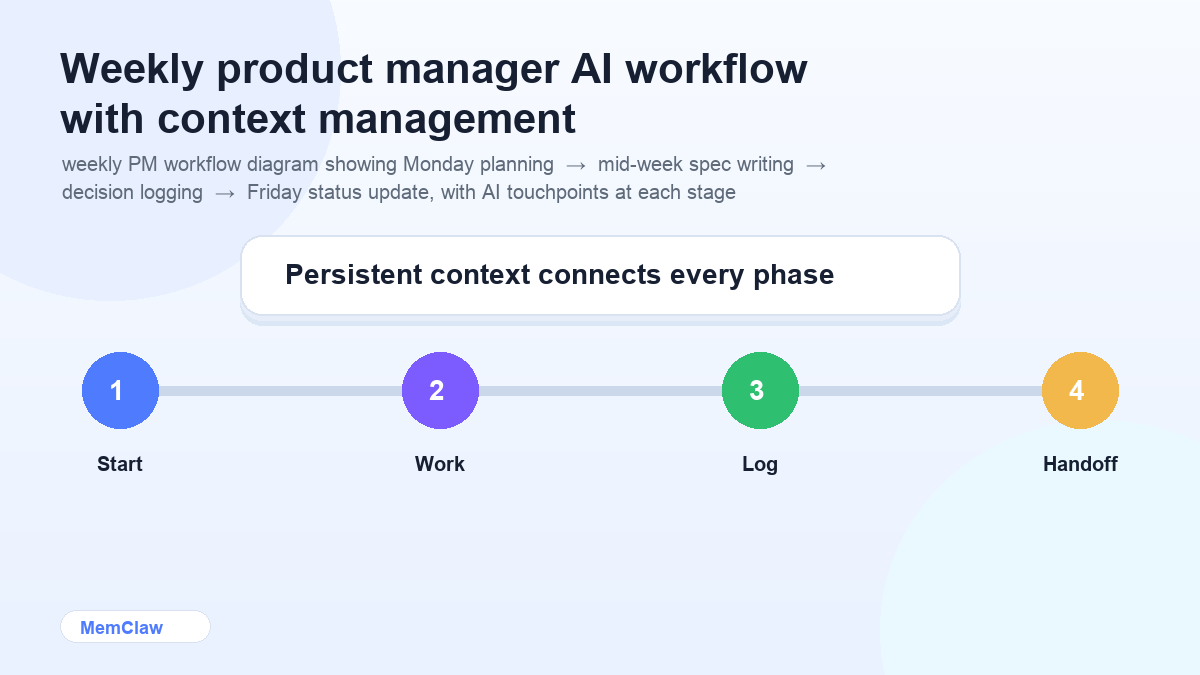
A Practical PM AI Workflow
Weekly planning (Monday morning):
Open the [feature] workspace.
What's the current status? What are the open questions?
What should I prioritize this week?
Before writing a spec:
Open the [feature] workspace.
I need to write a PRD for [specific aspect].
What decisions have we already made that are relevant?
After a decision meeting:
Log these decisions from today's meeting:
1. [decision 1]
2. [decision 2]
Update the open questions — [question X] is now resolved.
Stakeholder update:
Based on the current workspace state, draft a 3-bullet status update
for the exec team. Focus on progress, blockers, and next milestone.
End of week:
Summarize this week's progress across all active features.
What moved forward? What's blocked? What needs a decision?
Frequently Asked Questions
Can AI replace a PM?
No. AI handles the writing, synthesis, and communication tasks that surround PM work. The actual PM work — understanding users, making trade-offs, aligning stakeholders, setting direction — requires judgment that AI doesn't have.
Is MemClaw only for developers?
No. The workspace interaction is all natural language. PMs use it the same way developers do — to keep project context organized and accessible across sessions. No coding required.
How do I handle confidential product information with AI tools?
Check your company's AI usage policy before pasting sensitive roadmap information, unreleased feature details, or competitive strategy into external AI tools. Many companies have guidelines about what can and can't go into third-party AI systems.
What's the best way to use AI for user research synthesis?
Paste the raw material (transcripts, survey responses, support tickets) and ask for specific outputs: "What are the top 3 themes in these transcripts?" or "What problems come up most frequently?" Be specific about what you're looking for — vague prompts produce vague summaries.
The Short Version
AI saves PMs the most time on writing, research synthesis, and stakeholder communication. The tools that matter: Claude for writing, Perplexity for research, Otter for meeting notes.
The thing that makes them work across multiple features: keeping each feature's context isolated, so the agent always knows which workstream it's in and where things stand.
Manual context docs work for 2-3 features. Persistent workspaces are worth it when you're tracking more than that.
Tracking multiple features with AI? Set up isolated workspaces with MemClaw →