AI Tools for Sales Professionals Managing Multiple Accounts
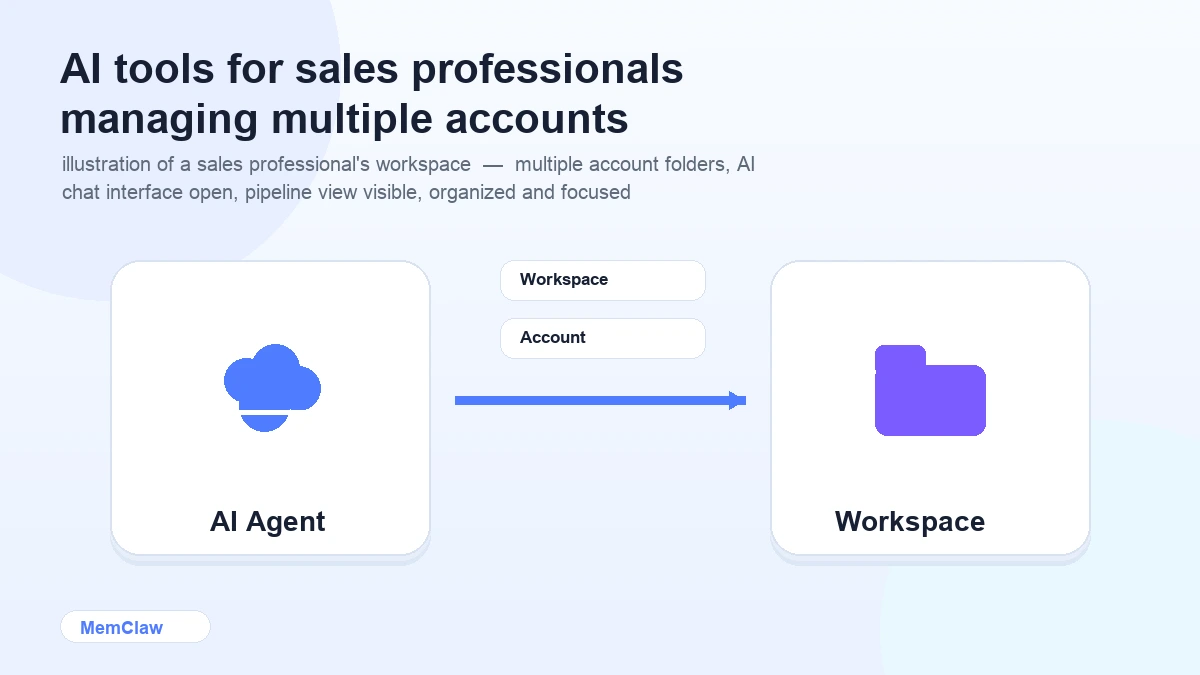
Sales is a context-heavy job. Every account has its own history, its own stakeholders, its own objections, its own stage in the pipeline. When you're managing 20 accounts, keeping all of that straight — and keeping it out of the wrong conversations — is genuinely hard.
AI tools can compress a lot of the repetitive work: drafting emails, preparing for calls, summarizing meeting notes, researching prospects. But they only work well when they have the right context. A generic AI assistant that doesn't know which account you're working on is only marginally better than starting from scratch.
This guide covers the AI tools that actually move the needle for sales professionals — and how to set them up so each account stays isolated.
Where AI Saves Sales Reps the Most Time
Email drafting. Follow-ups, proposals, check-ins, objection responses — sales reps write a lot of email. AI compresses the time from "I know what I need to say" to "I have a draft worth editing" from 20 minutes to 2.
Call prep. Before a discovery call or demo, you need to know the prospect's business, their likely pain points, and the questions worth asking. AI can synthesize this from a company website, LinkedIn, and your CRM notes in minutes.
Meeting summaries. After a call, turning raw notes into a structured summary — what was discussed, what was agreed, next steps — is tedious. AI handles this well.
Proposal drafting. First drafts of proposals, case studies, and ROI analyses. AI produces a workable draft; you customize it for the account.
Objection prep. "Help me prepare responses to these three objections for this specific account type." AI is good at this when it has context about the product and the prospect.
The Core Sales AI Stack
Email and Writing: Claude / ChatGPT
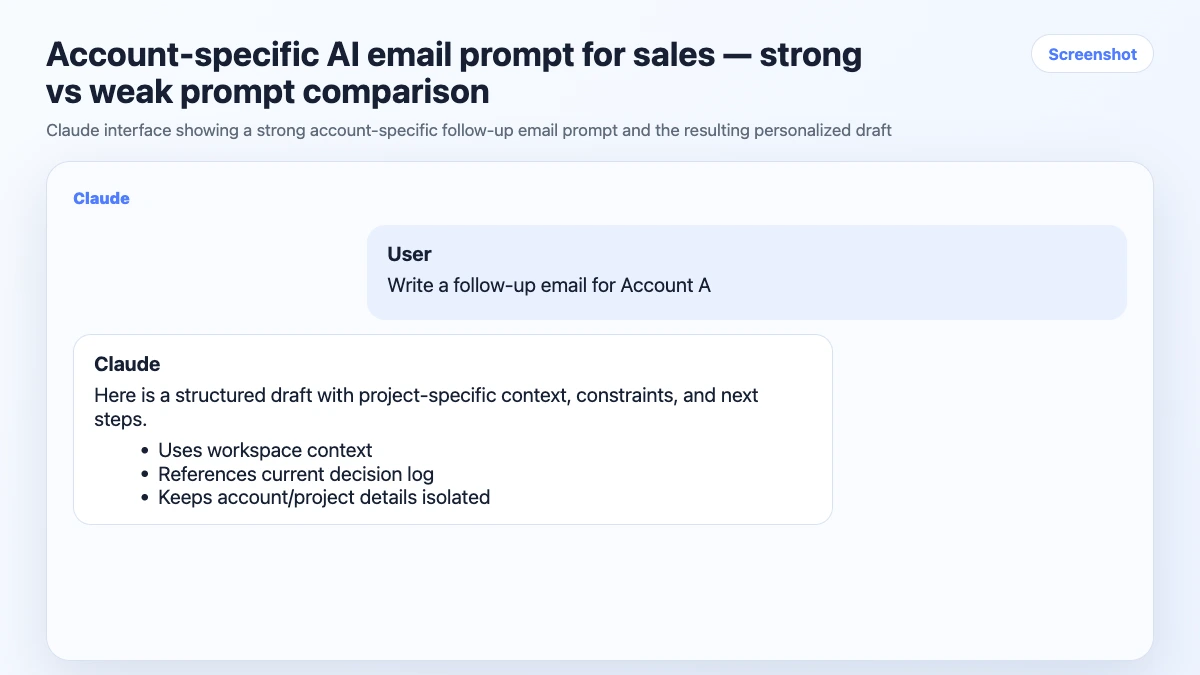
For drafting, editing, and personalizing sales communication, Claude and ChatGPT are the workhorses. The difference between generic AI email output and good AI email output is almost entirely in the prompt — specifically, how much account context you give it.
Weak prompt:
Write a follow-up email after a demo
Strong prompt:
Write a follow-up email after a demo with Acme Corp.
They're a 200-person B2B SaaS company. Main pain point: their sales team
is spending 3 hours/week on manual CRM updates. Key stakeholder: Sarah (VP Sales),
skeptical about implementation time. We showed the Salesforce integration.
Next step agreed: technical review call with their IT team next Thursday.
Tone: professional but warm. Under 150 words.
The second prompt produces something you can send with minor edits. The first produces something generic you'll rewrite anyway.
Research: Perplexity + LinkedIn
For prospect research before a call, Perplexity is faster than Google for most use cases. Give it the company name and ask for: recent news, business model, likely pain points, key decision-makers.
LinkedIn Sales Navigator (if you have it) fills in the stakeholder layer. AI can help you synthesize what you find into a call prep brief.
Based on this company profile, what are the three most likely pain points
for a VP of Sales at a 200-person B2B SaaS company? What questions should
I ask to confirm which one is most acute?
Meeting Notes: Otter.ai / Fireflies
Sales calls are where critical account context lives — objections raised, commitments made, next steps agreed. Otter.ai and Fireflies join calls automatically and produce transcripts with summaries.
The habit that makes this useful: after each call, pull the key decisions and commitments from the summary and log them to the account's context. This is what the AI needs for the next interaction.
CRM: Your Existing Tool + AI
AI doesn't replace Salesforce, HubSpot, or Pipedrive. But it's useful for drafting CRM notes, writing deal summaries, and generating next-step recommendations from call transcripts.
Based on this call transcript, write a CRM note covering:
deal stage, key stakeholders, main objections, agreed next steps, and close probability.
The Account Context Problem
Here's where generic AI advice breaks down for sales reps.
You're not working on one account. You're managing 15-20 simultaneously, each at a different stage, each with different stakeholders, different objections, different history. When you switch between accounts in an AI session, the agent has no way to know which context applies.
The result: AI output that's right for Account A surfaces in Account B. You reference the wrong pain point. You mention a feature that's irrelevant to this prospect. You draft an email that sounds like it was written for someone else — because it was.
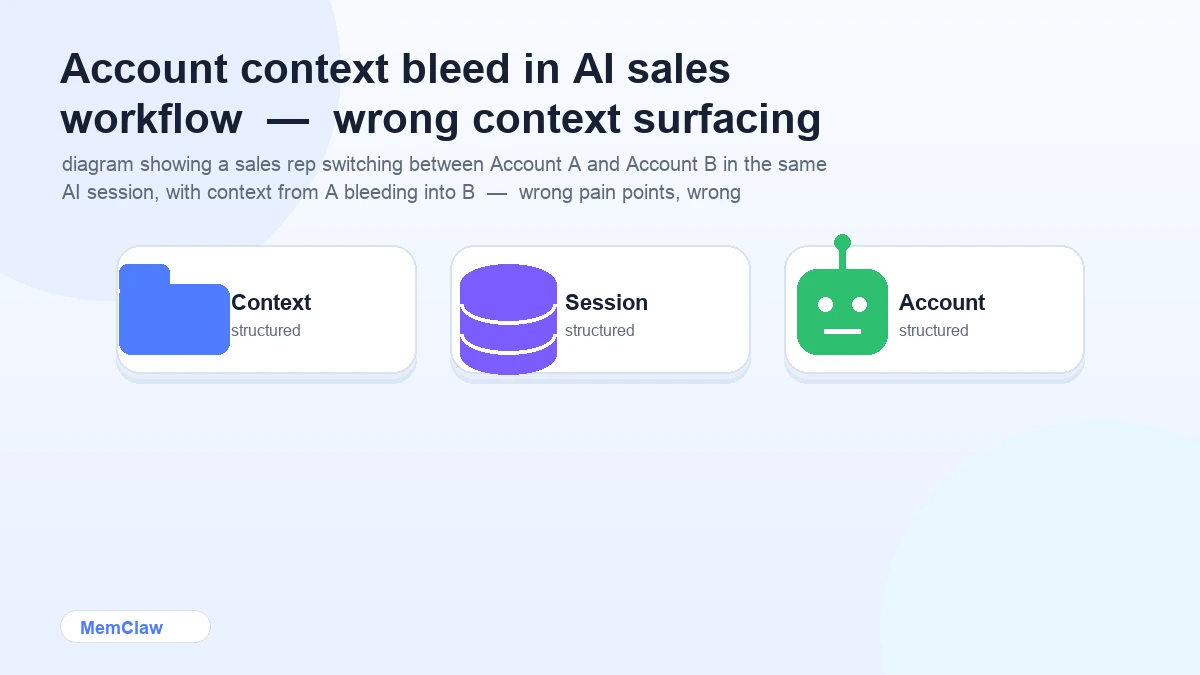
The fix is the same as for any multi-project AI work: one session per account, with explicit context loading at the start.
Setting Up Per-Account Context
Option 1: Account Context Files
Create a context doc per account. Keep it in a folder, one file per account:
# Account: Acme Corp

## Company
200-person B2B SaaS, Series B, HQ San Francisco
Product: project management for engineering teams

## Stakeholders
- Sarah Chen — VP Sales (main contact, skeptical about implementation time)
- James Park — IT Director (technical reviewer, gatekeeper)
- CEO: Michael Torres (not involved yet, Sarah's boss)

## Deal Stage
Technical review — IT call scheduled Thursday

## Pain Points Confirmed
- Sales team spending 3h/week on manual CRM updates
- No visibility into pipeline health for leadership

## Key Objections
- "Implementation will take too long" — address with 2-week onboarding case study
- "Our IT team is stretched" — address with self-serve setup option

## History
- Discovery call: 2026-04-10 — confirmed pain points above
- Demo: 2026-04-22 — showed Salesforce integration, went well
- Next: IT technical review 2026-04-30

## Notes
Sarah responds well to data. Avoid feature lists — lead with outcomes.
Start each session: Read acme-corp-context.md. We're working on the Acme Corp account.
Option 2: Persistent Workspaces with MemClaw (Recommended for 10+ Accounts)
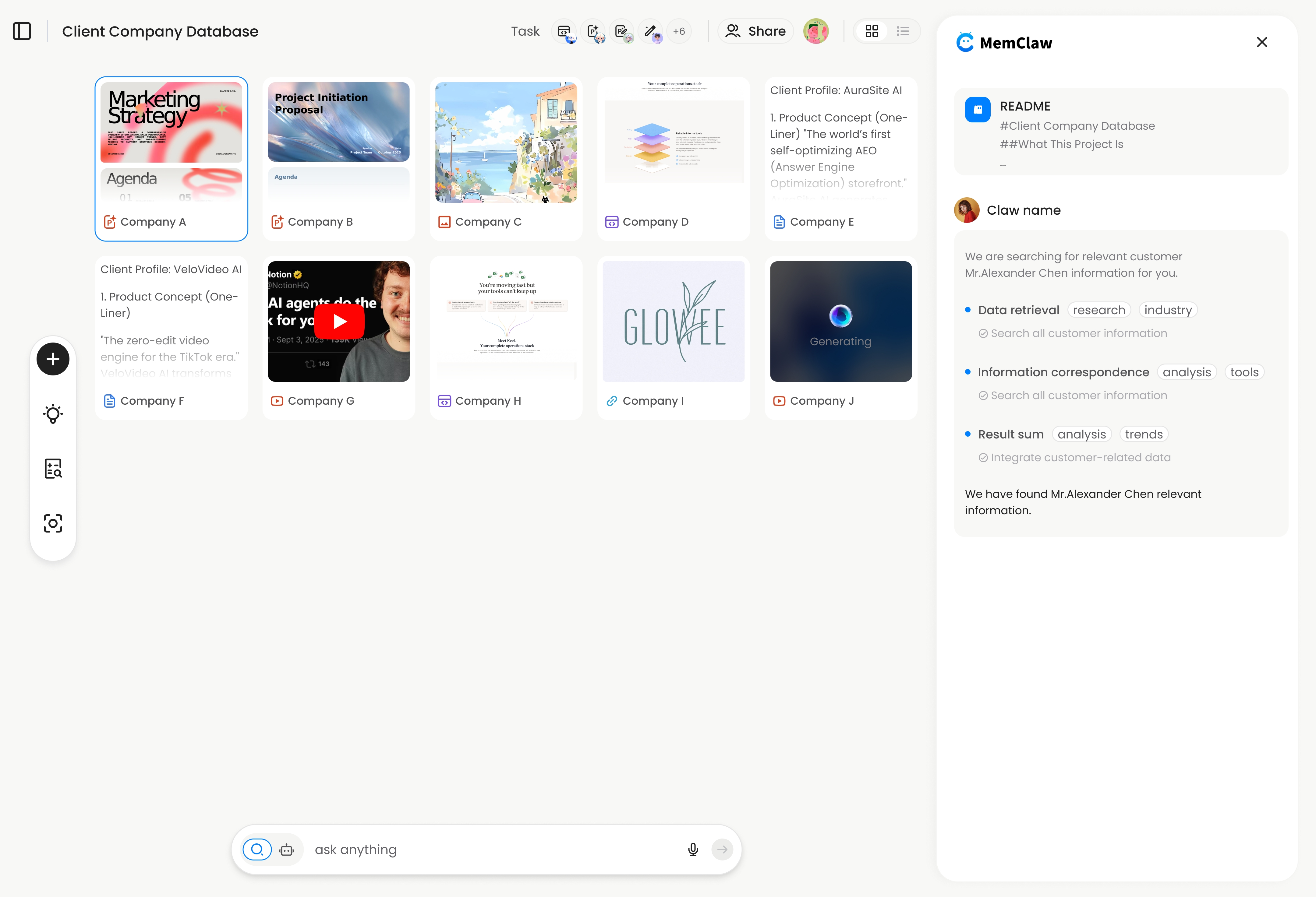
For sales reps managing a large book of business, manual context files become a maintenance burden. MemClaw workspaces automate the update layer — the agent logs call outcomes, updates deal stage, and tracks next steps automatically.
export FELO_API_KEY="your-api-key-here"
/plugin marketplace add Felo-Inc/memclaw
/plugin install memclaw@memclaw
Create a workspace per account:
Create a workspace called "acme-corp"
Create a workspace called "globex-deal"
Create a workspace called "initech-renewal"
After a call:
Open the acme-corp workspace.
Log today's call: IT review went well. James approved the integration approach.
Sarah wants a revised proposal by Friday with updated pricing for 50 seats.
Update deal stage to: proposal stage.
Next session:
Open the acme-corp workspace
Full account context — history, stakeholders, objections, current stage — restored immediately.
! MemClaw workspace for sales account management — persistent context per account
Try it: Get started at memclaw.me →
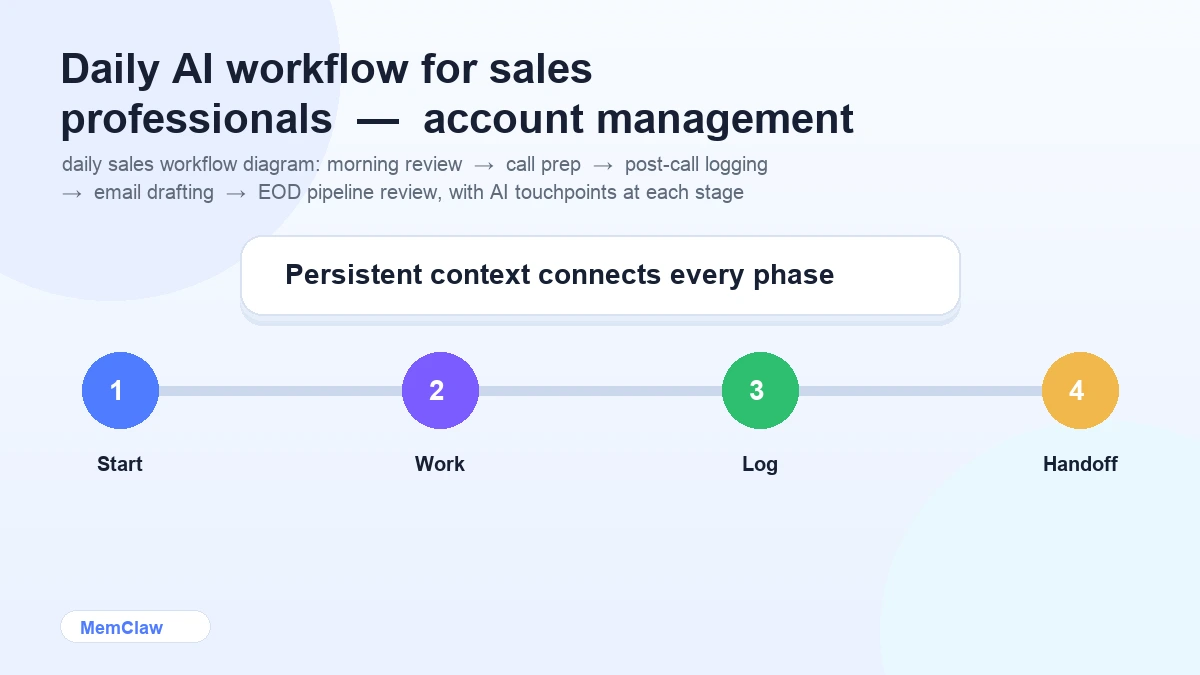
A Practical Daily Sales AI Workflow
Morning: Account review
Open the [account] workspace.
What's the current stage? What's due today? What do I need to prepare?
Before a call: Call prep brief
Open the [account] workspace.
Generate a 5-minute call prep brief: key context, likely objections,
questions to ask, and what a successful outcome looks like today.
After a call: Log and update
Open the [account] workspace.
Log today's call: [paste notes or transcript summary].
Update deal stage, next steps, and any new objections raised.
Email drafting:
Open the [account] workspace.
Draft a follow-up email based on today's call.
Reference the specific pain points we discussed and the agreed next step.
End of day: Pipeline review
Summarize the status of my top 5 accounts.
What needs attention this week? What's at risk?
Frequently Asked Questions
Does MemClaw integrate with Salesforce or HubSpot?
Not natively. MemClaw workspaces are standalone context stores. You can paste CRM data into a workspace and reference it in sessions, but there's no automatic sync. Think of it as the AI layer on top of your CRM, not a replacement for it.
Is this only useful for enterprise sales?
No. Any sales role with multiple accounts benefits from per-account context isolation — SMB, mid-market, or enterprise. The more accounts you manage, the more the overhead of re-briefing adds up.
What about AI features built into CRMs like Salesforce Einstein?
CRM-native AI is good at CRM-specific tasks: lead scoring, pipeline forecasting, activity logging. It's not designed for the kind of open-ended drafting, research, and call prep that general-purpose AI handles well. They're complementary.
How do I handle confidential account information with AI tools?
Check your company's AI usage policy before putting sensitive deal information into external AI tools. Many companies have guidelines about what can go into third-party systems. For most sales communication tasks — email drafting, call prep, objection responses — this isn't an issue, but it's worth being deliberate.
The Short Version
AI saves sales reps the most time on email drafting, call prep, meeting summaries, and proposal drafts. The tools that matter: Claude or ChatGPT for writing, Perplexity for research, Otter for call notes.
The thing that makes them work across a large book of business: keeping each account's context isolated, so the AI always knows which account it's working on and where the deal stands.
Manual context files work for 5-10 accounts. Persistent workspaces are worth it when you're managing more than that.
Managing a large book of business with AI? Set up isolated workspaces with MemClaw →