ChatGPT Memory vs Persistent Workspaces: Which One Actually Solves the Problem?
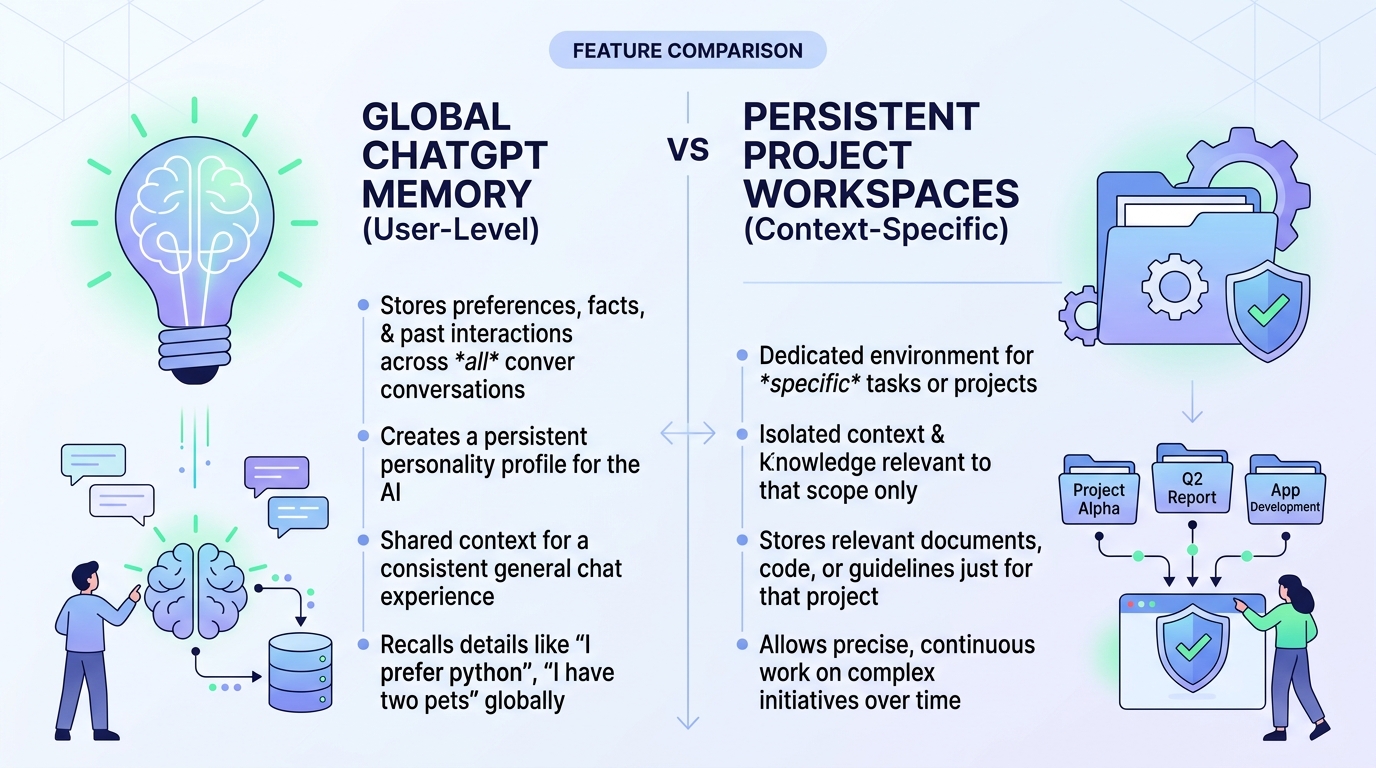
ChatGPT's memory feature gets a lot of attention. It remembers things about you across conversations — your name, your job, your preferences. It feels like the AI finally knows you.
But if you've tried to use it for serious multi-project work, you've probably noticed it doesn't quite solve the problem you actually have.
This isn't a knock on ChatGPT memory. It's a genuinely useful feature — for what it's designed to do. The issue is that "the AI remembers me" and "the AI knows which project I'm working on and where things stand" are two different problems.
What ChatGPT Memory Actually Does
ChatGPT memory stores facts about you globally. When you tell ChatGPT something worth remembering — your job title, your preferred coding language, that you're working on a SaaS product — it saves that as a memory and applies it across all your future conversations.
What it's good at:
- Remembering personal preferences (writing style, tone, tools you use)
- Knowing your professional context (role, industry, common tasks)
- Avoiding repetitive introductions ("I'm a product manager at a B2B SaaS company...")
- Personalizing responses based on your background
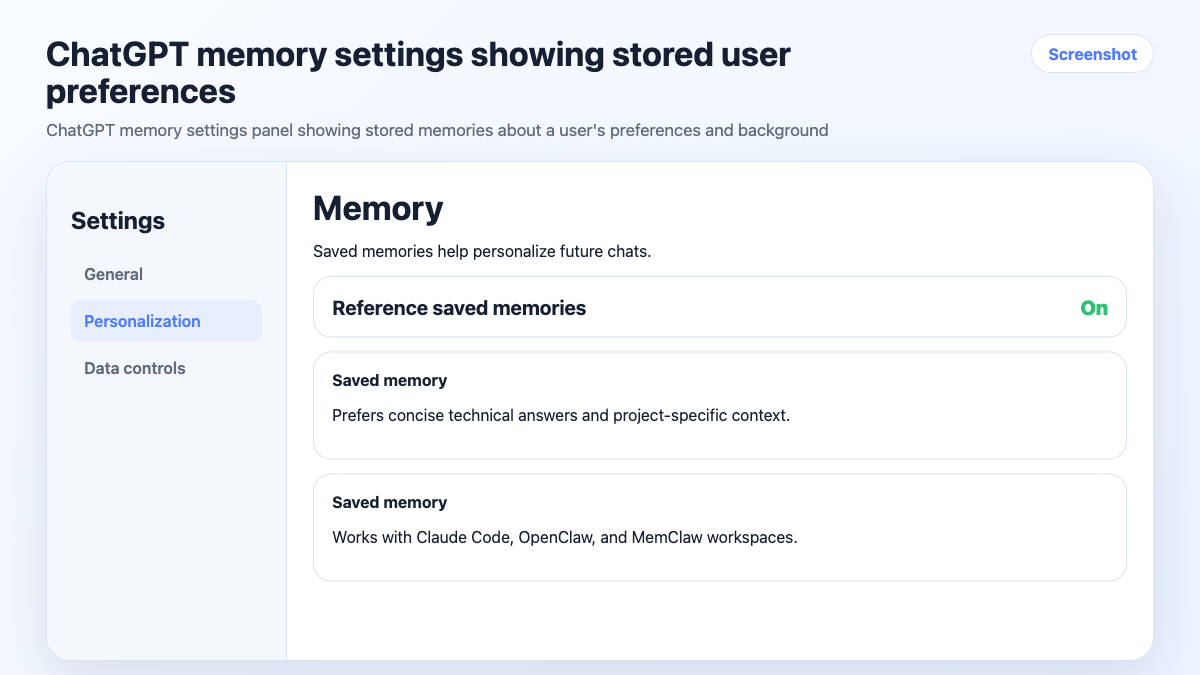
This is genuinely useful. If you use ChatGPT for a mix of tasks — writing, research, brainstorming — having it remember your context saves time.
Where ChatGPT Memory Falls Short for Multi-Project Work
The limitation shows up when you're running multiple projects simultaneously.
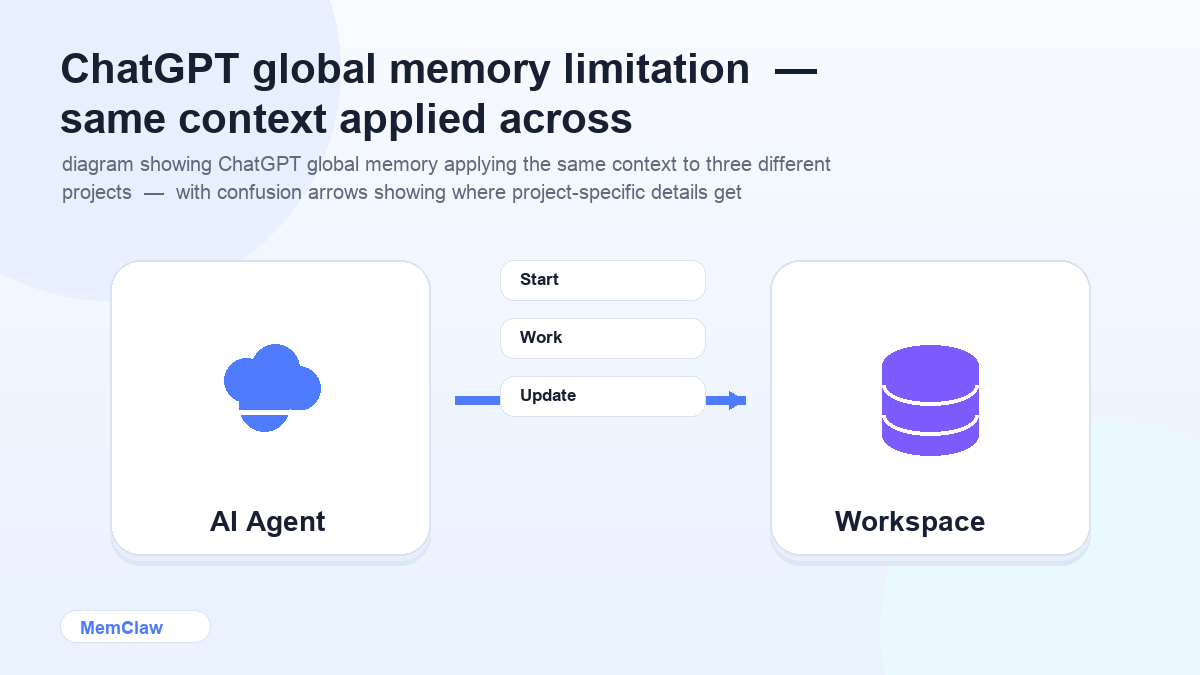
Memory is global, not project-scoped. ChatGPT doesn't have a concept of "I'm now working on Project A, not Project B." Everything it remembers about you applies to every conversation. If you're working on a React project for Client A and a Python API for Client B, the memory system has no way to keep those separate.
It doesn't track project state. Memory stores facts about you — not the current status of your work. It won't remember that the webhook handler is in progress, that you ruled out Redis last Tuesday, or that Client B confirmed they want Stripe not Paddle.
It doesn't update automatically as you work. You have to explicitly tell ChatGPT to remember something. It won't observe your session and log decisions in the background.
It doesn't handle task continuity. There's no concept of "here's what's done, here's what's in progress, here's what's blocked." Each conversation starts without that state.
What Persistent Project Workspaces Do Differently
A persistent workspace is project-scoped, not user-scoped. Instead of remembering facts about you, it remembers the state of a specific project.
Each workspace contains:
- Project background — stack, architecture, client context
- Key decisions — what was chosen, what was ruled out, and why
- Task state — what's done, in progress, and blocked
- Artifacts — documents, specs, URLs attached to the project
When you open a workspace at the start of a session, the agent reads all of this and knows exactly where things stand — without you explaining anything.
The critical difference: workspaces are isolated per project. Client A's workspace has no knowledge of Client B's. There's no bleed, no confusion, no "wait, which project are we on?"
Side-by-Side Comparison
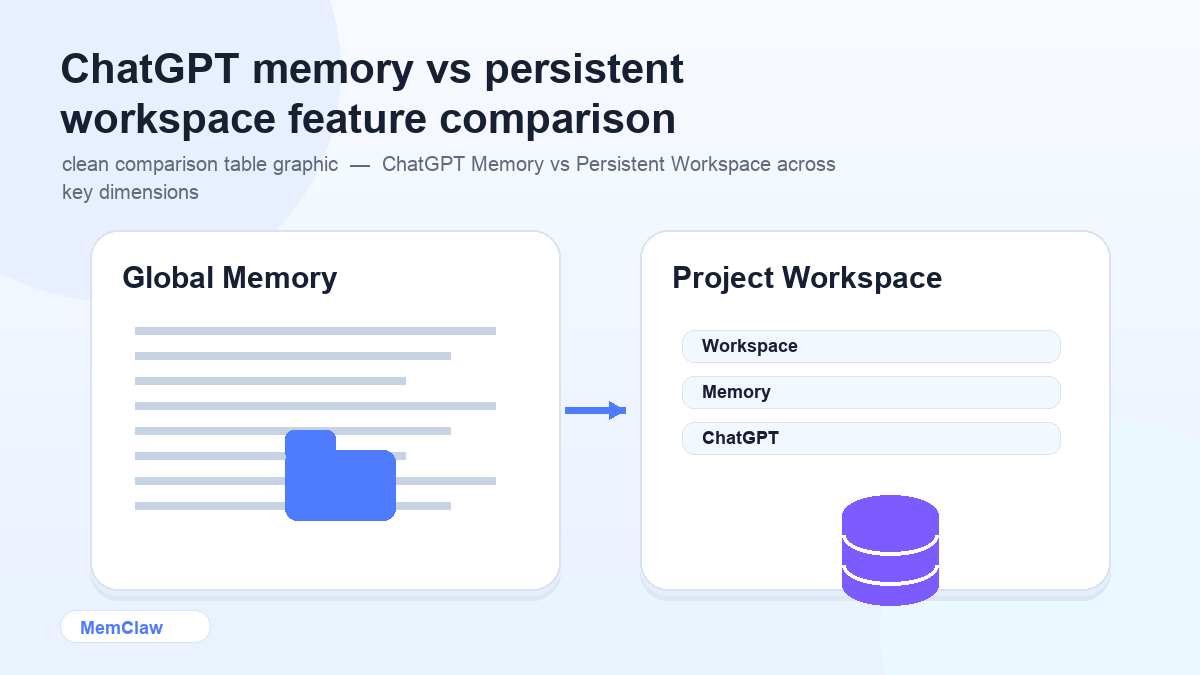
| | ChatGPT Memory | Persistent Workspace | |---|---|---| | Scope | Global (all conversations) | Per-project | | Tracks project state | ❌ No | ✅ Yes | | Task tracking | ❌ No | ✅ Yes | | Decision logging | ❌ No | ✅ Yes | | Multi-project isolation | ❌ No | ✅ Yes | | Auto-updates as you work | ❌ Manual | ✅ Yes | | Works across agents | ❌ ChatGPT only | ✅ Claude Code + OpenClaw | | Best for | Personal preferences | Project-specific context |
They Solve Different Problems — Use Both
This isn't an either/or choice. ChatGPT memory and persistent workspaces are complementary.
ChatGPT memory handles the things that are true about you across all your work: your role, your preferences, your background, your common tools. You set it once and it applies everywhere.
Persistent workspaces handle the things that are specific to one project: the stack, the decisions, the current task state, the client constraints. Each project has its own workspace, completely isolated from the others.
A practical setup:
- Use ChatGPT memory (or Claude's equivalent) for global personal context
- Use MemClaw workspaces for per-project context in Claude Code or OpenClaw
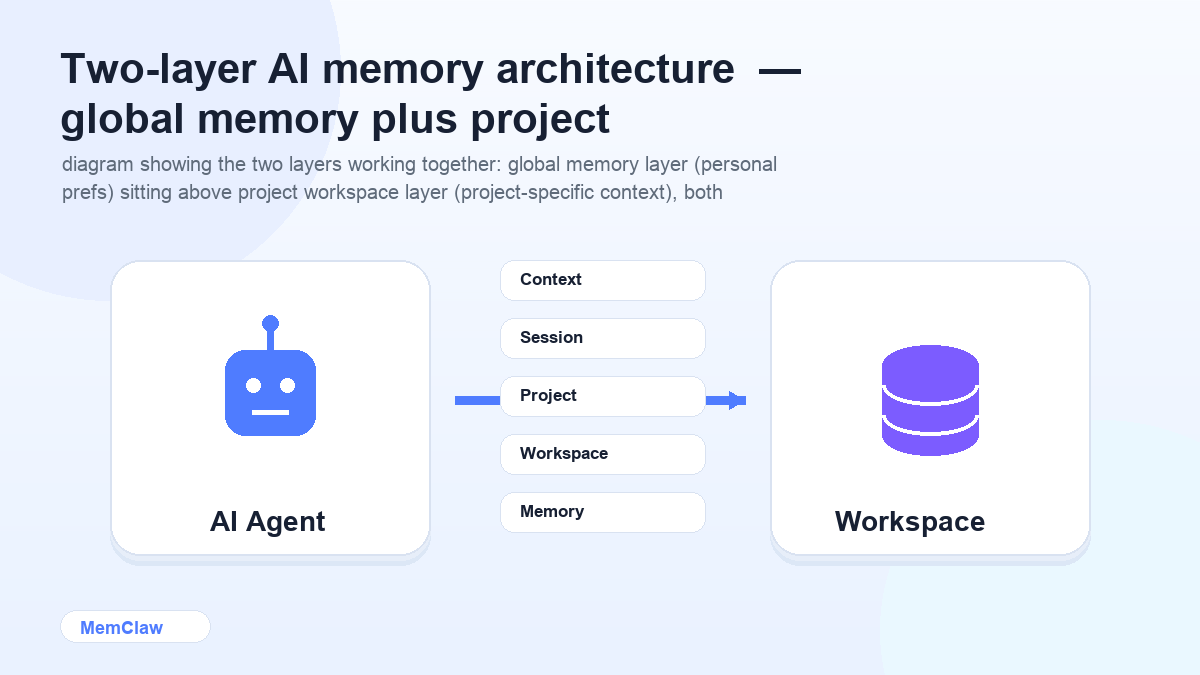
The global memory means you don't re-introduce yourself. The project workspace means you don't re-explain the project. Together, you start every session already oriented.
Try MemClaw: Get started at memclaw.me →
When ChatGPT Memory Is Enough
If you're using AI for a single ongoing project or mostly personal tasks, ChatGPT memory may be all you need. The overhead of setting up project workspaces isn't worth it if you're not dealing with multi-project context switching.
Signs you don't need persistent workspaces yet:
- You work on one project at a time
- Your project context is simple and stable
- You don't mind a brief re-briefing at session start
- You're not losing decisions or task state between sessions
Signs you do:
- You're running 3+ projects simultaneously
- You spend 10+ minutes re-orienting the agent at session start
- You've re-litigated a decision that was already made
- Context from one project is bleeding into another
Frequently Asked Questions
Does Claude have a memory feature like ChatGPT?
Claude Projects provides persistent context within a project — you can attach files and write a system prompt that persists across conversations. It's closer to a context file than a workspace: it doesn't auto-update as you work or track task state. For project-scoped memory that updates automatically, persistent workspaces fill the gap.
Can I use MemClaw with ChatGPT?
Currently MemClaw integrates with Claude Code and OpenClaw. If you primarily use ChatGPT, the manual context file approach (a well-maintained CONTEXT.md per project) is the closest equivalent.
Is ChatGPT memory private?
OpenAI stores memories on their servers. You can view, edit, and delete memories in ChatGPT settings. If you're working with sensitive client information, review OpenAI's data handling policies before relying on memory for project context.
What if I want to use ChatGPT for some projects and Claude Code for others?
Use ChatGPT memory for your global preferences — it'll apply whenever you use ChatGPT. Use MemClaw workspaces for projects where you're using Claude Code or OpenClaw. The two systems don't interfere with each other.
The Bottom Line
ChatGPT memory is a personal context layer — it remembers you. Persistent workspaces are a project context layer — they remember the project.
If you're doing serious multi-project work, you need the project layer. ChatGPT memory alone won't give you isolation between projects, task continuity, or automatic decision logging.
Use both where they apply. They're solving different problems.
Need project-scoped context for Claude Code or OpenClaw? Set up persistent workspaces with MemClaw →