What Is Generative AI for Project Management?
Studies consistently show that project managers spend the majority of their time on administrative work — status updates, meeting notes, progress reports — rather than the strategic thinking they were hired for. Generative AI is changing that ratio.
This guide explains what generative AI actually is in a project management context, where it delivers real value, where it falls short, and how to start using it without creating new problems.
What Is Generative AI? (A Quick Definition)
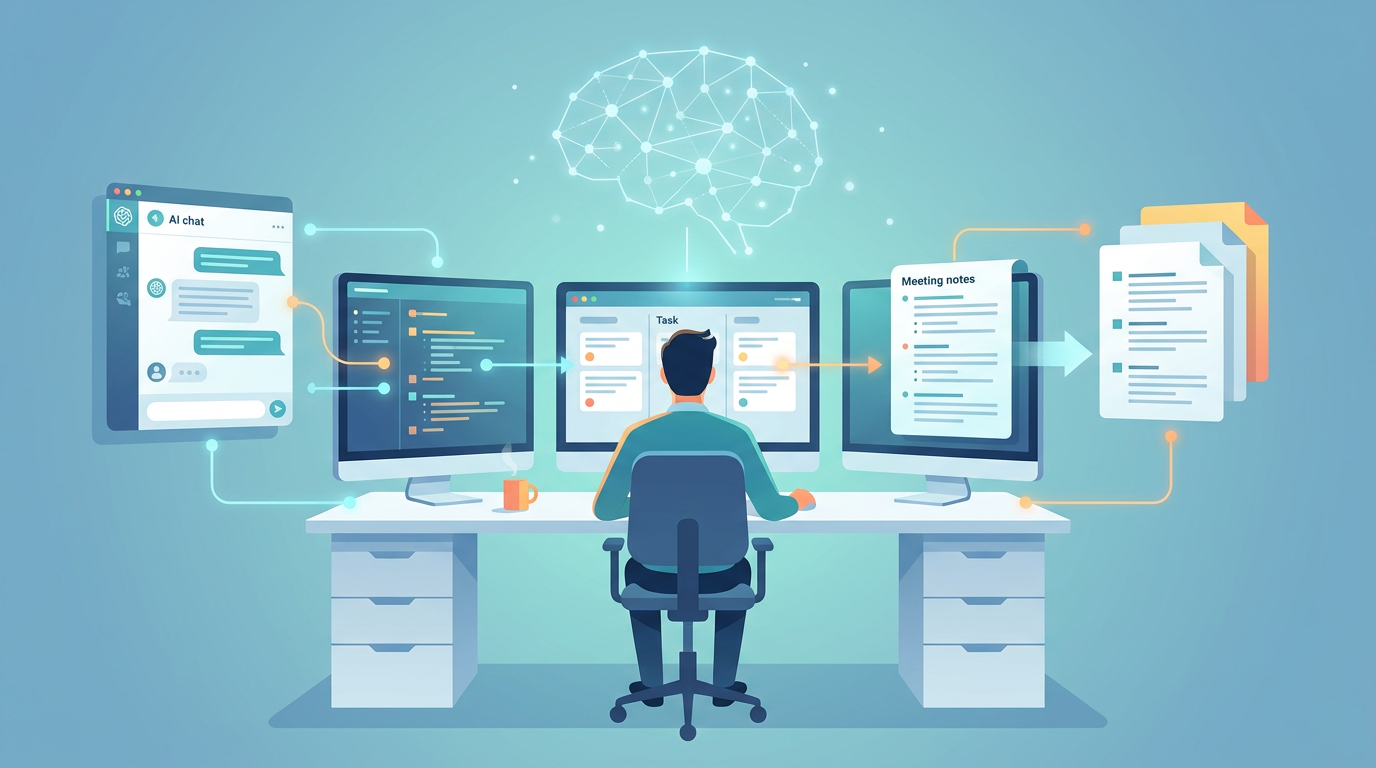
Generative AI refers to AI systems that produce new content — text, summaries, plans, code — in response to a prompt. Unlike older rule-based automation (which follows fixed if/then logic), generative AI synthesizes information and generates human-readable output.
For project managers, that distinction matters. Traditional automation can move a task from "In Progress" to "Done" when a condition is met. Generative AI can read a 90-minute meeting transcript and produce a structured summary with action items, owners, and deadlines — in seconds.
The most widely used generative AI models include GPT-4 (OpenAI), Claude (Anthropic), and Gemini (Google). Most project management platforms now embed one of these models directly into their tools.
How Generative AI Is Used in Project Management
Meeting Summarization and Action Item Extraction
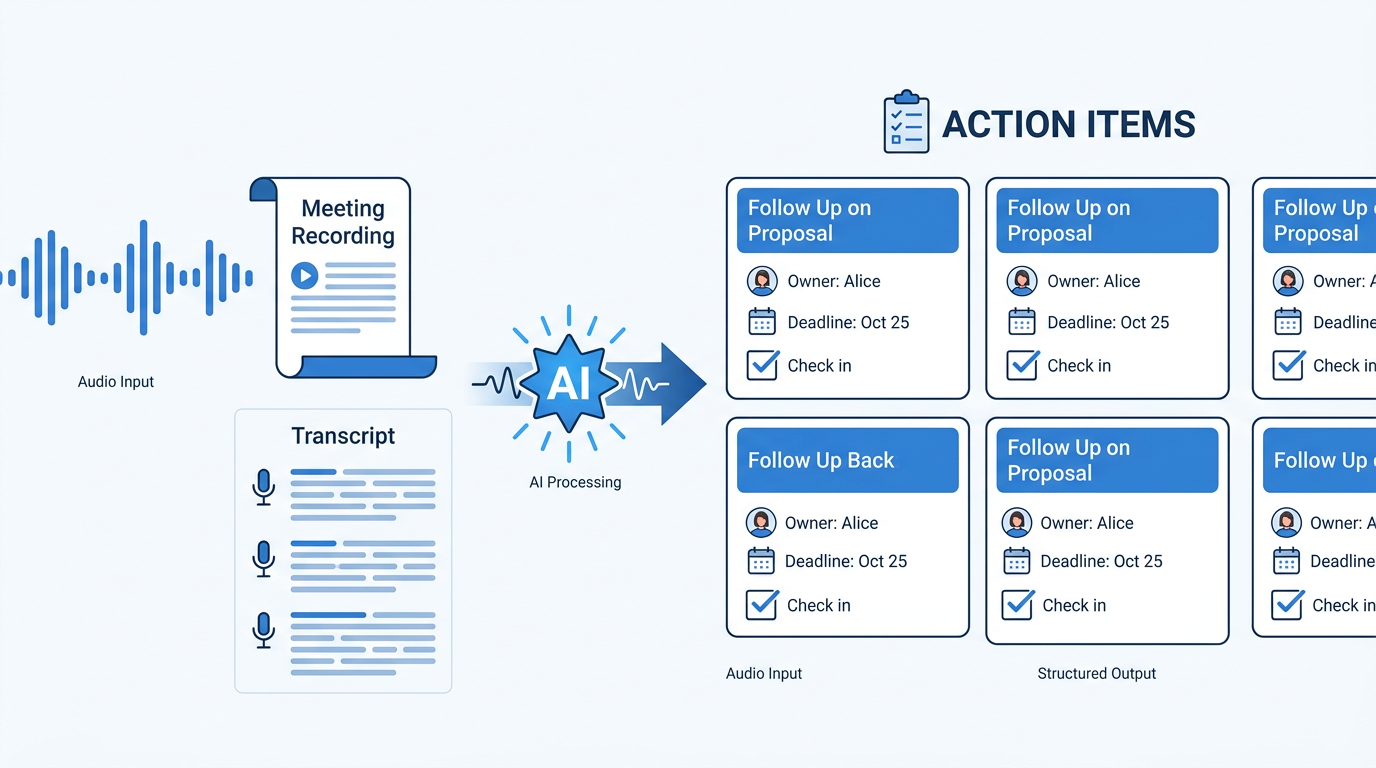
This is the highest-ROI use case for most teams. Feed a meeting transcript or recording into a generative AI tool and it returns a structured summary: key decisions, open questions, action items with owners, and follow-up dates.
Tools like Otter.ai, Fireflies, and the built-in AI in Microsoft Teams and Zoom handle this automatically. In practice, a 60-minute sprint review that used to produce 45 minutes of follow-up note-writing can be processed in under 3 minutes — paste the transcript, prompt for action items, review the output. The output isn't perfect — you still need to verify owners and deadlines — but the time savings are real and immediate.
One PM on Reddit described the shift this way: "I used to dread the post-meeting write-up. Now I paste the transcript into Claude, ask for action items grouped by owner, and I'm done before the next meeting starts. The first time I tried it I thought I was cheating."
Automated Status Reports
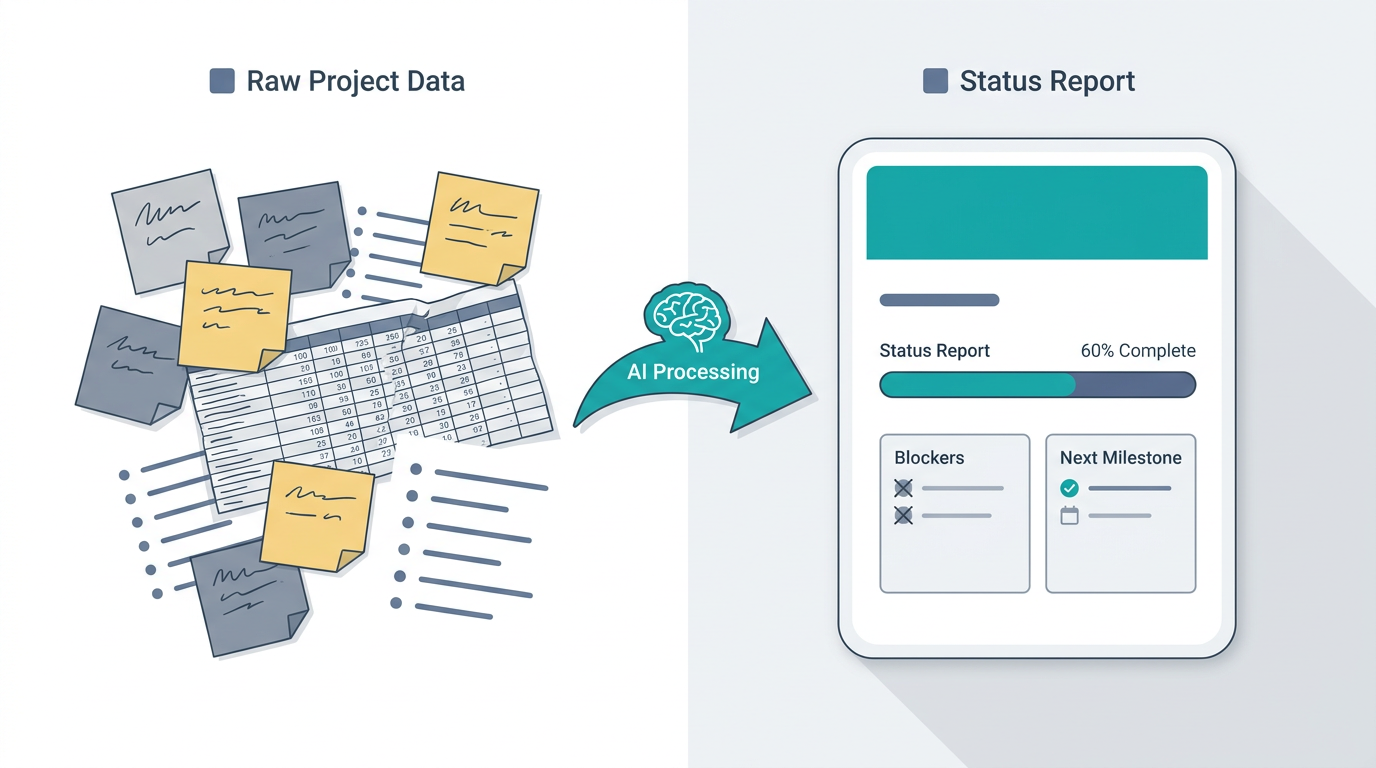
Generative AI can draft stakeholder-ready status reports from raw project data. Give it your task list, recent updates, and blockers, and it produces a formatted report tailored to the audience — executive summary for leadership, detailed breakdown for the team.
ClickUp Brain and Monday.com AI both offer this natively. The key is feeding them structured input; vague prompts produce vague reports. A prompt like "Write a 3-paragraph executive status update for a software migration project. Status: 60% complete. Blockers: vendor API delay. Next milestone: UAT in 2 weeks." produces a usable first draft in seconds.
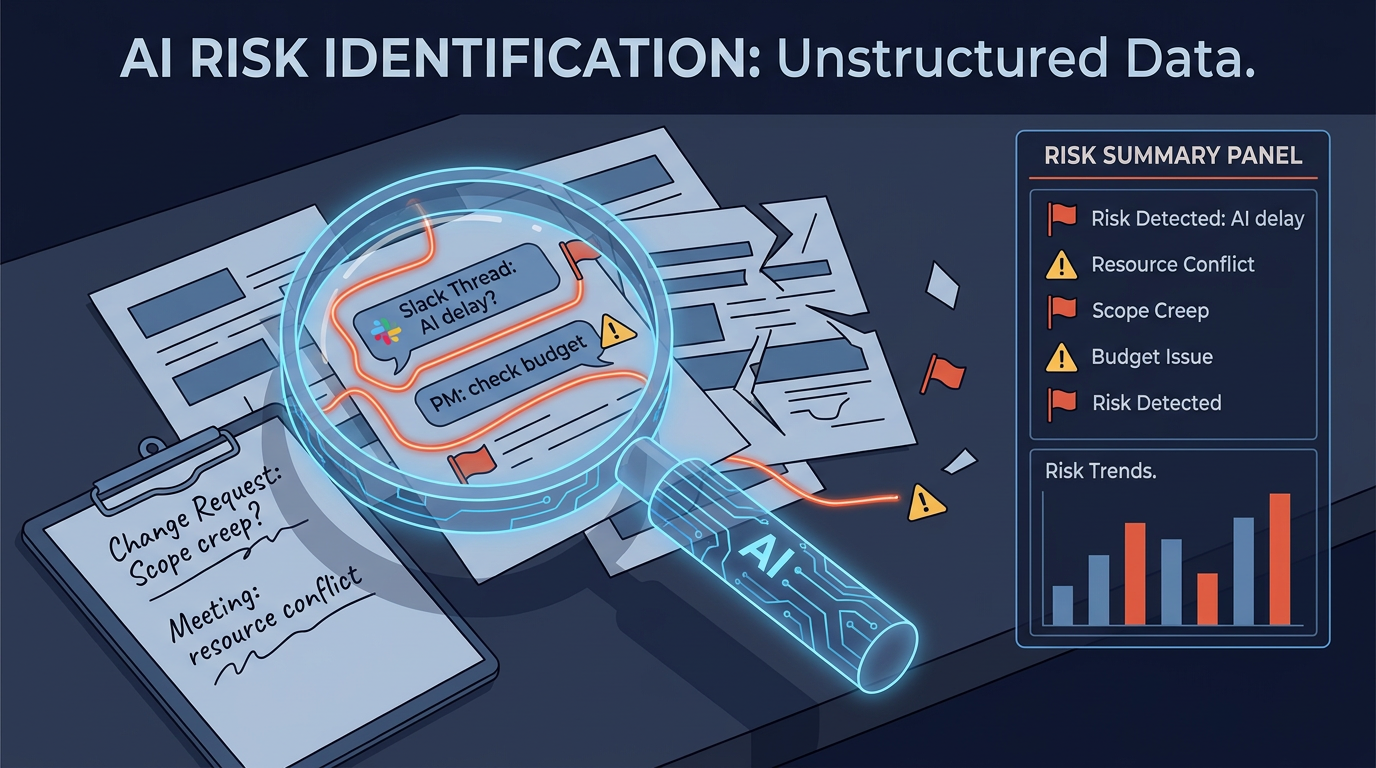
Risk Identification from Unstructured Data
One of the less obvious use cases: generative AI can scan meeting notes, Slack threads, and change requests to surface early risk signals that humans miss when they're moving fast.
Wrike's Work Intelligence and Asana AI both offer risk flagging. The accuracy depends heavily on how much historical project data the model has access to — a fresh project with no history gives the model little to work with. Where it works best: projects with 3+ months of documented history and consistent note-taking habits.
Task Generation from Briefs
Drop a rough project brief into a generative AI tool and it can generate a structured task list with suggested owners, dependencies, and time estimates. This works well for kicking off familiar project types (marketing campaigns, software sprints, event planning). It works less well for novel or highly complex projects where the model lacks relevant context.
A practical workflow: paste your brief, ask for a task breakdown in a specific format (e.g., "List tasks as: Task | Owner role | Estimated days | Dependencies"), then edit the output rather than starting from scratch. Most PMs find the AI gets 70–80% of the structure right on the first pass.
Knowledge Retention Across Projects
One of the quieter problems generative AI can help with: keeping project context accessible over time. When team members change, projects pause and restart, or you're juggling multiple workstreams, the institutional knowledge embedded in past conversations and decisions tends to get lost.
AI tools that maintain persistent project memory address this directly. MemClaw , for example, provides project-scoped memory for OpenClaw users — keeping each project's context isolated and retrievable so the AI assistant always has the right background, not a blend of everything you've ever worked on.
What Generative AI Can't Do (Yet)
Understanding the limits is as important as knowing the capabilities.
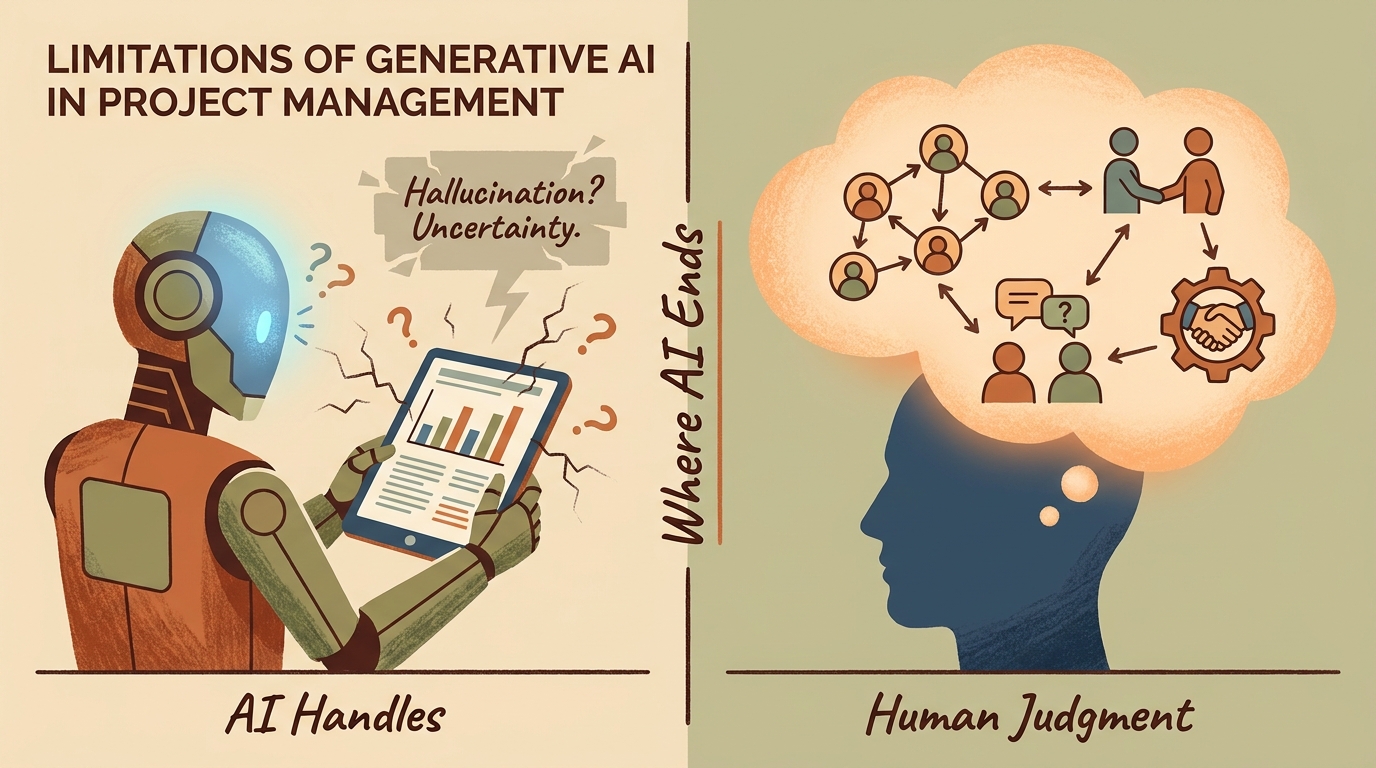
It can't replace human judgment on stakeholder dynamics. Generative AI doesn't know that your client is nervous about the budget, that two team members have a history of conflict, or that the executive sponsor is about to change. Those contextual signals live in your head, not in the data.
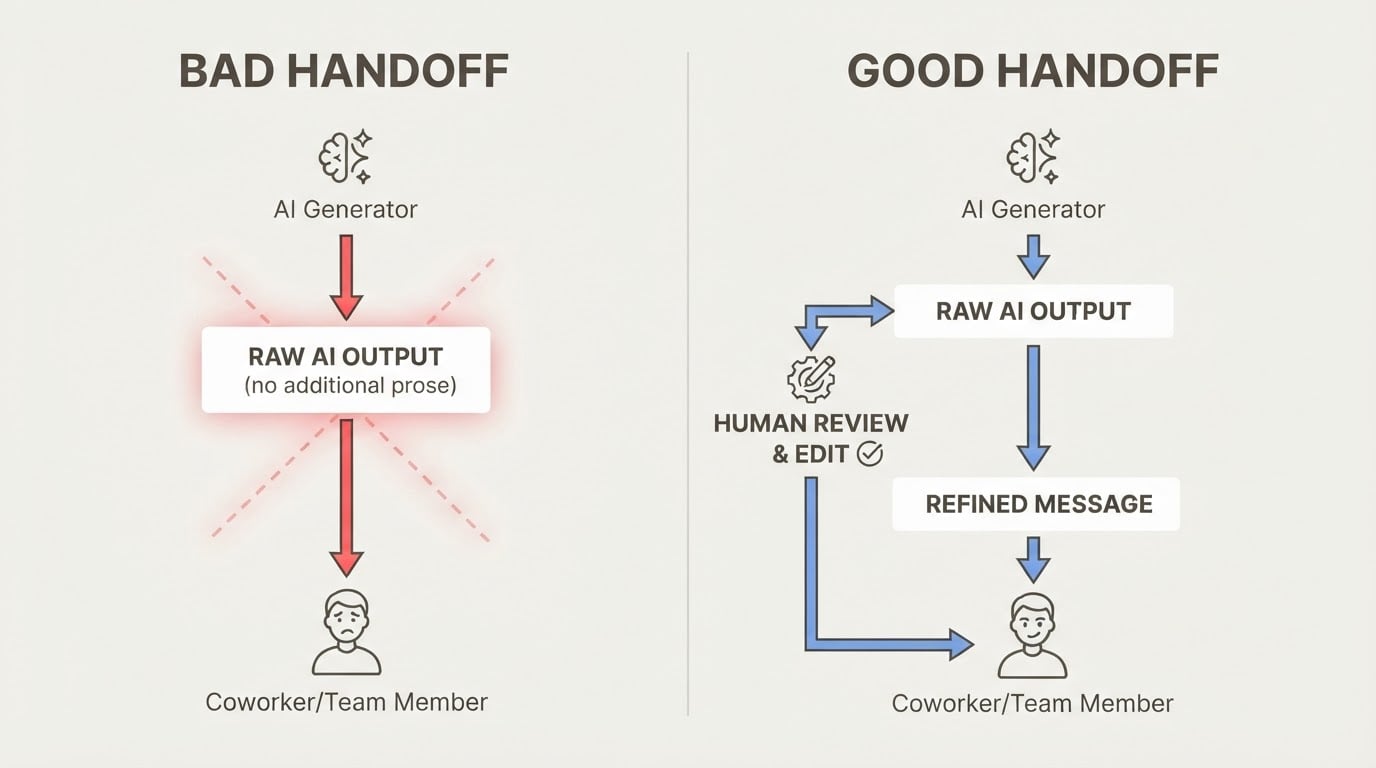
It hallucinates. Generative AI models sometimes produce confident-sounding output that is factually wrong. Any AI-generated report, risk assessment, or task list needs human review before it goes anywhere important. This isn't a reason to avoid the tools — it's a reason to build a verification habit.
It struggles with genuinely novel situations. Models are trained on patterns from past data. When your project is breaking new ground — new market, new technology, new regulatory environment — the model has less to draw on and its outputs become less reliable.
"AI theater" is real. Many teams run AI pilots that look impressive in demos but don't actually reduce workload or improve outcomes. The tools that deliver ROI are the ones integrated into existing workflows, not the ones opened in a separate tab and used occasionally.
Will Generative AI Replace Project Managers?
No — and the framing of the question misses the point.
Generative AI automates tasks, not judgment. The work it handles well — drafting, summarizing, tagging, formatting — is the administrative layer of project management. The work it can't do — navigating stakeholder politics, making trade-off decisions under uncertainty, building team trust, managing conflict — is the core of what project managers actually do.
What changes is the ratio. PMs who adopt generative AI effectively spend less time on admin and more time on strategy. That's a shift in how the job is done, not a replacement of the role.
The PMs most at risk are those who resist the shift and continue spending 70% of their time on work that AI can now handle in minutes. The ones who thrive are those who treat AI as a force multiplier for the judgment-intensive parts of their job.
How to Get Started with Generative AI in Your Projects
Here's a practical sequence for teams adopting AI in project management for the first time:
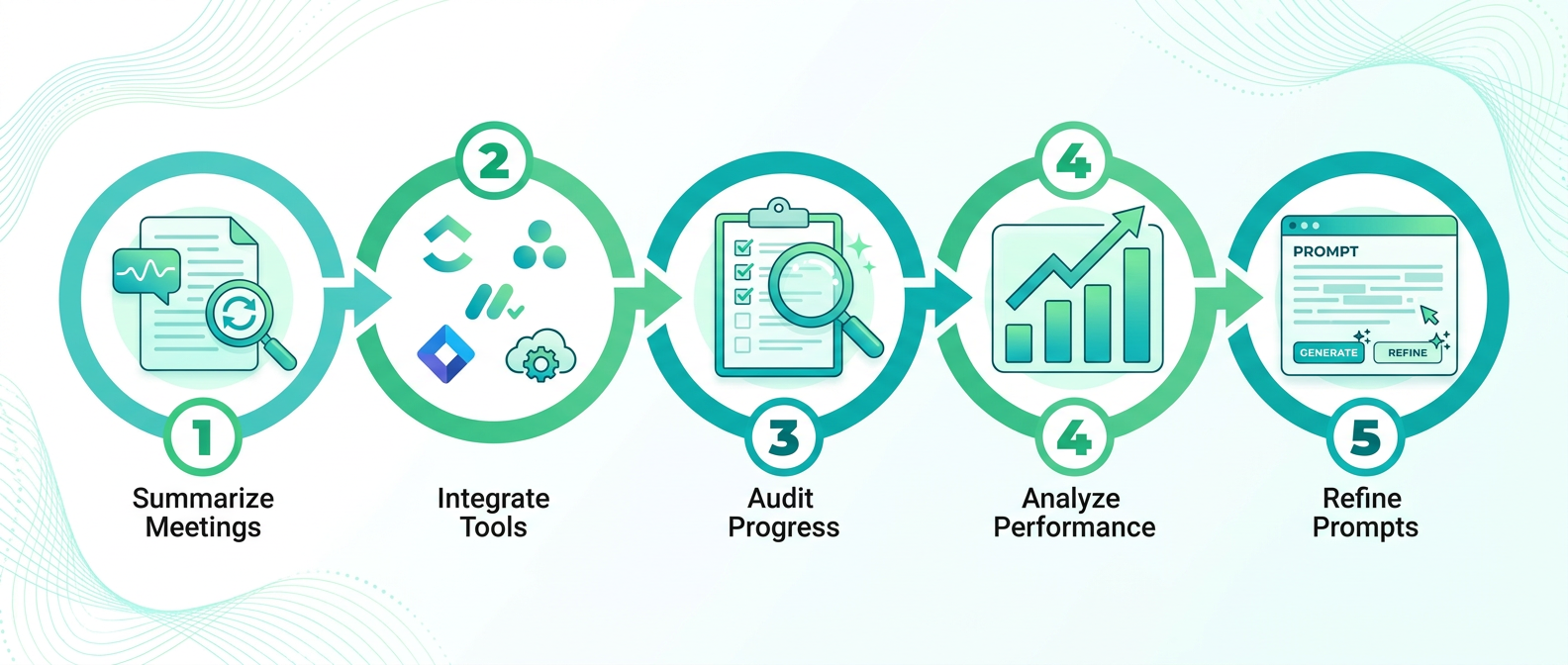
- Start with one use case. Meeting summarization is the easiest entry point — low risk, immediate time savings, easy to verify. Get comfortable with one workflow before expanding.
- Check what's already in your stack. Monday.com, Asana, ClickUp, and Wrike all have built-in AI features. You may not need a new tool — you may just need to turn on what you already have.
- Establish a verification habit. Never ship AI output without reviewing it. Build a quick check into your workflow: does this summary match what I remember? Are these action items accurate? This takes two minutes and prevents the trust-eroding mistakes that come from treating AI output as ground truth.
- Measure before and after. Pick one metric — time spent on status reports, meeting follow-up turnaround, risk items surfaced per sprint — and track it before and after introducing AI. Without a baseline, you can't know if the tool is actually helping.
- Give the AI good context. Generative AI output quality is directly proportional to input quality. Structured prompts, clean data, and well-organized project information produce better results than vague requests and messy inputs.
If you use AI coding assistants like OpenClaw as part of your project workflow, AI in project management extends to keeping that context organized. MemClaw provides project-scoped memory so your AI assistant always has the right project background — not a blend of every conversation you've ever had.
Conclusion
Generative AI for project management is most useful as a layer that handles the routine — drafting, summarizing, flagging, formatting — so you can focus on the work that requires human judgment.
The tools are genuinely useful. They're also genuinely limited. The teams getting the most value are the ones who understand both sides of that equation: they automate the task, not the thinking.
If you use AI coding assistants like OpenClaw for project work, keeping your project context organized is part of making those tools effective. MemClaw provides project-scoped memory that keeps each project's context separate and retrievable — so your AI assistant always has the right background when you need it.
Frequently Asked Questions
How can generative AI be used in project management?
Generative AI is most commonly used for meeting summarization and action item extraction, automated status report drafting, risk identification from unstructured data (meeting notes, Slack threads, change requests), and task generation from project briefs. Most major project management platforms — Monday.com, Asana, ClickUp, Wrike — now include built-in generative AI features.
Will AI replace project managers?
No. Generative AI automates the administrative layer of project management — drafting, summarizing, formatting — but cannot replace the judgment-intensive work: stakeholder management, trade-off decisions, conflict resolution, and strategic planning. PMs who adopt AI effectively shift more of their time toward that higher-value work.
What are the limitations of generative AI in project management?
The main limitations are: hallucination (AI can produce confident but incorrect output), context blindness (AI doesn't know the human dynamics of your project), poor performance on novel situations with no historical precedent, and the "AI theater" problem where tools look impressive in demos but don't deliver measurable ROI in practice. All AI output should be reviewed before use.
What is the best free AI tool for project management?
Several platforms offer free tiers with AI features. ClickUp has a free plan with limited ClickUp Brain access. Notion AI offers a free trial. For meeting summarization, Otter.ai has a free tier. The "best" tool depends on your existing stack — check what AI features are already available in the tools you use before adding a new one.