MemClaw gives your AI coding assistant a persistent external memory, organized by project. Whether you use Claude Code, OpenClaw, codex, or any other AI coding tool, MemClaw keeps your context alive across sessions — so you never have to start from scratch.
The problems MemClaw solves
Working across multiple projects is painful without persistent memory. Client A context bleeds into Client B threads. Your AI assistant forgets what you quoted, what was decided, what was built. You re-explain. It re-learns. Then forgets again.
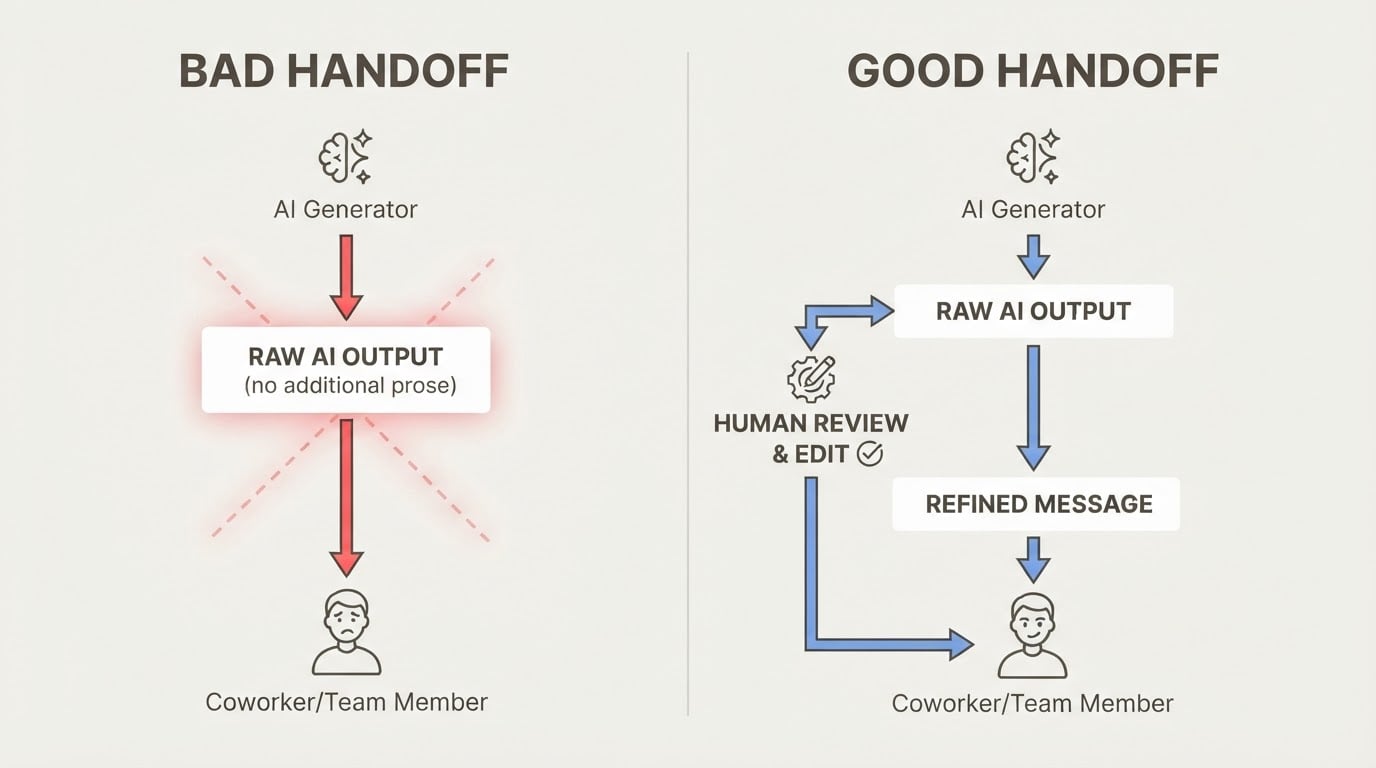
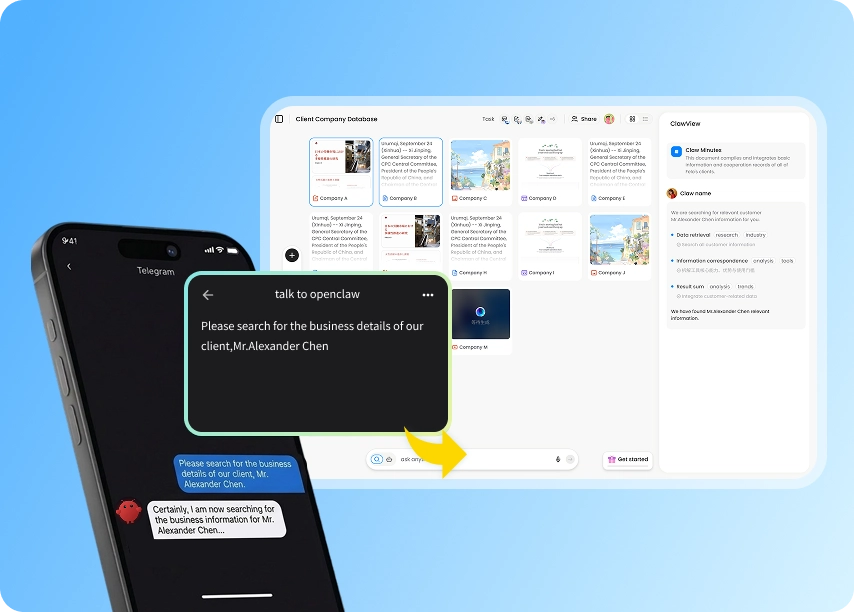
MemClaw gives every project its own isolated memory. One short prompt is enough to recall the full context — pricing, requirements, status, everything. Past work stays organized in a web dashboard, not buried under hundreds of chat messages. For teams, shared project memory means handoffs stop being painful.
Three use cases
Sales: Track six clients in parallel. After each exchange, project memory updates automatically. One sentence recalls pricing, requirements, and next steps before any follow-up call.
Knowledge work: Papers, notes, and sources flow into the right project automatically. Instead of scattered chat fragments, you build a knowledge base that compounds over time. The web view surfaces what your AI assistant has been quietly remembering all along.
Multi-project development: Switch between projects without reintroducing context. Each project keeps its background clean and separate. Your AI coding tool stops feeling like a chat tool and starts feeling like a real working system.
Setup in under 5 minutes
Send your AI assistant this message to install: "Please install https://github.com/Felo-Inc/memclaw and use MemClaw after installation."
After installation, open the settings link to get your Felo API key, send it back to activate, then try "Create a project" to start building memory.
MemClaw is completely free. Visit memclaw.me to learn more.