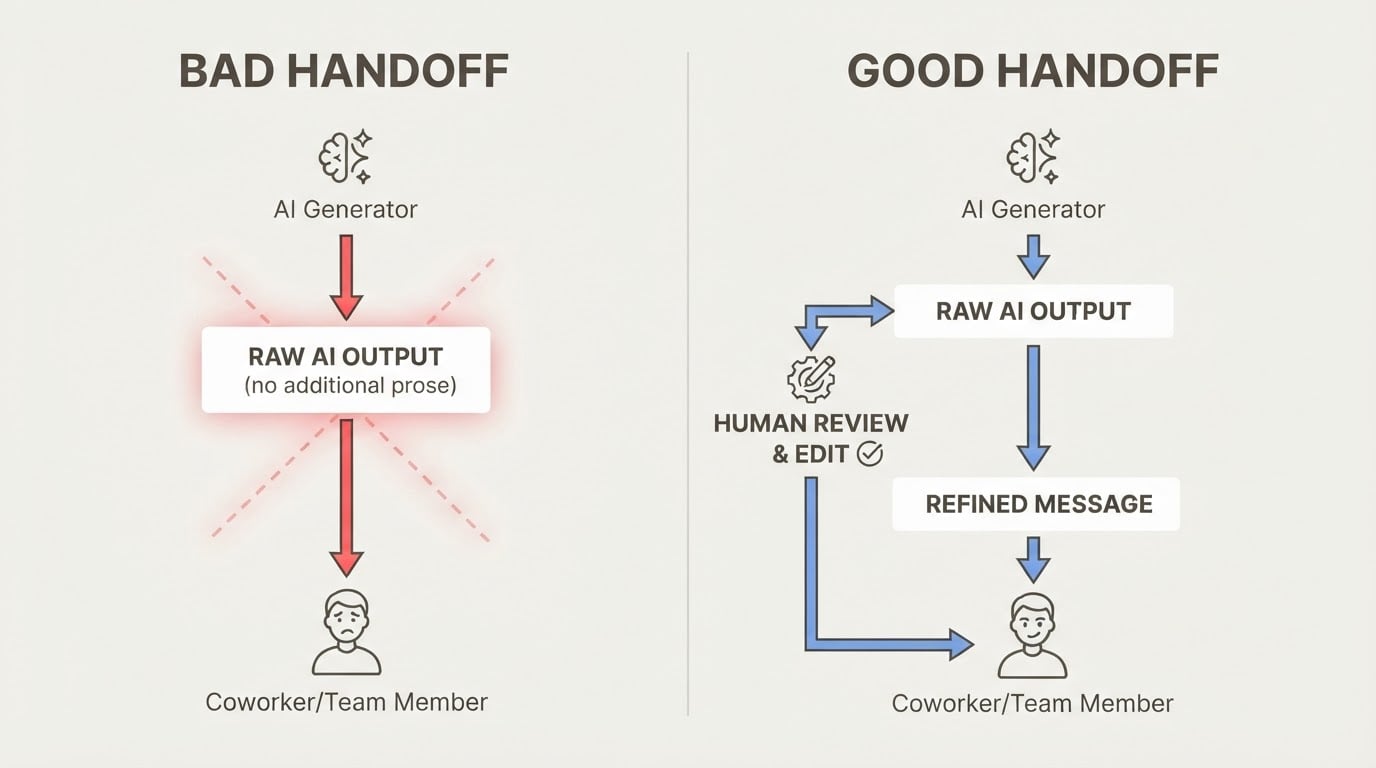
Notion Alternative for Developers: What to Use for AI-Assisted Project Work
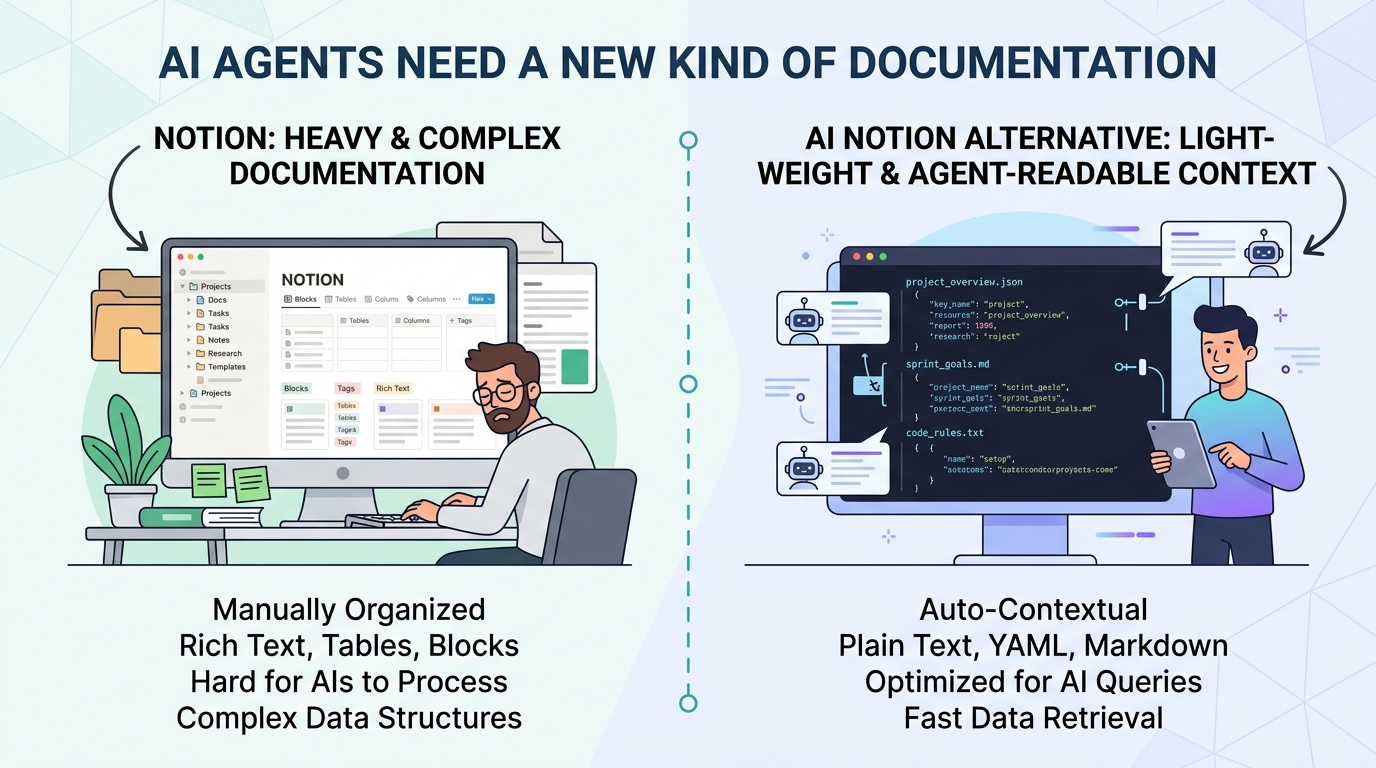
Notion is everywhere. It's flexible, it looks good, and most developers have at least one workspace in it. But if you're doing serious AI-assisted development work, you've probably noticed a gap: Notion wasn't built for AI agents.
You can't tell Claude Code to "open your Notion workspace." You can't have an agent automatically log decisions to a Notion page. You can't restore project context in 8 seconds from a Notion doc without manually copying and pasting.
This isn't a knock on Notion — it's a genuinely useful tool for what it does. The issue is that "a place to write docs" and "a place for AI agents to read and write project context" are different problems.
What Developers Actually Need for AI-Assisted Work
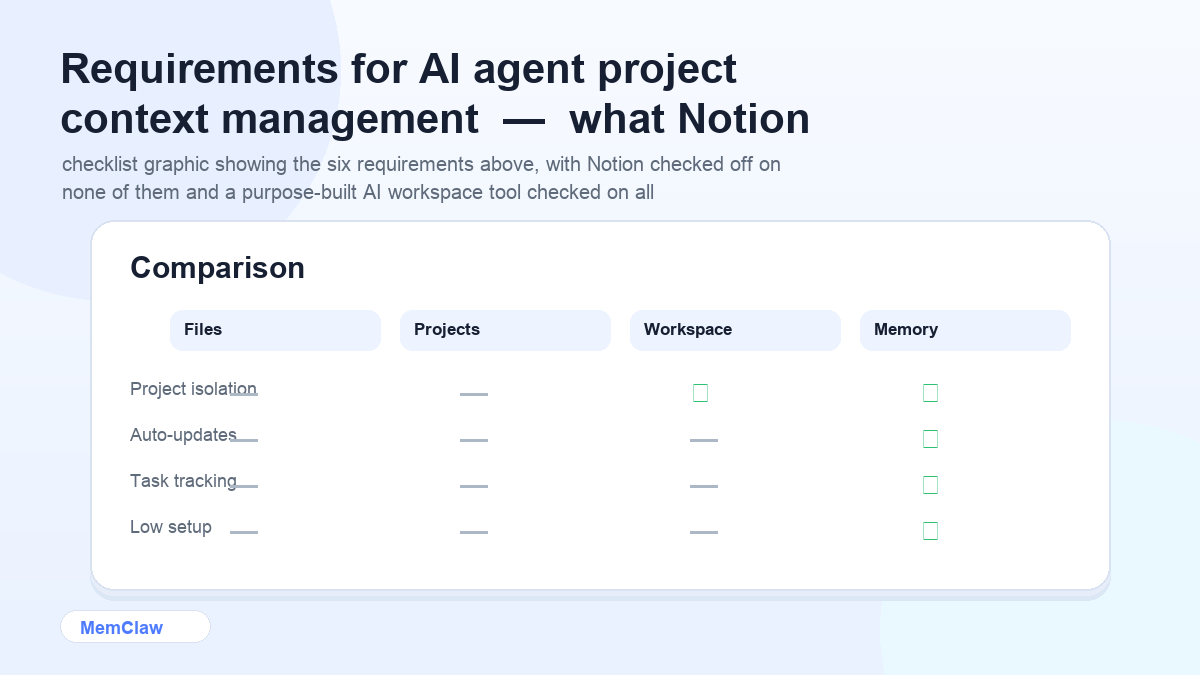
Before comparing tools, it helps to be specific about the requirements. For AI-assisted development work, you need:
- Agent-readable context — the AI agent can access it at session start without manual copy-paste
- Automatic updates — the agent writes to it as you work, not just reads from it
- Project isolation — each project's context is completely separate
- Task state tracking — what's done, in progress, blocked
- Decision logging — what was decided, what was ruled out, and why
- Fast context restoration — seconds, not minutes
Notion handles none of these natively. It's a human-facing doc tool. That's fine — but it means you need something else for the AI workflow layer.
The Options
Option 1: CLAUDE.md / CONTEXT.md Files
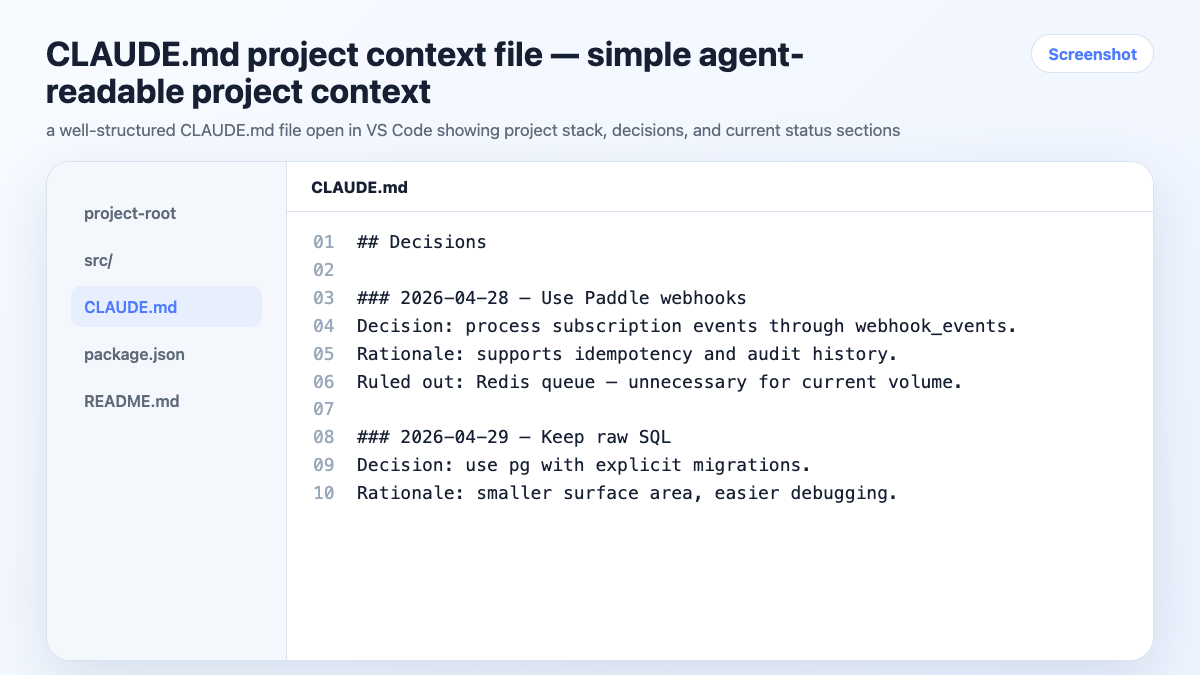
The simplest approach. A markdown file in each project directory that the agent reads at session start.
In Claude Code, CLAUDE.md loads automatically when you work in that directory. For other agents, you tell them to read CONTEXT.md at the start of each session.
What it does well:
- Zero setup, works immediately
- Lives in the repo, version-controlled
- Agent-readable without any integration
- Free
What it doesn't do:
- Doesn't update automatically — you maintain it manually
- No task tracking
- No decision logging (unless you do it manually)
- Doesn't scale well past 3-4 active projects
Best for: Single project, stable context, developer already working in a codebase.
Option 2: Obsidian
Obsidian is a local-first markdown knowledge base. Some developers use it as a Notion alternative because it's faster, offline-first, and stores everything as plain markdown files.
For AI workflows, it has the same limitation as Notion: it's a human-facing tool. You can point an agent at an Obsidian vault file, but the agent won't update it automatically, and there's no structured project context format.
What it does well:
- Local files, no vendor lock-in
- Fast, offline, markdown-native
- Good for personal knowledge management
What it doesn't do:
- No native AI agent integration
- Manual maintenance
- No task tracking or decision logging
Best for: Personal knowledge management, not AI agent workflows.
Option 3: Linear / Jira (Task Trackers)
Linear and Jira are project management tools, not context management tools. They track tasks well, but they don't store the kind of project context an AI agent needs — stack decisions, architectural choices, client constraints, current focus.
Some developers use them alongside a context file: Linear for task tracking, CLAUDE.md for project context. That works, but it's two tools to maintain.
What it does well:
- Excellent task tracking
- Team collaboration
- Integration with GitHub, Slack, etc.
What it doesn't do:
- Not agent-readable without custom integration
- Doesn't store project context (stack, decisions, constraints)
- No automatic updates from AI sessions
Best for: Team task management, not AI session context.
Option 4: Persistent Workspaces with MemClaw
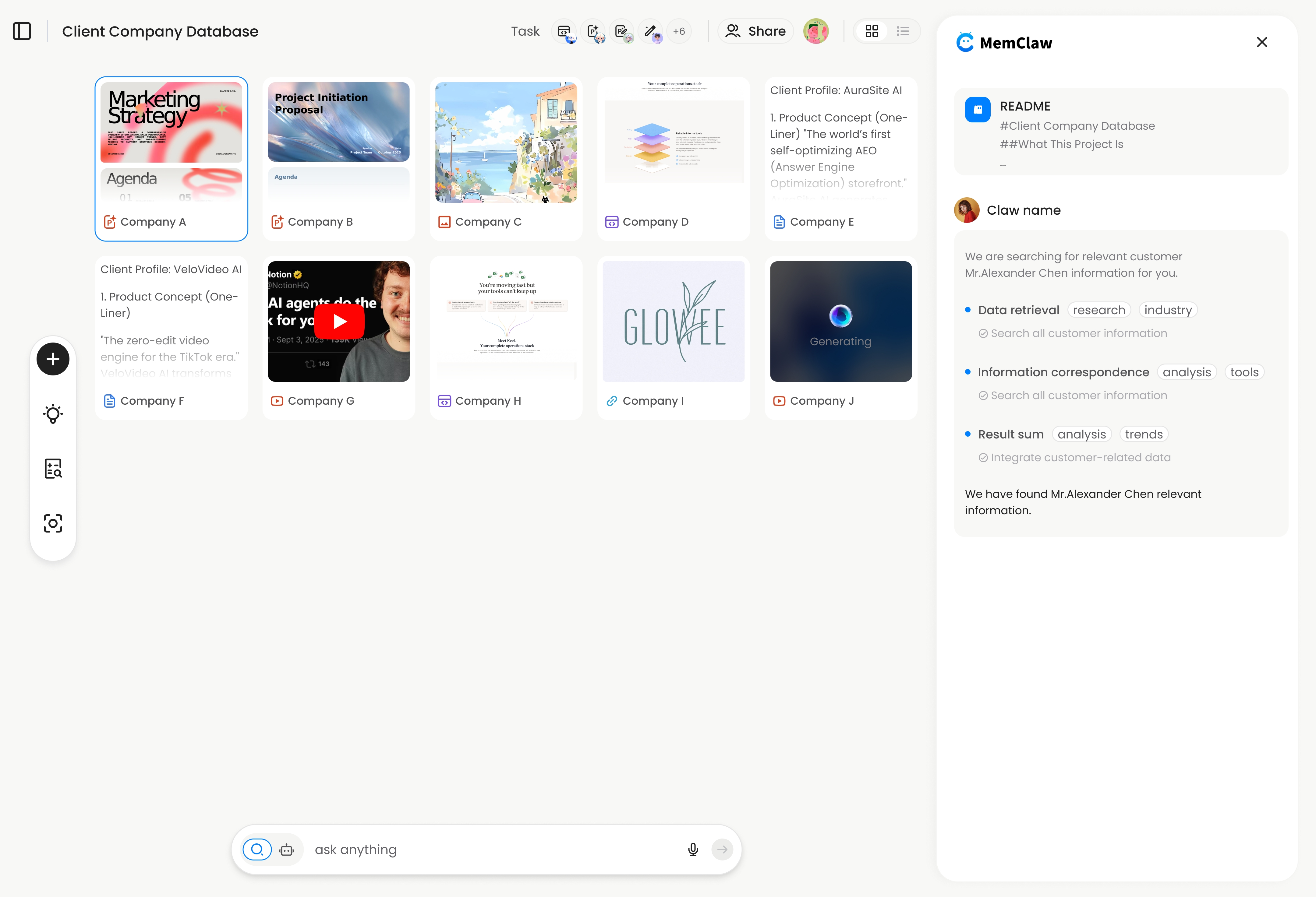
MemClaw is built specifically for the AI agent workflow layer. Each workspace is a structured context store that the agent reads and writes automatically.
What it does:
- Agent opens workspace at session start — full context in ~8 seconds
- Decisions logged automatically as you work
- Task state tracked and updated by the agent
- Artifacts (docs, specs, URLs) attached to the project
- Complete isolation between projects
- Works across Claude Code and OpenClaw
What it doesn't do:
- Not a general-purpose doc tool (use Notion for that)
- Not a task tracker with team features (use Linear for that)
- Requires Claude Code or OpenClaw
Best for: AI-assisted development work across multiple projects.
! MemClaw persistent workspace — agent-readable project context with automatic updates
Try it: Get started at memclaw.me →
Side-by-Side Comparison
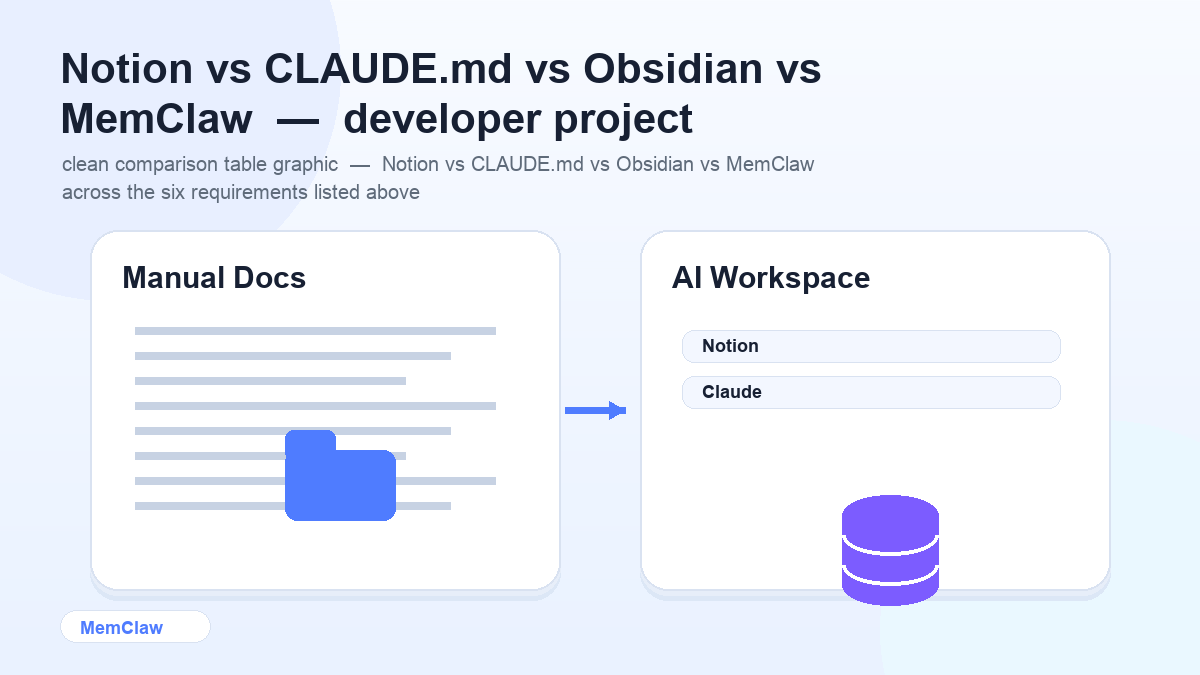
| | Notion | CLAUDE.md | Obsidian | MemClaw | |---|---|---|---|---| | Agent-readable | ❌ Manual | ✅ Yes | ❌ Manual | ✅ Yes | | Auto-updates | ❌ No | ❌ No | ❌ No | ✅ Yes | | Project isolation | ⚠️ Manual | ✅ Per-directory | ⚠️ Manual | ✅ Per-workspace | | Task tracking | ⚠️ Manual | ❌ No | ❌ No | ✅ Yes | | Decision logging | ⚠️ Manual | ⚠️ Manual | ⚠️ Manual | ✅ Auto | | Fast context restore | ❌ No | ✅ Yes | ❌ No | ✅ Yes | | Setup effort | Low | None | Low | Low |
The Right Tool for Each Job
These tools aren't competing for the same job. The confusion comes from trying to use one tool for everything.
Use Notion for:
- Product specs and design docs
- Team wikis and onboarding docs
- Meeting notes and async communication
- Anything humans need to read and edit collaboratively
Use CLAUDE.md for:
- Single-project AI context (stack, constraints, preferences)
- Static information that rarely changes
- When you want context in version control
Use Linear / Jira for:
- Team task management
- Sprint planning and backlog
- GitHub integration and PR tracking
Use MemClaw for:
- AI agent session context across multiple projects
- Automatic decision logging and task tracking
- Fast context restoration at session start
- Multi-project isolation
A Practical Setup for Serious AI-Assisted Development
Here's what a well-organized setup looks like for a developer running 3-5 projects:
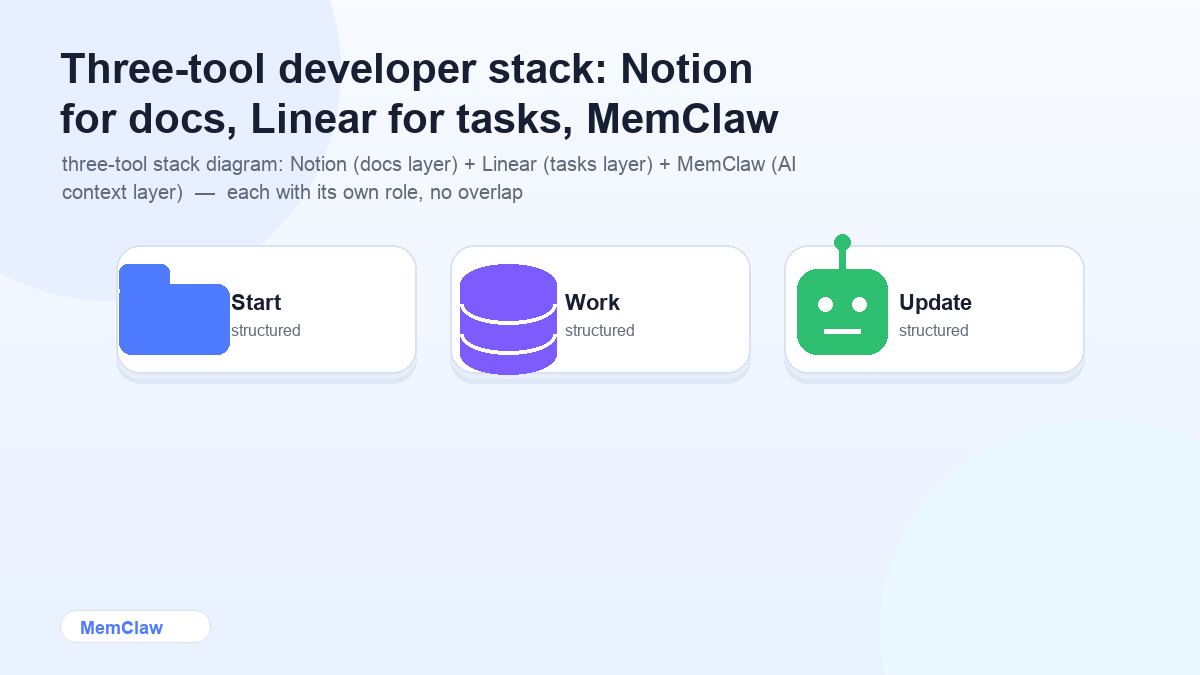
Notion — product specs, design docs, client-facing documentation. Humans write and read this.
Linear — task management, sprint tracking, GitHub integration. The team uses this.
MemClaw workspaces — one per project. The AI agent reads and writes this. Stack, decisions, current focus, in-progress tasks. Nobody maintains it manually — the agent does.
The three tools don't overlap. Each does one job well.
Open the client-dashboard workspace
Agent reads the workspace. Knows the stack, the current tasks, the decisions made last week. You start working immediately.
Frequently Asked Questions
Can I use Notion as my AI context store if I set it up carefully?
You can paste Notion content into an AI session manually, but there's no native integration that lets Claude Code or OpenClaw read from Notion automatically. You'd also need to update it manually after each session. It works as a workaround, but it's more friction than a purpose-built solution.
Is MemClaw a replacement for Notion?
No. MemClaw is an AI agent context layer — it stores project context for AI sessions. Notion is a human-facing doc tool. They solve different problems and work well together.
What if I'm a solo developer with one project?
A CLAUDE.md file is probably all you need. It's free, zero setup, and works immediately. MemClaw adds value when you're managing multiple projects and want automatic context updates.
Does MemClaw integrate with Linear or Jira?
Not natively. MemClaw workspaces are standalone context stores. You can reference Linear tickets in a workspace (e.g., "current sprint: LIN-234, LIN-235"), but there's no automatic sync.
What about GitHub Copilot Workspace?
GitHub Copilot Workspace is focused on code generation within a repository context. MemClaw is focused on project-level context across sessions — decisions, preferences, task state, client constraints. They address different layers of the AI development workflow.
The Bottom Line
Notion is a great doc tool. It's not an AI agent context tool. If you're doing serious AI-assisted development work, you need something the agent can read and write automatically — not a doc you maintain manually and paste into sessions.
For simple setups: CLAUDE.md in each project directory. For multi-project work with automatic context management: MemClaw workspaces.
Keep Notion for what it's good at. Use the right tool for the AI layer.
Running multiple projects with AI agents? Set up persistent workspaces with MemClaw →