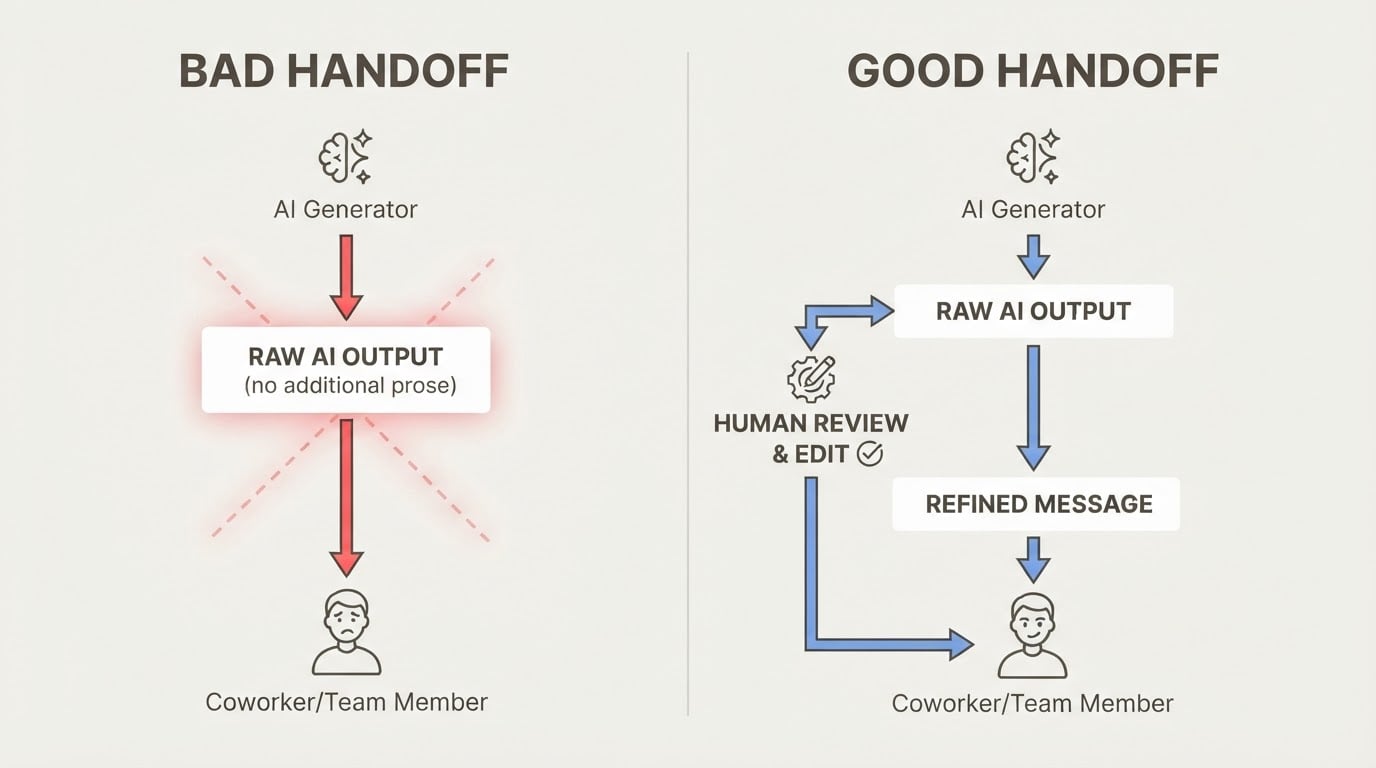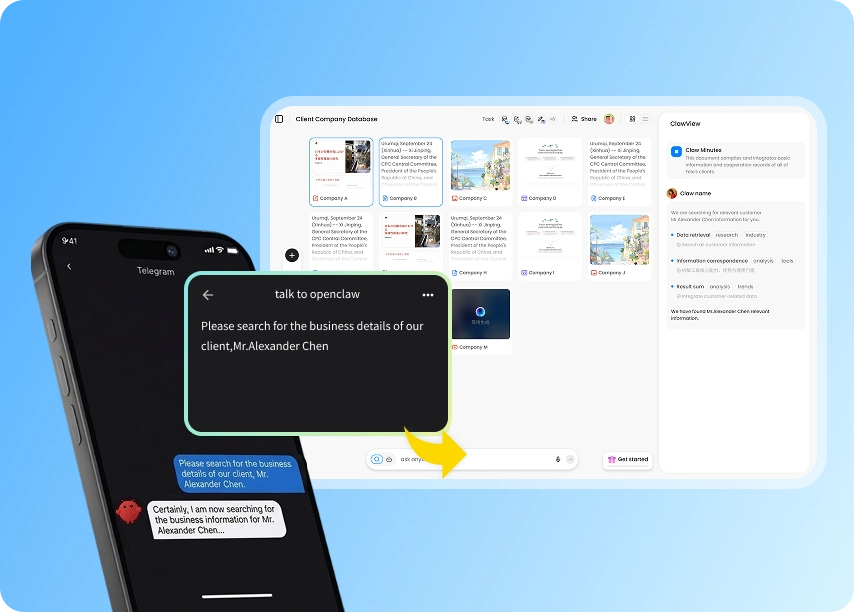

The Problem Every AI Project Manager Hits
You're using AI project management tools to stay on top of three client projects. You finish a session on Client A's codebase, then open a new conversation for Client B. The AI has no idea what you were just doing. You spend the next 10 minutes re-explaining the project background, the current sprint, the architecture decisions you made last week, and the pricing you quoted.
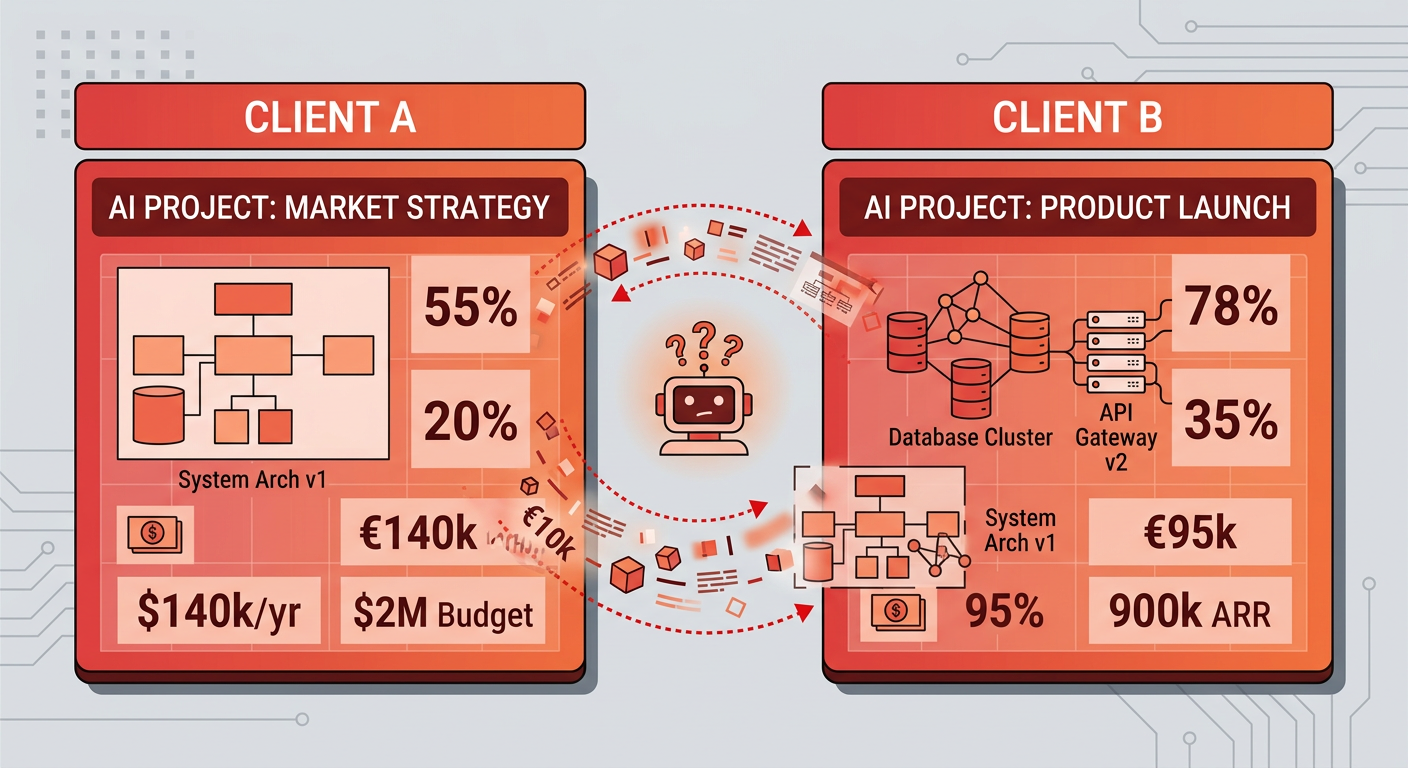
Then it gets worse. Midway through the Client B session, the AI surfaces a detail that belongs to Client A. Context contamination — the silent killer of AI-assisted project work.
This is the core problem that most AI project management tools don't solve. They track tasks. They generate summaries. But they don't give your AI a persistent, project-scoped memory that survives across sessions and stays cleanly separated between projects.
MemClaw does. It's built specifically for the demands of AI-driven project workflows — and it's free to start.
Why Most AI Project Management Tools Fall Short
Generic project management tools with AI features — Monday.com, Asana, ClickUp, Notion — are designed around task boards and timelines. The AI layer is bolted on: it can summarize a document or draft a status update, but it doesn't know your project the way a colleague would.
The result is what researchers call the "context switching tax." Every time you start a new AI session, you pay a hidden productivity cost: re-explaining context, correcting misunderstandings, and cleaning up outputs that mixed up one project's details with another's.
According to a 2025 Gartner survey, over 80% of companies report no measurable productivity gains from AI tools despite significant investment — and only 28% of AI use cases in IT operations fully met ROI expectations. One root cause is consistent: AI tools that don't maintain project context force users to do the memory work themselves. The tool becomes a liability instead of a lever.
The fix isn't a better task board. It's giving your AI a memory that works the way your projects actually work — isolated, persistent, and instantly restorable.
How MemClaw Works as an AI Project Management Tool
MemClaw adds project-scoped persistent memory to OpenClaw (Claude Code). Each project gets its own isolated memory workspace. When you're working on Client A, the AI only loads Client A's context. Client B's pricing, requirements, and architecture notes stay completely separate.
Here's how to set it up:
Step 1: Install MemClaw in One Command
Send this to OpenClaw:
Please install https://github.com/Felo-Inc/memclaw and use MemClaw after installation.
Setup takes under 5 minutes. You'll need a Felo API key from felo.ai/settings/api-keys to activate it — that's the only configuration required.
Step 2: Create a Project Workspace
Once installed, tell MemClaw to create a workspace for your project. Each workspace is a memory boundary. Anything saved inside it stays inside it — no bleed-through to other projects, no matter how many you're running in parallel.
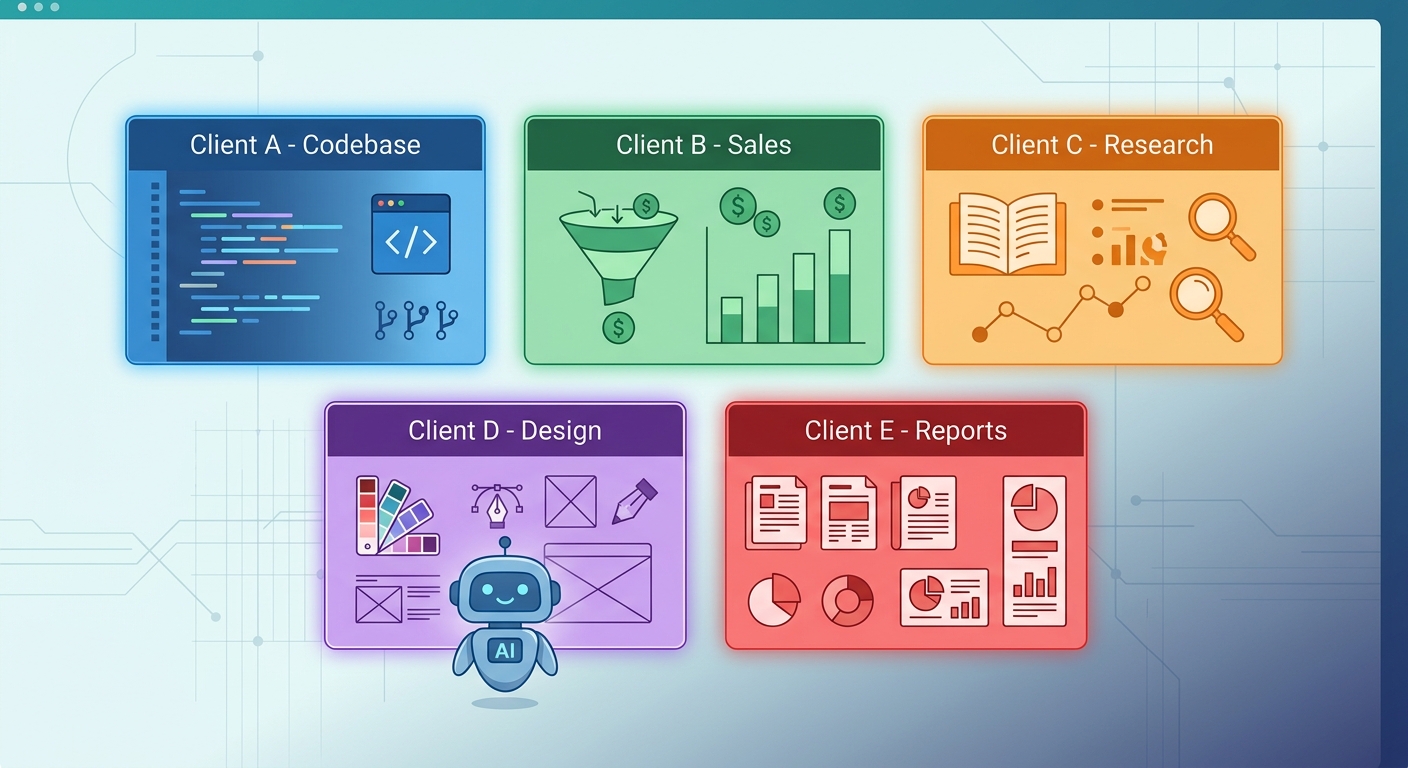
MemClaw supports 5+ parallel projects and 6+ clients simultaneously. The memory loads on demand based on which project you're currently in, so there's no noise from unrelated conversations.
Step 3: Work Normally — MemClaw Saves Context Automatically
As you work, MemClaw captures key decisions, architecture notes, pricing details, and project state. You don't have to manually save anything. The next time you open that project, everything is there.
As the MemClaw team describes it: "When I discovered the AI was mixing Client B's product information into a competitive analysis for Client A, I realized context contamination wasn't an occasional bug — it was a real, systemic problem. We designed MemClaw's core principle around making every project an island."
Step 4: Restore Full Context with One Sentence
When you return to a project after a gap — a day, a week, two weeks — you don't re-explain anything. Just say:
Open the project I worked on most recently.
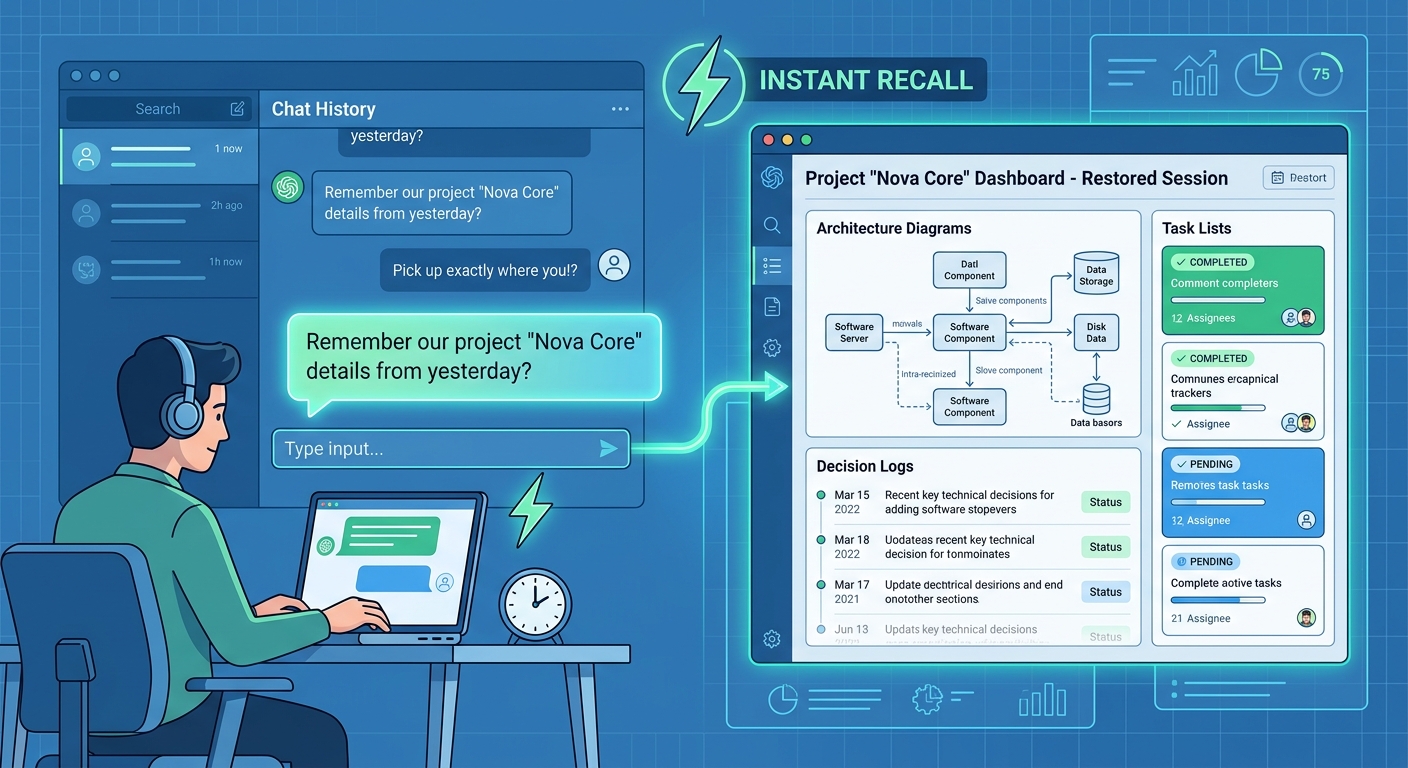
MemClaw restores the full context: where you left off, what decisions were made, what's still open. The AI picks up exactly where you stopped.
MemClaw also provides a Context Restoration feature that preserves key decisions, pricing details, and architecture notes across sessions — eliminating the "what was I doing?" problem that breaks focus between long gaps in project work.
Step 5: Review and Share Project Memory
MemClaw includes a browser-based Web Memory Review interface where you can search, inspect, and manage everything your AI has stored across all projects. You can see exactly what the AI knows about each project, correct misinterpretations before they cause problems, and share project memory with teammates via a link.
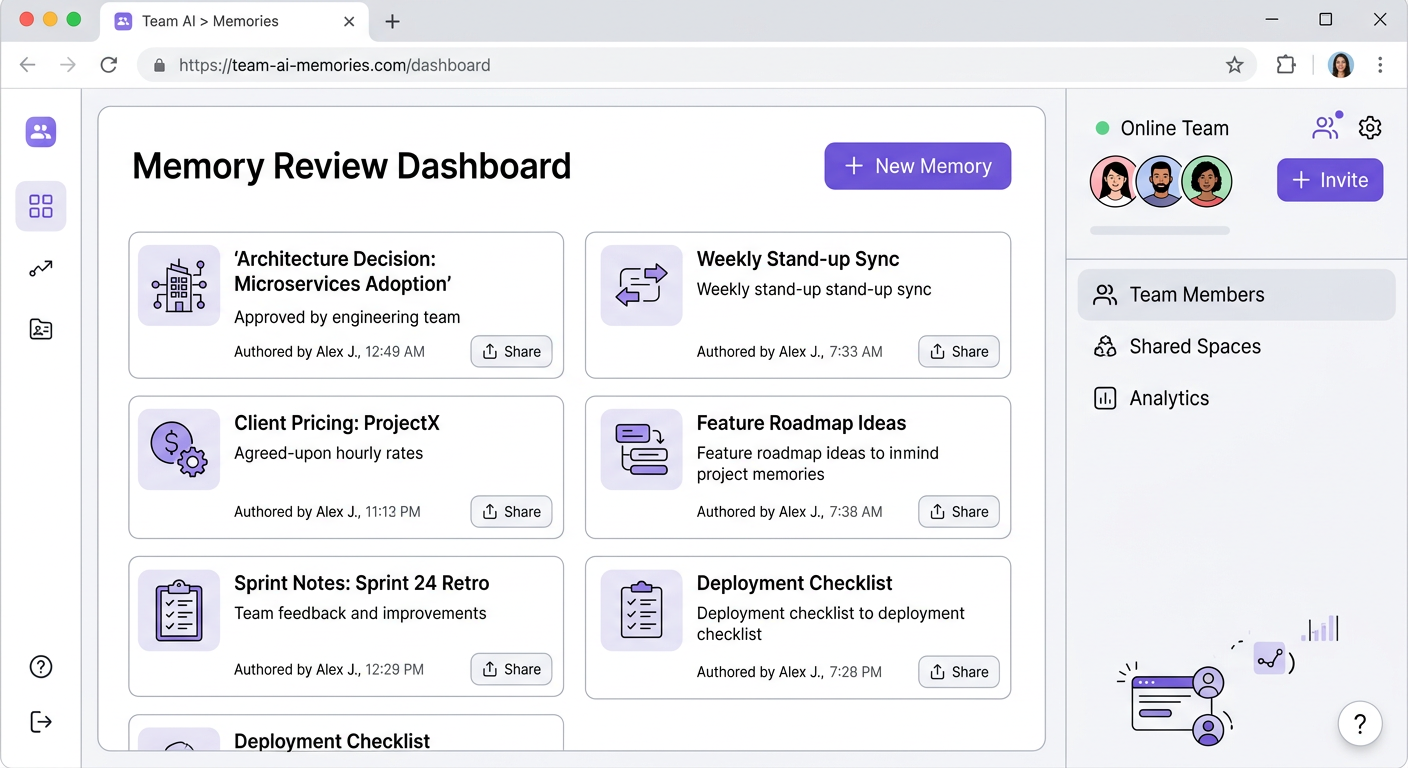
This visibility is something users consistently find surprising: "The web view revealed OpenClaw had been remembering far more than I expected." That transparency is what makes MemClaw a real project management tool, not just a memory add-on.
Learn more about how MemClaw handles project-scoped memory isolation and context restoration .
Who Benefits Most from AI Project Management Tools Like MemClaw
Freelance Developers
If you're juggling 3 client codebases, context contamination is a constant risk. MemClaw keeps each client's codebase, requirements, and decisions in a separate memory workspace. You switch projects without switching mental gears — the AI already knows where you are.
Sales Consultants and Account Managers
Tracking 6 clients with separate pricing, requirements, and relationship history is exactly what MemClaw was built for. Each client gets their own memory island. The AI never surfaces Client A's pricing in a Client B conversation.
Researchers and Knowledge Workers
If you're maintaining distinct knowledge bases for separate research initiatives, MemClaw gives each one a clean boundary. You can build deep context in one research thread without it polluting another.
Small Teams
MemClaw's team sharing feature lets you share project memory via links. Teammates work from the same reviewable memory layer — not fragmented context forwarded through chat. Everyone's AI starts from the same project knowledge base.
Frequently Asked Questions
Is MemClaw free?
Yes. MemClaw is free to install and use immediately. There are no paid tiers currently listed — "MemClaw is free to start" is the pricing model.
Does MemClaw work with Claude Code / OpenClaw?
Yes. MemClaw is built specifically as a skill for OpenClaw (Claude Code). It installs via the OpenClaw skill system with a single command.
How is MemClaw different from Claude Projects?
Claude Projects stores context within Anthropic's interface. MemClaw gives you project-scoped memory that works across sessions in your own OpenClaw environment, with a web interface for reviewing and managing what's stored, and team sharing capabilities.
Can my team use it?
Yes. You can share project memory via links for collaborative viewing and editing. Teammates can access the same project context without needing to be in the same conversation.
Is my data secure?
Felo-managed cloud infrastructure encrypts project data in transit and at rest. Each project maintains its own memory boundary — architectural isolation prevents context leakage across clients and workstreams.
Start Managing AI Projects the Right Way
Most AI project management tools give you a smarter task board. MemClaw gives your AI a second brain — one that knows which project it's in, remembers what matters, and never mixes up your clients.
If you use OpenClaw seriously across multiple projects, you've felt the pain of context loss. MemClaw is the fix.
MemClaw is free to start. Install it in under 5 minutes.