The AI Agent's External Brain: Why Your Agent Needs One
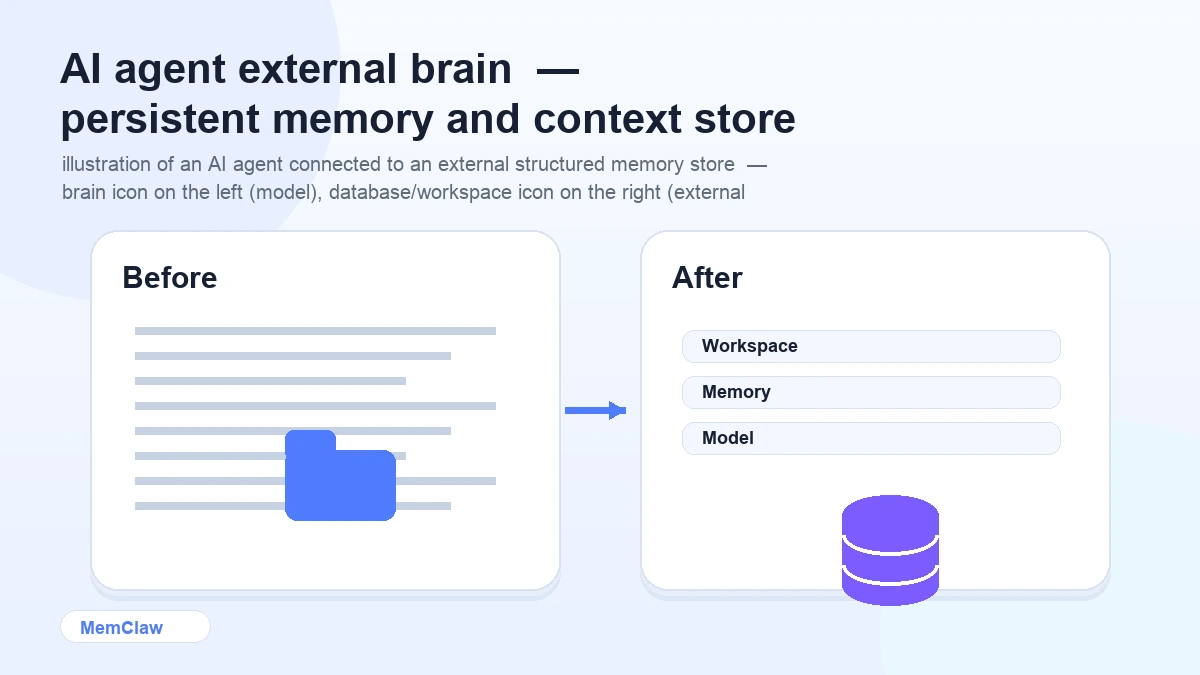
AI agents are powerful within a session. They can reason, plan, write code, synthesize research, and make decisions. But the moment you close the session, everything they learned is gone.
This isn't a flaw in the model. It's a fundamental property of how language models work. The model itself has no persistent memory — it only knows what's in the current context window.
The solution isn't a better model. It's an external brain.
What an External Brain Actually Is
An external brain is a structured memory store that lives outside the model — something the agent can read from and write to, that persists across sessions.
It's not a notes doc you maintain manually. It's not a system prompt you paste in. It's a persistent, structured store that the agent interacts with directly:
- Reads at session start to restore context
- Writes during the session to log decisions and update task state
- Stores artifacts — specs, docs, URLs — attached to the project
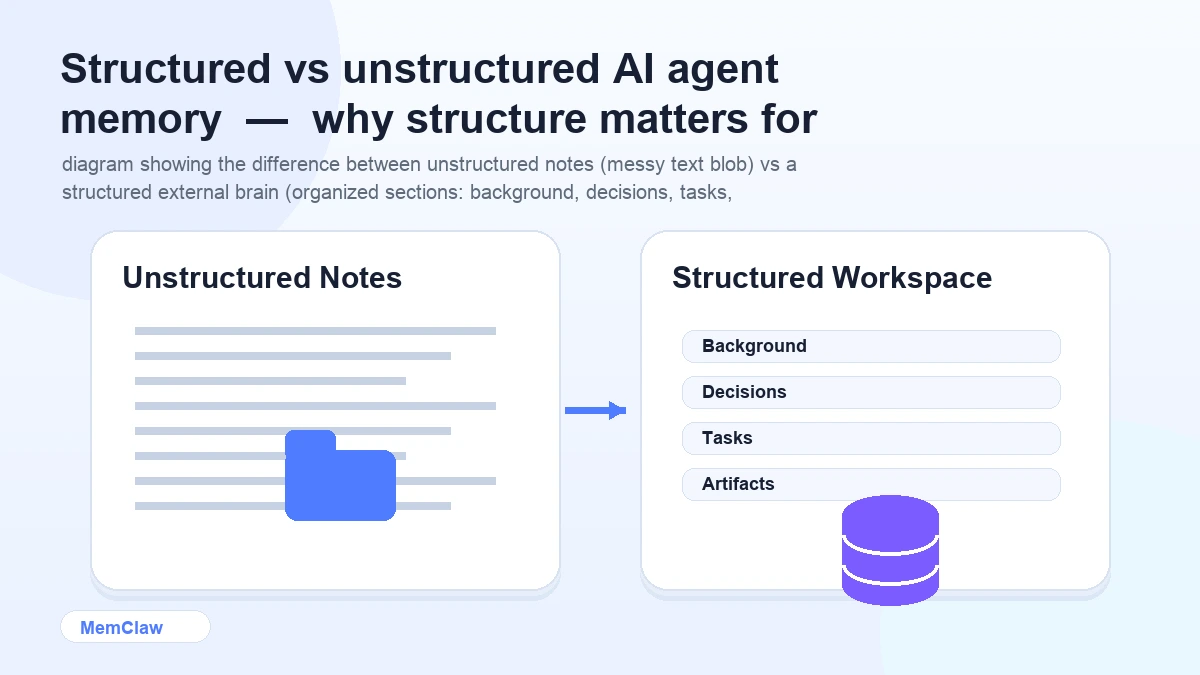
The key word is structured. A wall of text in a notes app isn't an external brain. A structured workspace with defined sections for background, decisions, tasks, and artifacts — that the agent knows how to read and update — is.
The Problem It Solves
Without an external brain, every session starts from zero. You re-explain the project. The agent re-learns your conventions. Decisions made last week get re-litigated. Tasks completed yesterday are unknown.
This overhead compounds fast. For a single project, it's annoying. For five projects running in parallel, it's a significant chunk of your productive time — spent on re-briefing instead of actual work.
The specific problems an external brain solves:
Context loss between sessions. The agent opens the workspace and immediately knows the stack, the current focus, the constraints. No re-briefing.
Lost decisions. Every significant decision is logged in the workspace. "We already ruled that out" is backed by a record, not memory.
No task continuity. The workspace tracks what's done, in progress, and blocked. The agent picks up exactly where you left off.
Context bleed between projects. Each project has its own workspace. Client A's context never touches Client B's.
How It Works in Practice
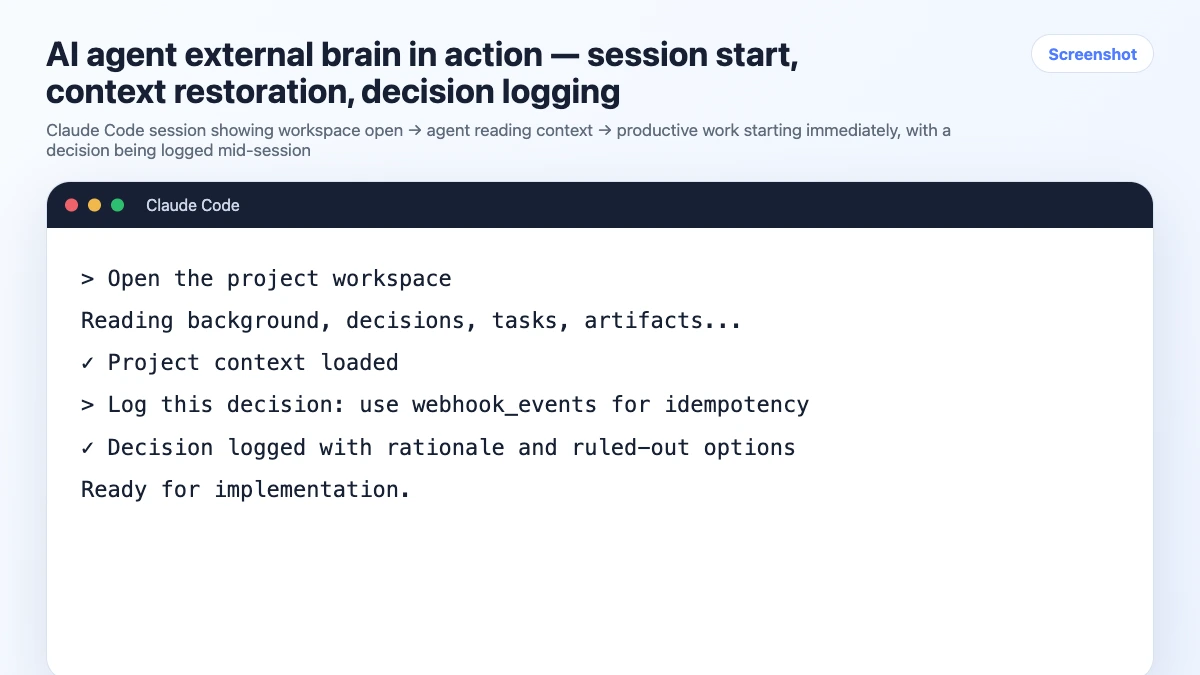
Here's what a session looks like with an external brain in place:
Session start:
Open the payment-api workspace
The agent reads the workspace. In about 8 seconds, it knows:
- Stack: Node.js, Express, PostgreSQL, Paddle
- Current focus: webhook handler for subscription events
- Last session: completed the basic webhook endpoint, still need idempotency handling
- Key decisions: using Paddle not Stripe, raw SQL not ORM, JWT auth 24h expiry
You start working immediately. No warm-up. No re-explaining.
During the session:
When you make a decision:
Log this: we're handling idempotency with a webhook_events table,
checking event_id before processing. Ruled out Redis — too much overhead for this volume.
The agent logs it to the workspace. It's there for next session.
Session end:
Update task status and summarize what we finished.
The workspace reflects the current state. Next session starts clean.
What Goes Into an External Brain
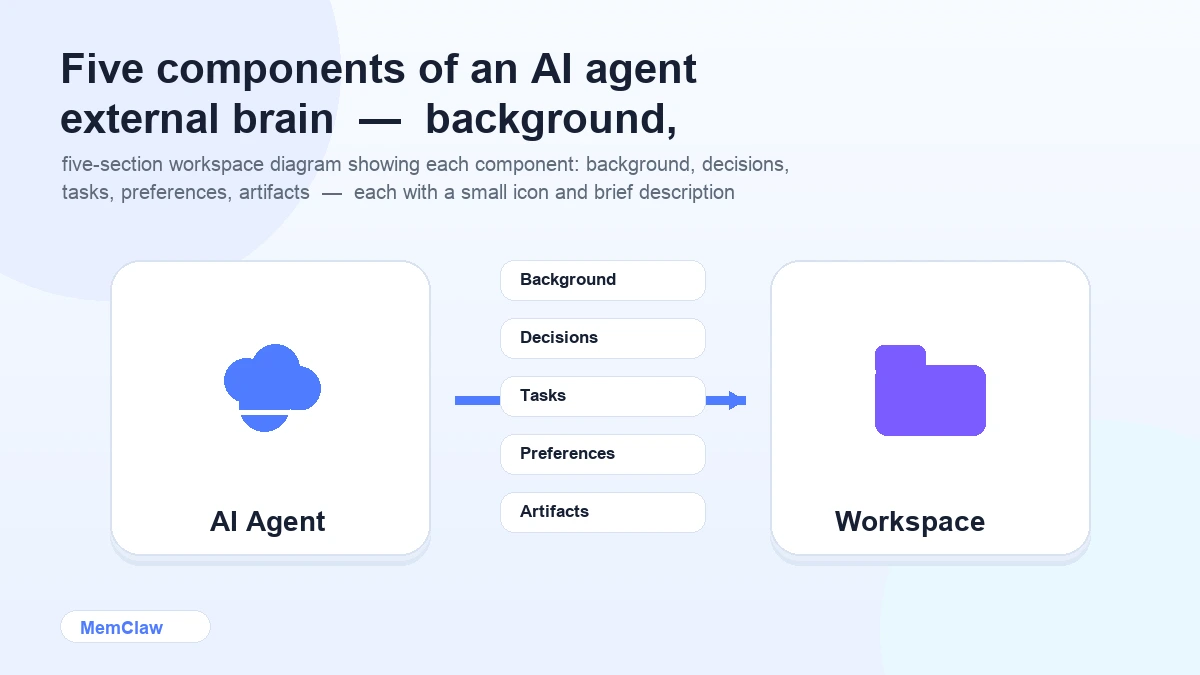
A well-structured external brain has five components:
1. Project background The stable context that rarely changes: what the project is, who it's for, the tech stack, the architecture, key constraints.
2. Decisions log A running record of significant decisions — what was chosen, what was ruled out, and why. This is the most valuable part. It prevents re-litigation and gives the agent the reasoning behind choices, not just the choices themselves.
3. Task state Current status: what's done, what's in progress, what's blocked, what's next. Updated at the end of each session.
4. Preferences and conventions Code style, naming conventions, patterns to use or avoid, things the agent should always or never do in this project.
5. Artifacts Reference material attached to the project: API docs, design specs, client briefs, architecture diagrams. The agent can pull these up without you pasting them in every session.
Building Your External Brain
Option 1: Manual Context Files
The simplest version: a CLAUDE.md or CONTEXT.md per project. You write it, you maintain it, the agent reads it.
# Project: Payment API

## Stack
Node.js 18, Express, PostgreSQL, Paddle

## Decisions
- Paddle over Stripe — already integrated, client preference
- Raw SQL with pg — no ORM, team preference
- JWT auth, 24h expiry — confirmed with security review

## Current Status
- [ ] Webhook handler — in progress
- [x] Basic endpoint — done
- [ ] Idempotency handling — not started

## Conventions
- No default exports
- Async/await only
- Tests with Vitest
Pros: Free, zero setup, version-controlled. Cons: Manual maintenance. You update it; the agent doesn't. Goes stale under pressure.
Option 2: MemClaw Persistent Workspaces
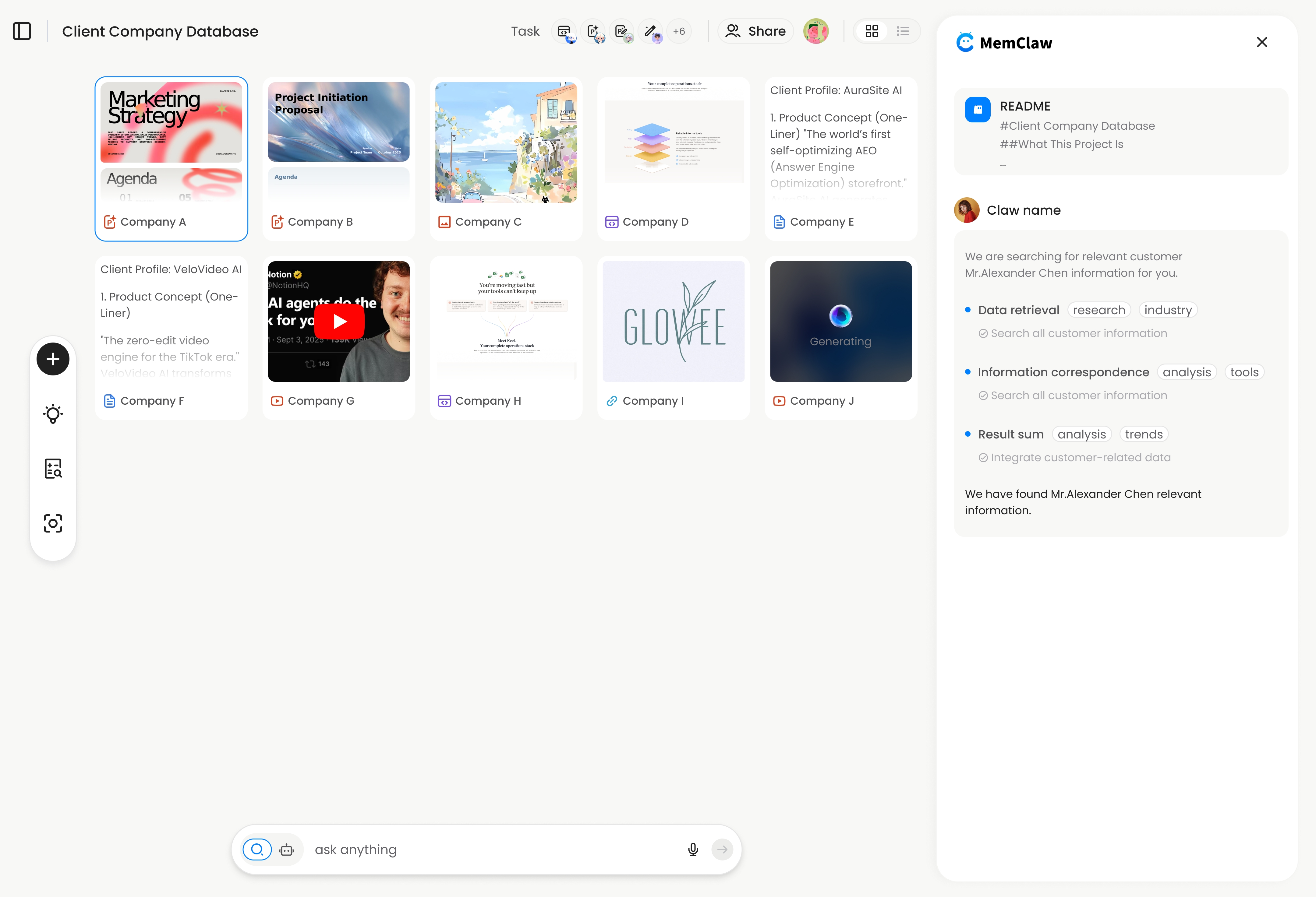
MemClaw is an external brain built specifically for AI agents. The structure is the same as above, but the agent maintains it automatically.
Setup:
export FELO_API_KEY="your-api-key-here"
/plugin marketplace add Felo-Inc/memclaw
/plugin install memclaw@memclaw
Create a workspace:
Create a workspace called "payment-api"
Use it:
Open the payment-api workspace
The agent reads the workspace, works, logs decisions, updates task state — all automatically. You don't maintain it manually.
Pros: Automatic updates, task tracking, artifact storage, multi-project isolation, works across Claude Code and OpenClaw. Cons: Requires plugin installation and a Felo API key.
! MemClaw as an AI agent external brain — persistent workspace with automatic updates
Try it: Get started at memclaw.me →
External Brain vs Built-in Model Memory
It's worth distinguishing between an external brain and the built-in memory features some AI products offer.
Built-in model memory (ChatGPT Memory, Claude Projects) stores facts about you globally. It applies across all your conversations. It's good for personal preferences — your writing style, your common tools, your background.
External brain (project workspace) stores context about a specific project. It's scoped to one project, isolated from others, and tracks project-specific state: decisions, tasks, artifacts.
They solve different problems. An external brain doesn't replace built-in memory — it complements it. Global memory handles "who you are." The external brain handles "what this project is and where it stands."
Frequently Asked Questions
Is an external brain the same as RAG (Retrieval-Augmented Generation)?
RAG is a technique for retrieving relevant information from a large corpus at query time. An external brain is a structured project context store. They're related concepts — both involve external memory — but an external brain is simpler and more focused: it stores structured project state, not a searchable knowledge base.
How much context can an external brain hold?
A well-maintained workspace is typically a few hundred to a few thousand tokens — stack info, decisions, task state, preferences. This is well within any modern model's context window. The goal is focused, accurate context, not comprehensive history.
Does the agent always read the full workspace?
Yes, at session start. The workspace is loaded into the context window when you open it. This is why keeping it focused matters — a bloated workspace with outdated information is less useful than a lean, accurate one.
What happens if the agent updates the workspace incorrectly?
You can review and correct workspace content at any time. With MemClaw, you can ask the agent to show you the current workspace state and edit specific sections. With manual context files, you edit the file directly.
Can I use an external brain with any AI agent?
Manual context files work with any agent that can read files. MemClaw workspaces currently integrate with Claude Code and OpenClaw. The concept applies universally — the implementation depends on the agent.
The Core Idea
AI agents are powerful but amnesiac. An external brain gives them the persistent memory they need to be useful across sessions — not by changing the model, but by building the right system around it.
The model handles reasoning. The external brain handles memory. Together, they produce an agent that knows where things stand, remembers what was decided, and picks up exactly where you left off.
Ready to give your agent an external brain? Set up persistent workspaces with MemClaw →