AI Agent Project Management: How to Keep AI on Track Across Long Projects
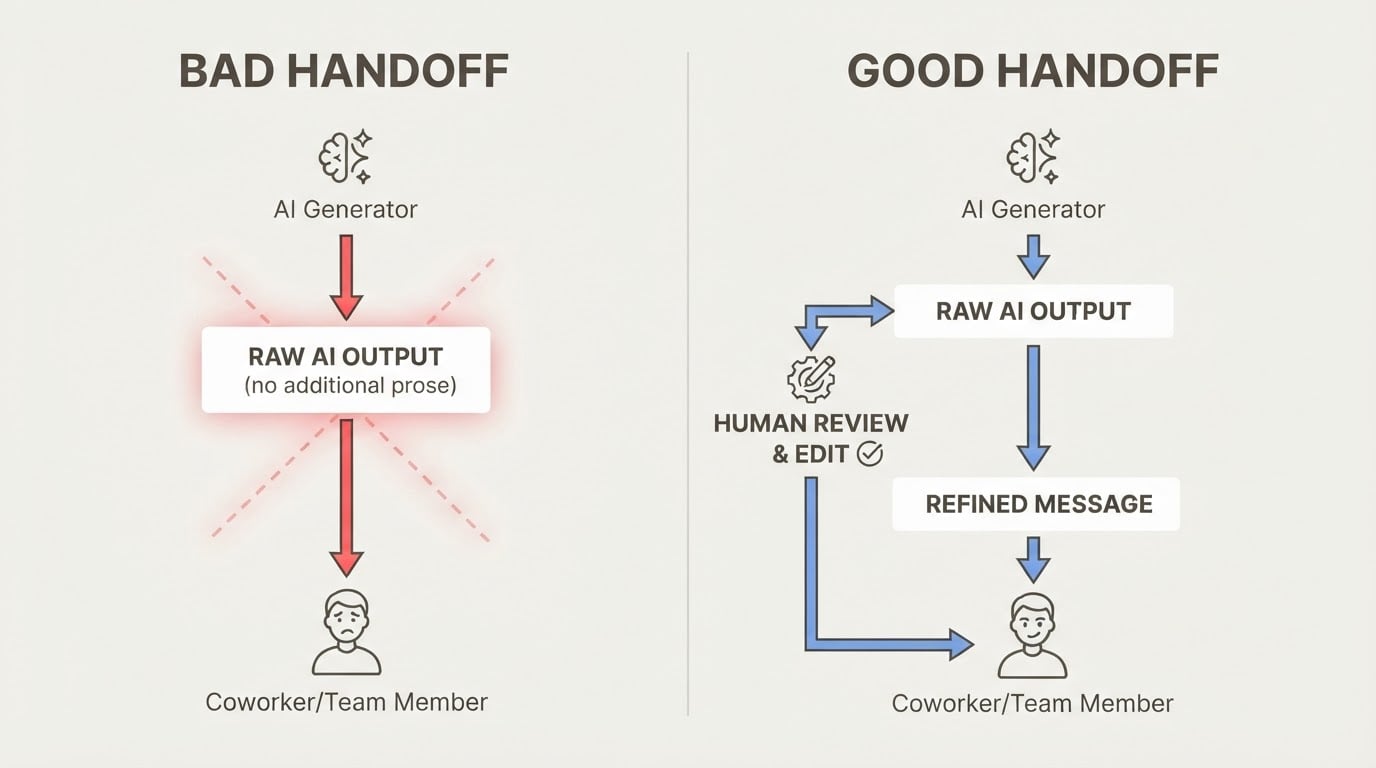
Short tasks are easy. You give the agent a clear prompt, it produces output, you're done.
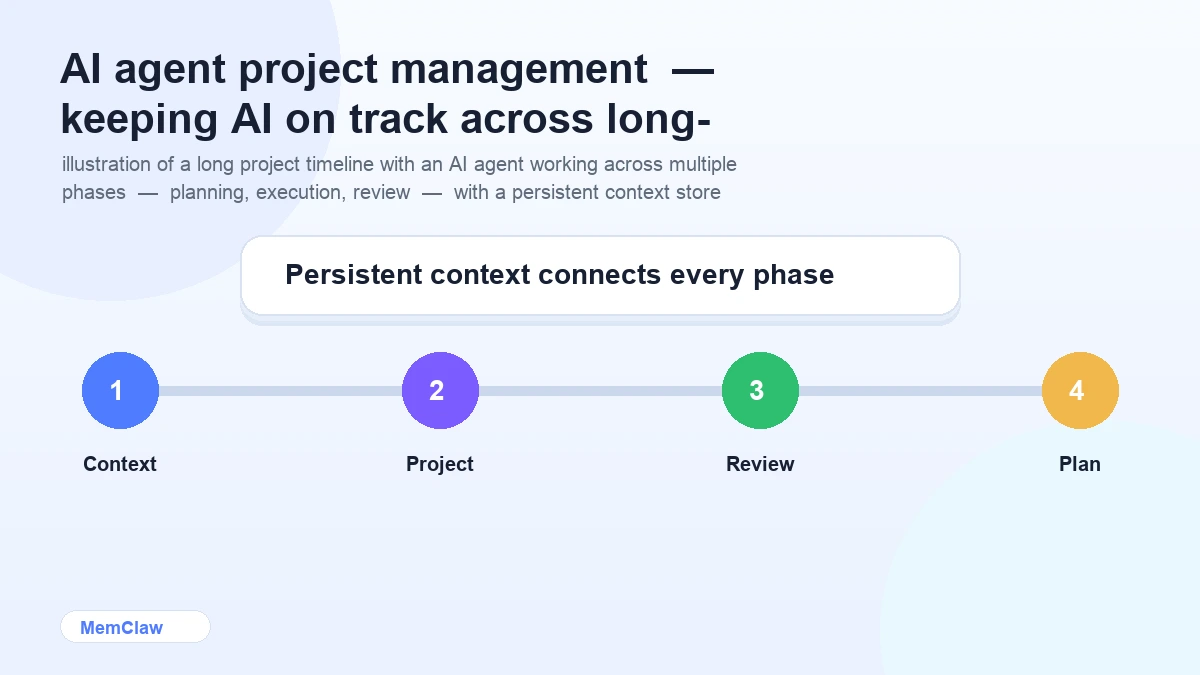
Long projects are different. A project that runs for weeks or months accumulates decisions, changes direction, builds up context that the agent needs to stay useful. Without structure, the agent drifts — it forgets what was decided, repeats work that's already done, and loses the thread of what the project is actually trying to accomplish.
This guide covers how to structure AI-assisted work on long projects so the agent stays useful from the first session to the last.
Why Long Projects Break Down
The failure mode is predictable. It happens in three stages:
Stage 1: The honeymoon (weeks 1-2) Everything works well. The project is fresh, context is simple, the agent produces good output. You're productive.
Stage 2: Context drift (weeks 3-6) The project has accumulated decisions, pivots, and complexity. The context file hasn't kept up. The agent starts making suggestions that contradict earlier decisions. You spend time correcting instead of building.
Stage 3: Re-briefing hell (week 7+) The context is so stale that you've stopped trusting it. Every session starts with a 20-minute re-briefing. The agent is still useful, but the overhead has eaten most of the productivity gain.
The fix isn't working harder on context maintenance. It's building a system that keeps context accurate automatically.
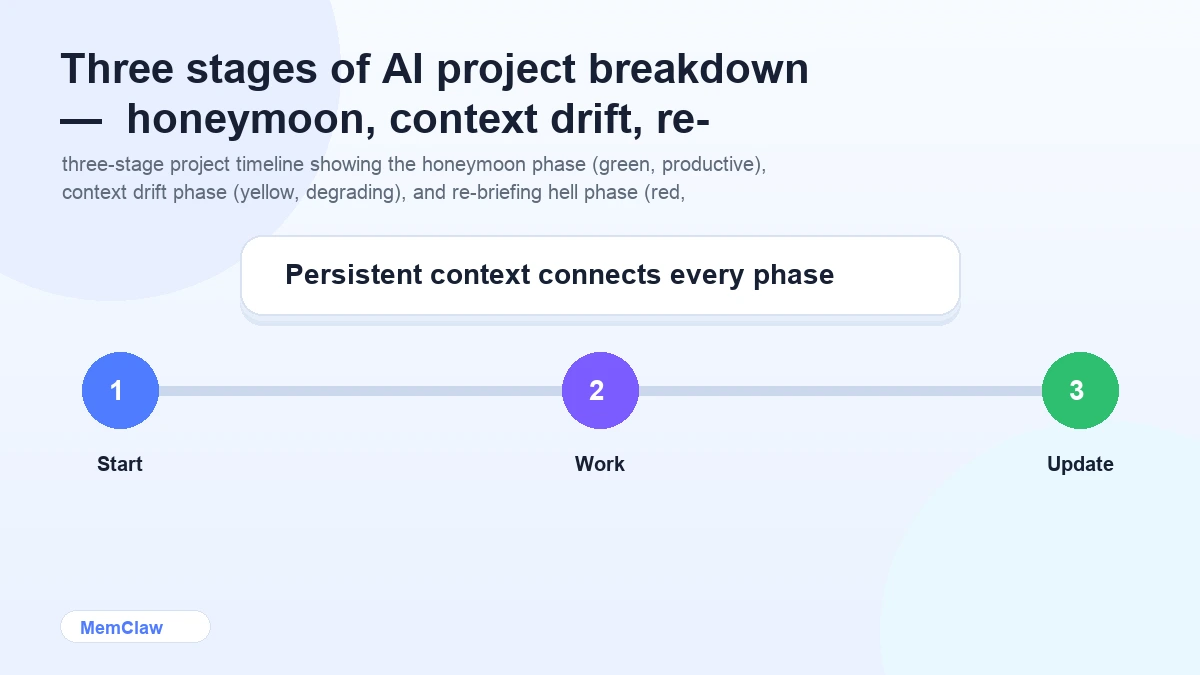
The Four Pillars of Long-Project AI Management
Pillar 1: A Living Project Brief
Every long project needs a living brief — a document that describes what the project is, what it's trying to accomplish, and what constraints apply. Unlike a static spec, a living brief gets updated as the project evolves.
The brief lives in your project context (a CLAUDE.md or a persistent workspace). It contains:
## Project Brief

**What:** Rebuild the checkout flow for mobile-first experience
**Why:** Current checkout has 68% abandonment on mobile
**Success:** Mobile checkout completion rate ≥ 45% (currently 32%)
**Deadline:** End of Q2

**Scope**
In: payment flow, order confirmation, email receipts
Out: account creation, saved payment methods (v2)

**Hard constraints**
- Must work on iOS Safari 15+
- No new payment processors — Paddle only
- Accessibility: WCAG 2.1 AA minimum
This brief is the anchor. When the project drifts or scope creep appears, you come back to it.
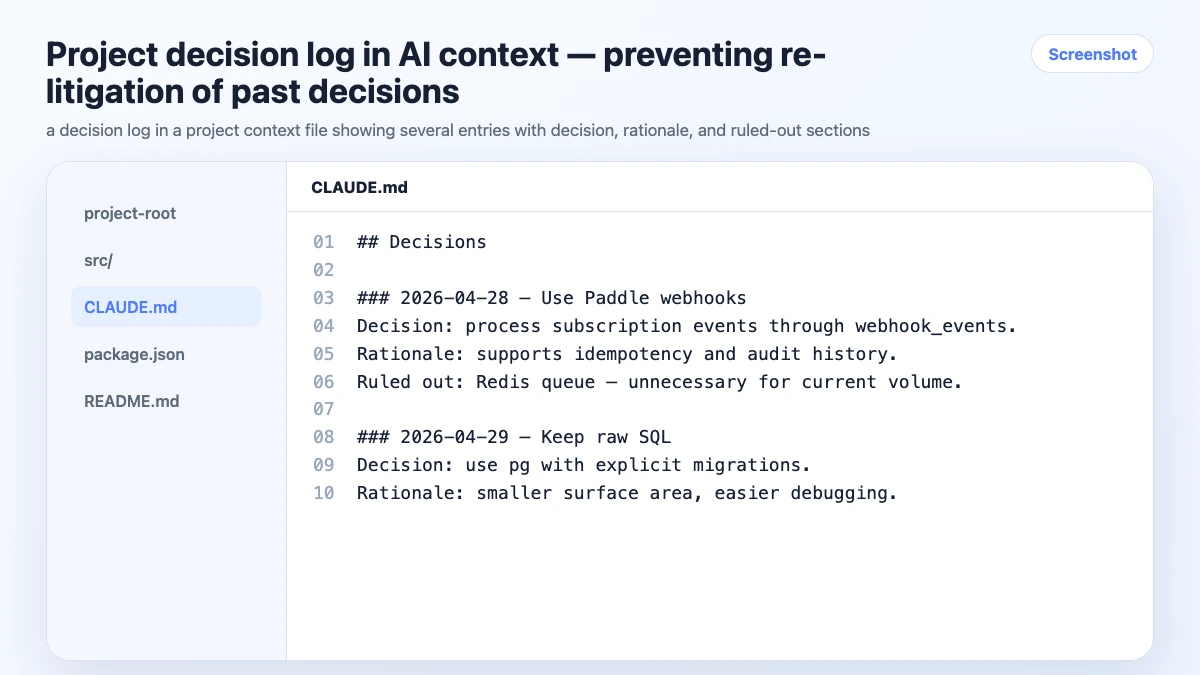
Pillar 2: A Decision Log
Every significant decision gets logged. Not in your head. Not in a Slack thread. In the project context where the agent can reference it.
The format matters. A good decision log entry has three parts:
## Decision Log

### 2026-04-15: Payment UI approach
**Decision:** Single-page checkout (not multi-step)
**Rationale:** A/B test data shows single-page reduces abandonment by 12% for our user segment
**Ruled out:** Multi-step wizard — too much friction on mobile
**Owner:** Product team

### 2026-04-22: Error handling strategy
**Decision:** Inline field errors, not toast notifications
**Rationale:** Toast notifications are missed on mobile; inline errors are harder to ignore
**Ruled out:** Modal error dialogs — blocks the form
When the agent suggests a multi-step checkout in week 8, you don't re-litigate it. You point to the decision log.
Pillar 3: Task State Tracking
The agent should always know what's done, in progress, and blocked. This isn't about project management software — it's about giving the agent enough state to be useful without you reconstructing it every session.
Keep a simple task state block in your project context:
## Task State

### Done
- [x] Mobile layout — responsive grid, tested iOS/Android
- [x] Payment form — Paddle integration, validation
- [x] Order confirmation page

### In Progress
- [ ] Email receipts — template done, sending logic in progress
- [ ] Error states — happy path done, edge cases remaining

### Blocked
- [ ] Analytics events — waiting on data team to confirm event schema

### Up Next
- [ ] Accessibility audit
- [ ] Performance testing on 3G
Update this at the end of every session. The agent reads it at the start of the next one and knows exactly where things stand.
Pillar 4: Regular Context Reviews
Every two weeks, spend 15 minutes reviewing the project context:
- Is the brief still accurate? Has scope changed?
- Is the decision log complete? Any decisions made in Slack that didn't get logged?
- Is the task state current? Any completed tasks still marked in progress?
- Are there constraints that have changed or been lifted?
A stale context file is worse than no context file — the agent will confidently use outdated information. Regular reviews keep it accurate.
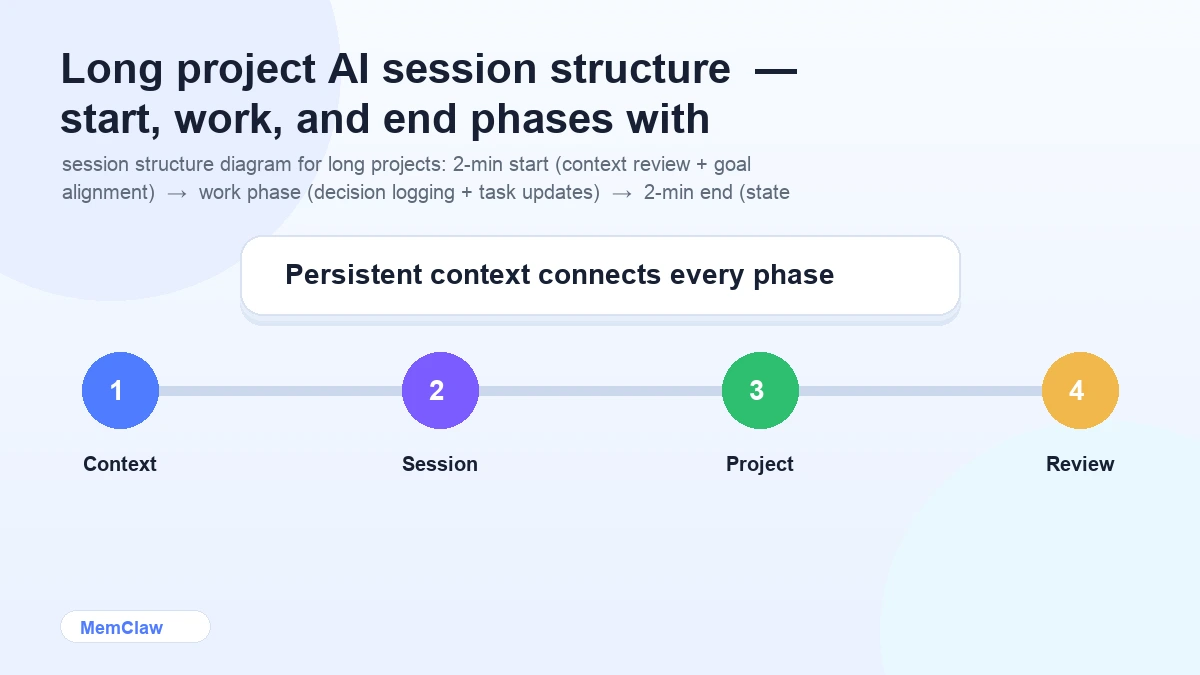
Session Structure for Long Projects
Session Start (2 minutes)
Open the [project] workspace.
What's the current task state? What are we working on today?
The agent reads the context, confirms the current state, and you align on the session goal before writing a single line of code.
During the Session
Log decisions immediately:
Log this decision: we're using CSS Grid for the payment form layout,
not Flexbox. Flexbox was causing alignment issues on iOS Safari 15.
Flag scope changes:
Note in the brief: client has asked to add saved payment methods to v1 scope.
This is a scope change — flag it for review.
Update task state as you go:
Mark "payment form validation" as done.
Add "Paddle webhook handler" to in progress.
Session End (2 minutes)
Update task state. Log any decisions made today.
What's the next session's starting point?
The context is current. The next session starts clean.
Handling Project Pivots
Long projects pivot. Requirements change, priorities shift, technical constraints emerge. When a pivot happens, the context needs to reflect the new direction — not the old one.
When a pivot occurs:
- Update the project brief immediately
- Log the pivot as a decision (what changed, why, what was ruled out)
- Archive completed work that's no longer relevant (don't delete — move to an "archived" section)
- Update the task state to reflect the new direction
The project has pivoted. Update the brief:
- Remove "saved payment methods" from v1 scope — pushed to v2
- Add "guest checkout" to v1 scope — client priority change

Log this as a decision:
Scope change 2026-05-01: guest checkout added to v1, saved payment methods moved to v2.
Rationale: user research showed 40% of users prefer guest checkout.
The agent now works from the updated context. No confusion about what's in scope.
Using MemClaw for Long Projects
For projects running more than a few weeks, manual context file maintenance becomes the bottleneck. You're updating files at the end of tired sessions, decisions slip through, task state drifts.
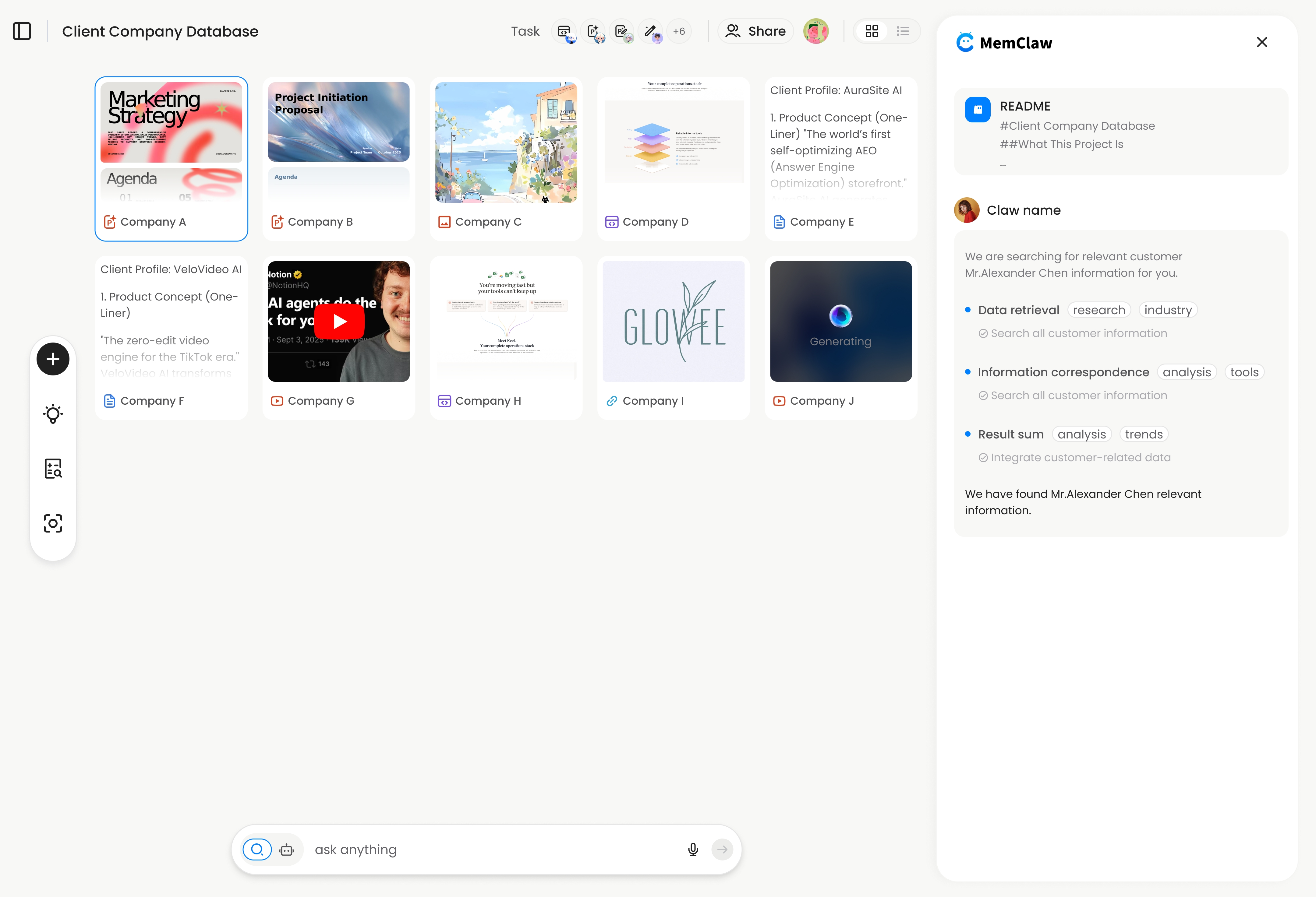
MemClaw persistent workspaces automate the maintenance layer. The agent updates the workspace as you work — decisions logged, task state updated, artifacts stored. You review and correct; you don't maintain from scratch.
export FELO_API_KEY="your-api-key-here"
/plugin marketplace add Felo-Inc/memclaw
/plugin install memclaw@memclaw
Create a workspace called "checkout-rebuild"
The workspace structure maps directly to the four pillars: brief, decision log, task state, artifacts. The agent reads it at session start and updates it throughout.
For a 3-month project, the difference between manual context files and a persistent workspace is the difference between context that's 60% accurate by month 2 and context that's 95% accurate throughout.
! MemClaw persistent workspace for long-running AI projects
Try it: Get started at memclaw.me →
Milestones and Handoffs
For longer projects, milestones help keep the context manageable. At each milestone:
Archive completed work:
Move all completed tasks from the current sprint to an "Archived — Sprint 1" section.
Keep the task state focused on active work.
Write a milestone summary:
Write a milestone summary for Sprint 1:
what was completed, what was learned, what changed from the original plan.
Save it as an artifact called "sprint-1-summary".
Reset the brief if needed:
Review the project brief. Does it still accurately reflect the current direction?
Update any sections that have drifted.
This keeps the active context lean and accurate, while preserving the history in archived sections and artifacts.
Frequently Asked Questions
How do I handle a project with multiple contributors?
With MemClaw workspaces, multiple people can open the same workspace in their own sessions. Decisions and task updates made by one person are visible to others. For manual context files, keep them in version control and establish a norm around updating them.
What if the project context gets very long?
Prune regularly. Archive completed tasks. Move old decisions to an "archived decisions" section. The active context should reflect the current state of the project, not its full history. A focused 300-line context is more useful than a comprehensive 2,000-line one.
How do I handle work that spans multiple codebases?
One workspace (or context file) per codebase, plus a higher-level project workspace that tracks cross-codebase decisions and dependencies. Reference the relevant codebase workspace when working in that repo.
What's the right cadence for context reviews?
Every two weeks for active projects. Before any major milestone. Immediately after a significant pivot. The goal is catching drift before it compounds.
The Short Version
Long projects break down when context drifts. The fix is four things: a living brief, a decision log, current task state, and regular context reviews.
Build the habit of logging decisions in-session and updating task state at session end. For projects running more than a few weeks, persistent workspaces make the maintenance automatic.
The agent is only as useful as the context it has. Keep the context accurate and the agent stays useful for the full duration of the project.
Working on a long project with AI? Set up persistent workspaces with MemClaw →