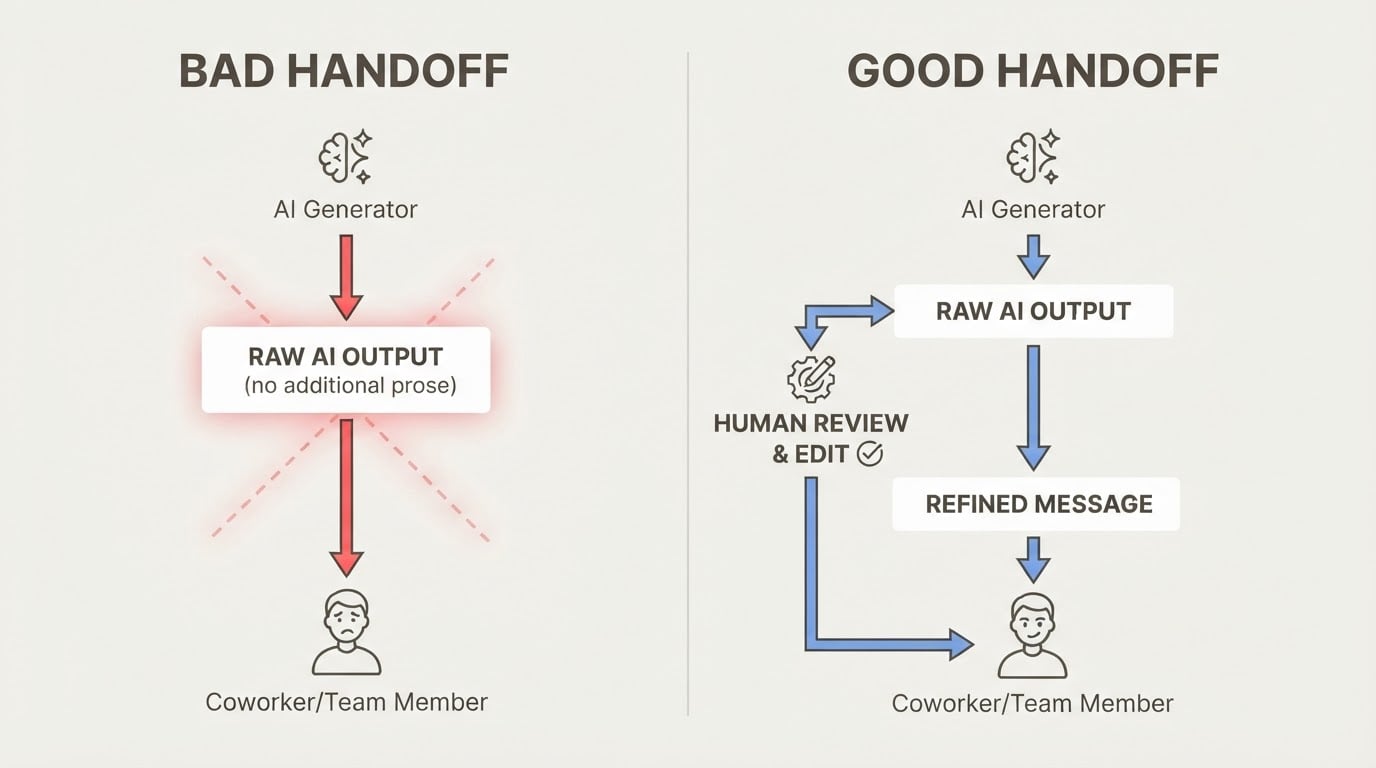

The best free AI tools for project management don't just track tasks — they keep your projects in context across every session. That's the gap most tools miss, and it's the problem MemClaw was built to solve.
If you use OpenClaw seriously, you have felt this pain: you open a new session, and your AI assistant has no idea what you were working on. Which client you were quoting. Which architecture decision you made last week. Which bug you were halfway through fixing. You re-explain the context. Again.
What Most Free AI Project Management Tools Get Wrong
Most free AI tools for project management are task managers with a chatbot bolted on. ClickUp Brain, Notion AI, Asana's AI features — they help you create tickets, summarize meetings, and draft status updates. Useful, but limited.
The problem: when you close the tab, the context disappears. The next session, you're starting over. For developers and consultants juggling 3–6 active projects, that context reload is where the real time goes.
An AI tool that genuinely helps with project management needs to:
- Remember decisions and context across sessions, not just within one conversation
- Keep projects separate so Client A's requirements don't bleed into Client B's work
- Let you restore context instantly without re-explaining everything from scratch
- Be free to use — not just free to try, with the useful parts locked behind a paywall
That's a short list. Most tools fail at the first two.
MemClaw: Free AI Project Memory for OpenClaw Users
MemClaw is a free AI tool for project management built specifically for OpenClaw users. It adds persistent, project-scoped memory to your AI assistant — giving it "a second brain" that remembers your projects the way you do.
The core mechanic: each project gets its own isolated memory workspace. When you're working on Client A's codebase, MemClaw loads Client A's context. Switch to Client B, and it loads Client B's context. Nothing bleeds across.
It's completely free. The pricing page states "MemClaw is free to start" and "free to install and use immediately." No paid tiers are currently listed.
Here's what using it looks like in practice: a freelance developer working across three client projects sends one install command to OpenClaw, activates with an API key, and from that point forward, each client's requirements, decisions, and history stay in their own workspace. Switching projects means switching context — instantly, without re-explaining anything.
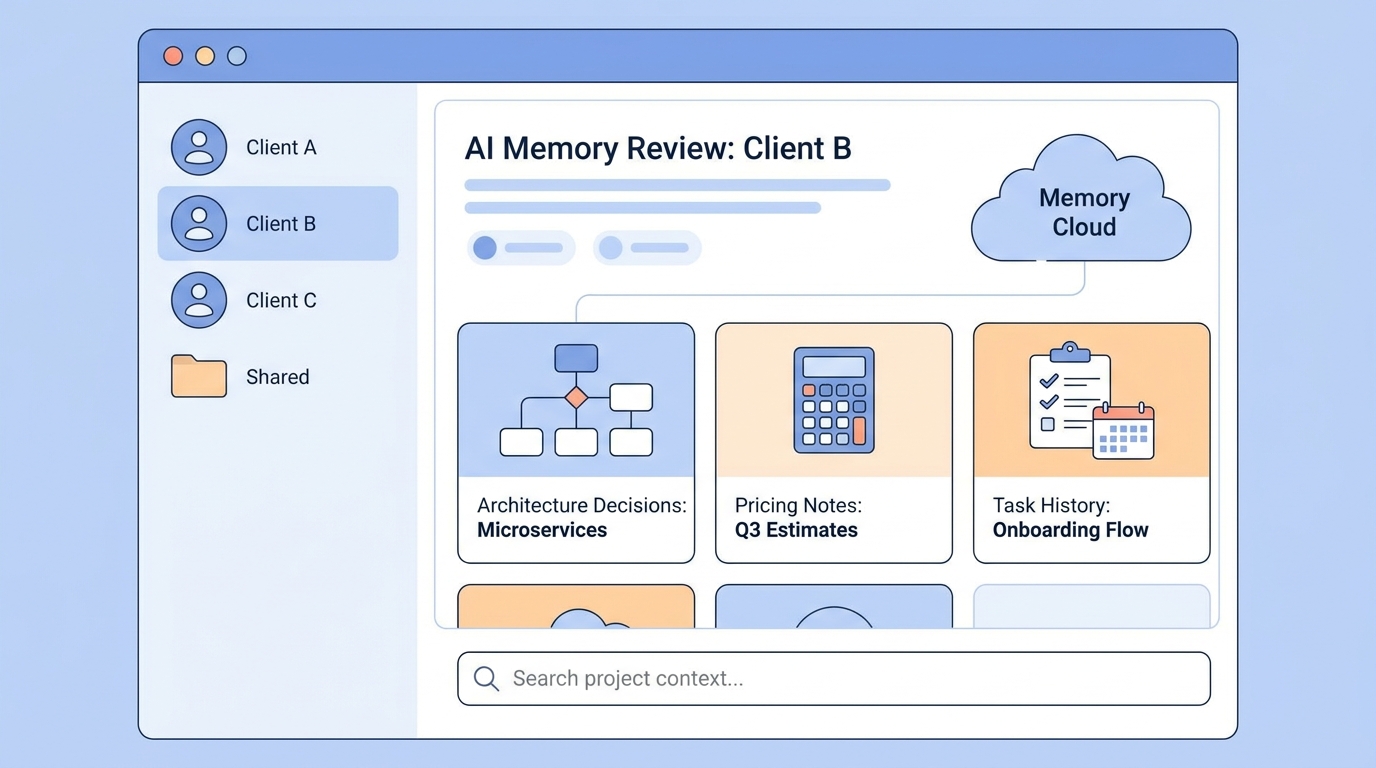
The screenshot below shows the web memory review interface — a browser-based view of everything MemClaw has stored across your projects.
User testimonials from the site capture the hands-on experience:
> "I used to think OpenClaw was just a chat tool. MemClaw made it feel like an actual working system."
> "The web view revealed OpenClaw had been remembering far more than I expected."
Key Features — All Free
Project-Scoped Memory Isolation
Each project maintains its own memory boundary. According to the MemClaw site, this supports parallel workflows across multiple projects and clients simultaneously — no context bleeding between clients or workstreams.
For a freelance developer juggling three client codebases, or a consultant tracking separate client requirements, this is the feature that makes the difference. OpenClaw won't mix up Client A's pricing with Client B's architecture.
Context Restoration
MemClaw lets you restore full project context with a single sentence — something like "Open the project I worked on most recently." According to the product documentation, this preserves key decisions, pricing details, and architecture notes across sessions.
The practical effect: you stop spending the first 10 minutes of every session re-explaining where you left off.
Web Memory Review
MemClaw includes a browser-based interface for inspecting, searching, and managing what OpenClaw has stored across all your projects. This gives you visibility into what your AI assistant actually knows — which turns out to be more than most users expect.
One-Command Setup
Installation takes a single command and under 5 minutes. You send the install command to OpenClaw, get an API key from the Felo platform, and you're done. No manual configuration required.
Team Memory Sharing
Project memory can be shared via links for collaborative viewing and editing. Teammates work from the same reviewable memory layer rather than forwarding fragmented context through chat.
Who These Free AI Project Management Tools Are For
MemClaw is built for OpenClaw users who work across multiple projects or clients:
Freelance developers tracking separate client codebases — each client's requirements, decisions, and history stay in their own workspace.
Consultants and sales professionals managing multiple accounts — pricing, requirements, and conversation history stay separate per client.
Researchers building knowledge bases — each research initiative gets its own isolated memory space.
Small teams sharing project context — instead of forwarding chat history, everyone works from the same shared memory layer.
The value compounds when you're switching between multiple projects in a single day. A developer who previously spent 10–15 minutes per session re-loading context can restore it in one sentence.
How to Get Started (Under 5 Minutes)
Getting MemClaw running takes three steps:
- Send the install command to OpenClaw:
Please install https://github.com/Felo-Inc/memclaw and use MemClaw after installation.
- Get your API key from the Felo platform settings and return it to OpenClaw to activate.
- Start using it. Create your first project workspace and let MemClaw start building context.
Install MemClaw at memclaw.me — it's free to start.
How MemClaw Compares to Other Free AI PM Tools
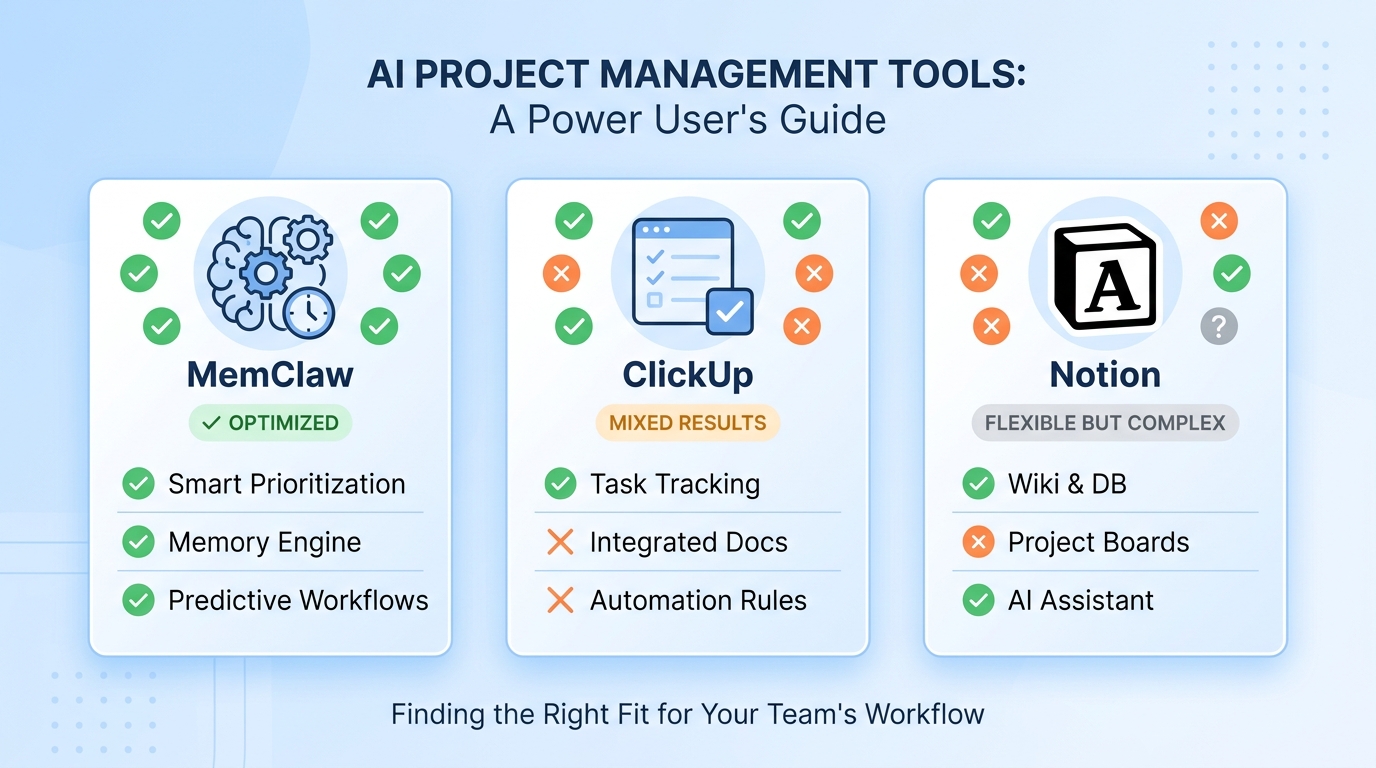
| Feature | MemClaw | ClickUp (Free) | Notion (Free) | |---|---|---|---| | Persistent AI memory | ✅ Yes | ❌ No | ❌ No | | Project isolation | ✅ Per-project | ❌ Shared context | ❌ Shared context | | Context restoration | ✅ One sentence | ❌ Manual | ❌ Manual | | Free tier | ✅ Fully free | ⚠️ Limited AI credits | ⚠️ Limited AI blocks | | Task management | ❌ Not included | ✅ Full | ✅ Full |
MemClaw isn't a task manager — it doesn't have Gantt charts or sprint boards. What it has is something those tools don't: memory that persists across every AI session, isolated per project, instantly restorable.
One honest limitation: MemClaw works specifically within the OpenClaw ecosystem. If you're not using OpenClaw as your AI assistant, it won't apply to your workflow.
Frequently Asked Questions
Is MemClaw really free? Yes. The pricing page lists only a free tier — "free to install and use immediately." There are no paid plans currently documented.
Does it work with Claude Code? MemClaw is a skill for OpenClaw. If you're using OpenClaw (which is built on Claude), it works within that environment.
How is it different from other free AI project management tools? Most free AI PM tools are task managers with AI features. MemClaw is memory-native — designed specifically to give your AI assistant persistent, project-scoped memory. It doesn't replace a task manager; it solves the context problem those tools don't address.
How secure is the stored memory? According to the MemClaw security page, data is encrypted in transit and at rest via Felo-managed cloud infrastructure. Each project maintains isolated memory boundaries to prevent context leakage.
Can I share project memory with my team? Yes. MemClaw supports sharing project memory via links for collaborative viewing and editing.
MemClaw is free to install and use. [Get started at memclaw.me](https://memclaw.me) or read more about [how project-scoped memory works](https://memclaw.me/en/claw/openclaw-memory).