AI Agent Memory Tools: How to Choose the Right One for Your Workflow
AI agents are stateless by default. Every session starts fresh. The question isn't whether you need some form of memory — you do — it's which approach fits your actual workflow.
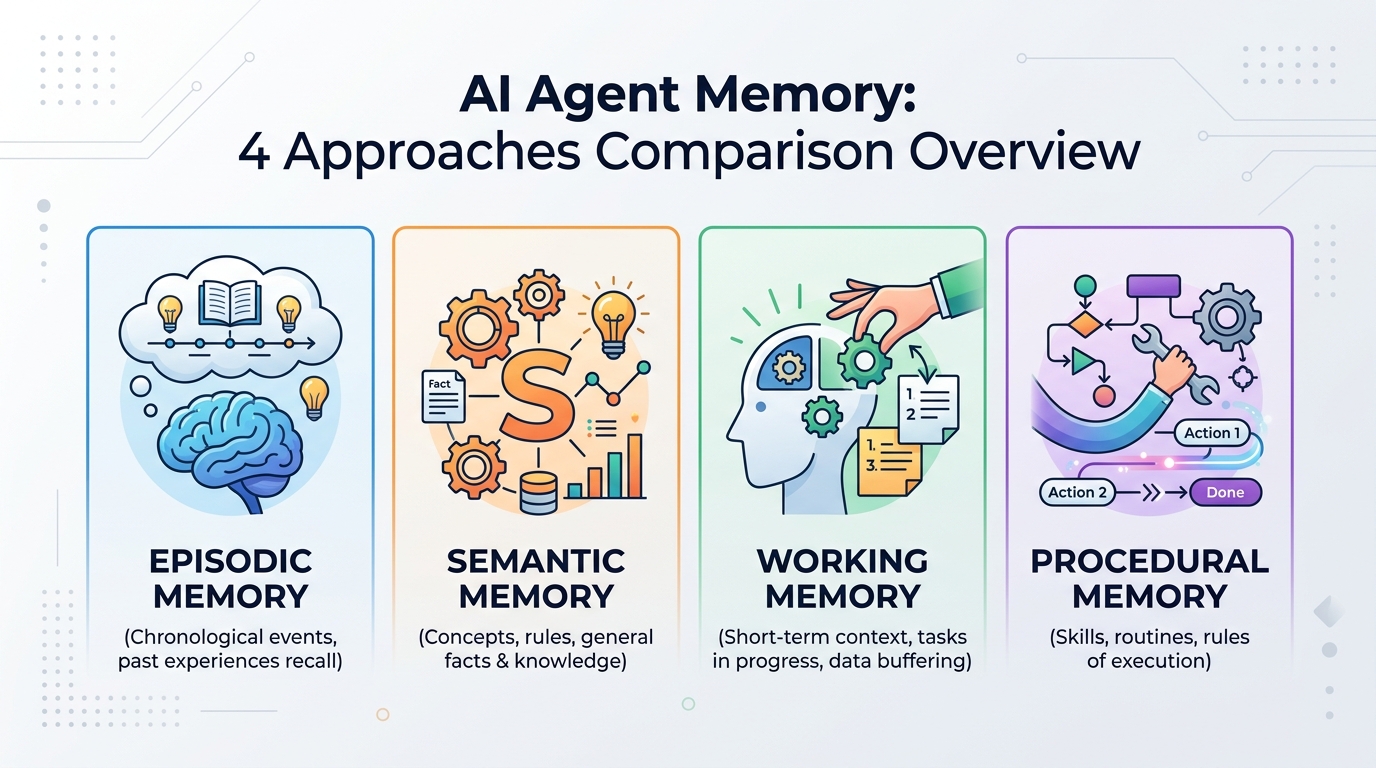
There are four main categories of AI memory tools, each with different trade-offs. This guide breaks them down so you can pick the right one without overengineering it.
The Four Approaches to AI Agent Memory
1. Built-in Model Memory (ChatGPT Memory, Claude Projects)
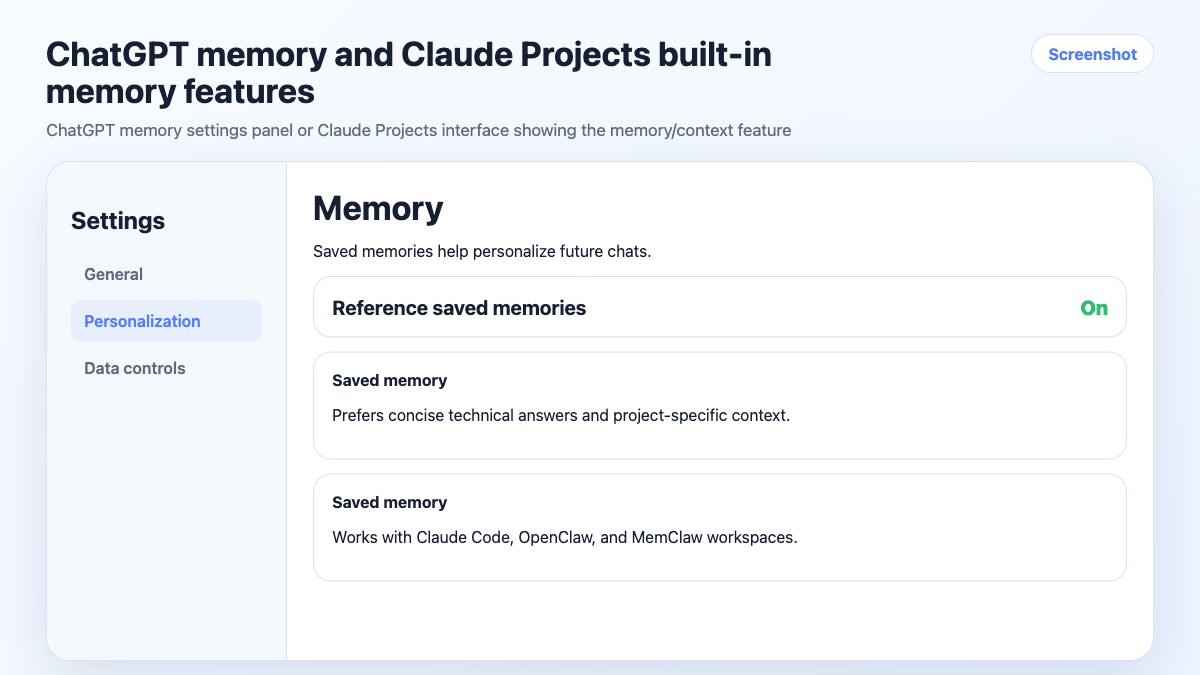
Some AI products now offer native memory features. ChatGPT can remember facts about you across conversations. Claude Projects lets you attach files and instructions to a persistent project context.
How it works: The model stores a set of facts or a system prompt that persists across sessions. You don't manage it manually — the model updates it based on your conversations.
Good for:
- Single-user, single-project workflows
- Remembering personal preferences (writing style, common tools, etc.)
- Light context that doesn't change much
Limitations:
- Memory is global, not project-scoped — facts from one project can surface in another
- Limited control over what gets remembered and what doesn't
- Not designed for multi-project isolation
- Doesn't track tasks or decisions automatically
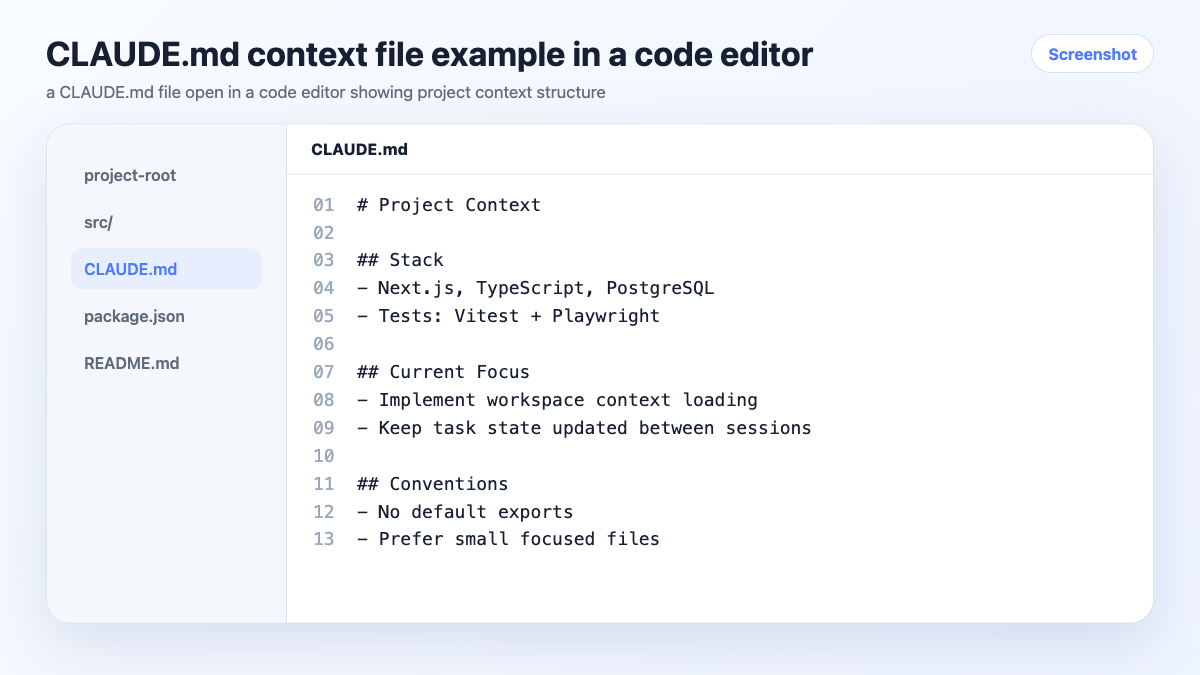
2. Context Files (CLAUDE.md, CONTEXT.md, System Prompts)
The manual approach: you maintain a text file per project that the agent reads at session start. In Claude Code, CLAUDE.md files load automatically when you work in a directory.
How it works: You write and maintain a structured document with project background, stack, decisions, and preferences. The agent reads it at the start of each session.
Good for:
- Developers already working in a codebase
- Projects with stable, slow-changing context
- Teams who want context in version control
Limitations:
- Fully manual — you update it, it doesn't update itself
- No task tracking or decision logging
- Easy to let go stale under deadline pressure
- Doesn't scale well past 3-4 active projects
3. Vector Databases (Mem0, custom RAG setups)
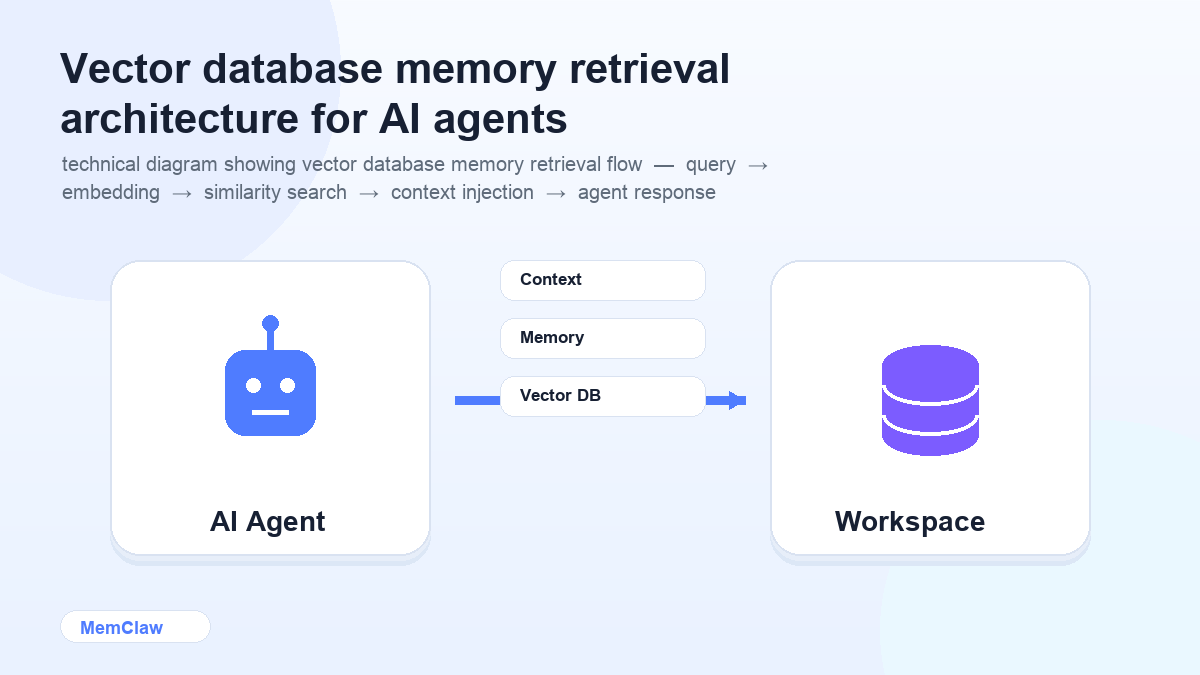
The technical approach: store memories as embeddings in a vector database, retrieve relevant context at query time. Tools like Mem0 provide this as a managed service; you can also build it yourself with Pinecone, Chroma, or similar.
How it works: Memories are chunked, embedded, and stored. When the agent needs context, it retrieves the most semantically relevant chunks rather than loading everything.
Good for:
- Large knowledge bases (hundreds of documents, long conversation histories)
- Teams building custom AI agents or products
- Use cases where semantic search over memory matters
Limitations:
- Significant setup and maintenance overhead
- Overkill for most individual or small-team workflows
- Retrieval quality depends on chunking and embedding strategy
- Not designed for project-scoped isolation out of the box
4. Persistent Project Workspaces (MemClaw)
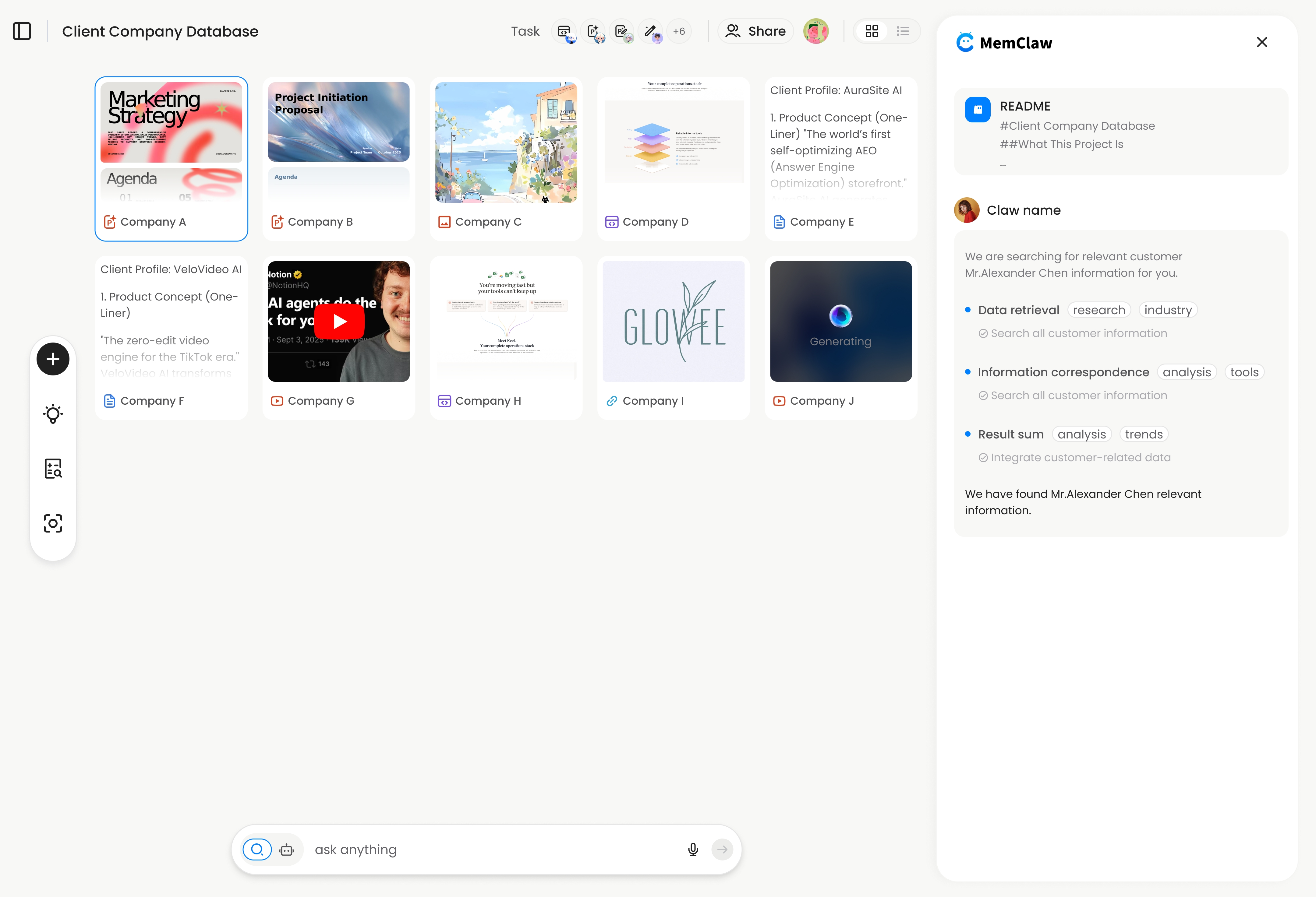
The project-scoped approach: each project gets its own structured workspace that the agent reads and writes automatically. Context, tasks, and decisions are stored per project, not globally.
How it works: You create a workspace per project. The agent opens it at session start, reads the current state, and updates it as you work — logging decisions, tracking tasks, storing artifacts.
Good for:
- Anyone running 3+ projects simultaneously
- Freelancers managing multiple clients
- Developers switching between codebases
- Anyone who needs strict isolation between projects
Limitations:
- Requires installing a plugin (Claude Code or OpenClaw)
- Less useful for single-project workflows where simpler approaches work fine
- Workspace quality depends on the agent keeping it updated
! MemClaw persistent project workspace interface
Try it: Get started with MemClaw →
Side-by-Side Comparison
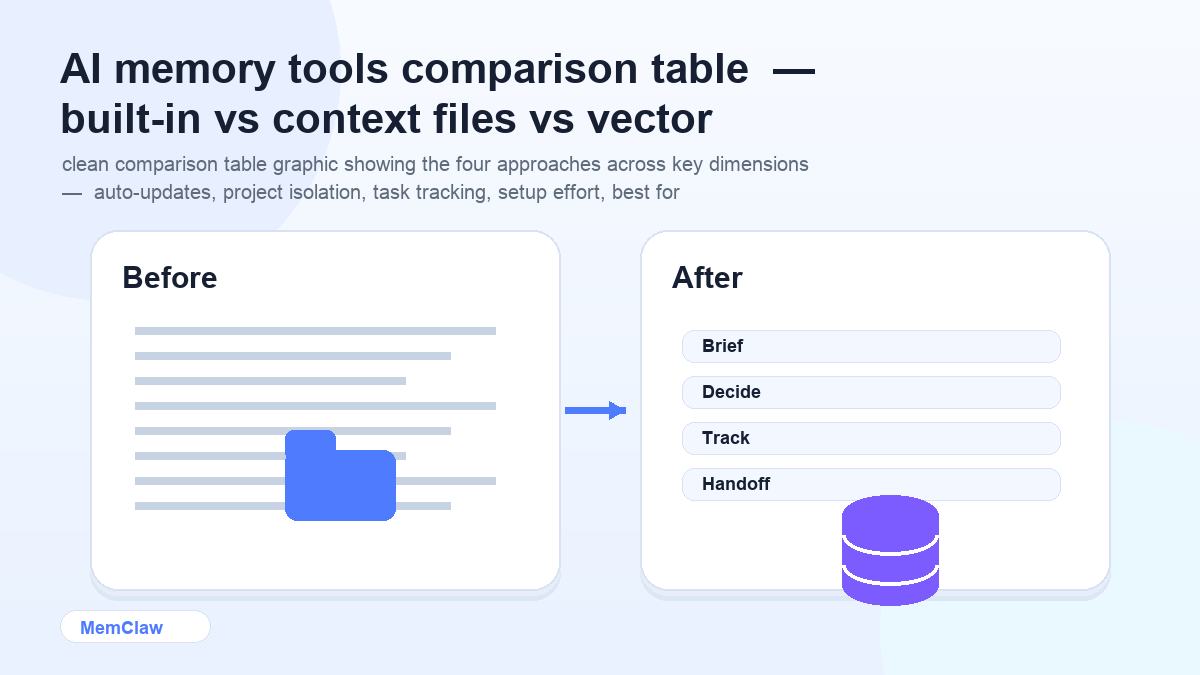
| | Built-in Memory | Context Files | Vector DB | Persistent Workspace | |---|---|---|---|---| | Auto-updates | ⚠️ Partial | ❌ Manual | ✅ Yes | ✅ Yes | | Project isolation | ❌ Global | ✅ Per-directory | ⚠️ Configurable | ✅ Per-project | | Task tracking | ❌ No | ❌ No | ❌ No | ✅ Yes | | Setup effort | None | Low | High | Low | | Works across agents | ❌ No | ❌ No | ⚠️ Custom | ✅ Yes | | Best for | Personal prefs | Single project | Large knowledge bases | Multi-project work |
How to Choose
You have one project and mostly want the AI to remember your preferences → Built-in model memory (ChatGPT Memory or Claude Projects) is enough. No setup required.
You're a developer working in a single codebase → A CLAUDE.md file in your project directory is the simplest solution. Free, version-controlled, loads automatically.
You're building a custom AI agent or product that needs to search over large amounts of stored information → Vector database (Mem0 or a custom RAG setup) is the right tool. Expect setup time.
You're running 3+ projects simultaneously and need strict isolation between them → Persistent workspaces. The manual approaches break down at this scale, and the setup is minimal.
A Note on Combining Approaches
These aren't mutually exclusive. A common setup for serious multi-project work:
- Claude Projects or ChatGPT Memory for global preferences (writing style, common tools, personal context)
- MemClaw workspaces for per-project isolation (stack, decisions, tasks, client-specific context)
The global memory handles things that are true across all your work. The project workspace handles things that are specific to one project. They complement each other rather than overlap.
Frequently Asked Questions
Is MemClaw the same as Claude's built-in memory?
No. Claude's memory stores facts about you globally — it applies across all your conversations. MemClaw workspaces are project-scoped — each workspace is isolated to one project and contains that project's specific context, tasks, and decisions. They solve different problems.
Do I need a vector database for most AI workflows?
Probably not. Vector databases are powerful but complex. For most individual and small-team workflows — even ones with significant context — structured text files or persistent workspaces are simpler and more maintainable. Reach for a vector DB when you genuinely need semantic search over a large corpus.
Can I use context files and a persistent workspace together?
Yes. Some developers keep a CLAUDE.md with static project constraints (stack, conventions, hard rules) and use a MemClaw workspace for dynamic context (current tasks, recent decisions, in-progress work). The static stuff rarely changes; the dynamic stuff updates constantly.
What happens to my workspace if I stop using MemClaw?
Workspaces are stored in Felo's infrastructure. The content is readable text — you can export it at any time. You're not locked into a proprietary format.
The Bottom Line
Most people reach for the most complex solution when a simpler one would work. Start with the minimum viable approach for your current situation:
- One project → context file or built-in memory
- Multiple projects → persistent workspaces
- Custom agent with large knowledge base → vector database
The goal is context that's always accurate, always available, and requires as little manual maintenance as possible. Pick the tool that gets you there with the least overhead.
Running multiple projects? Set up persistent workspaces with MemClaw →