AI Agent Workflow Best Practices: A Practical Guide for 2026
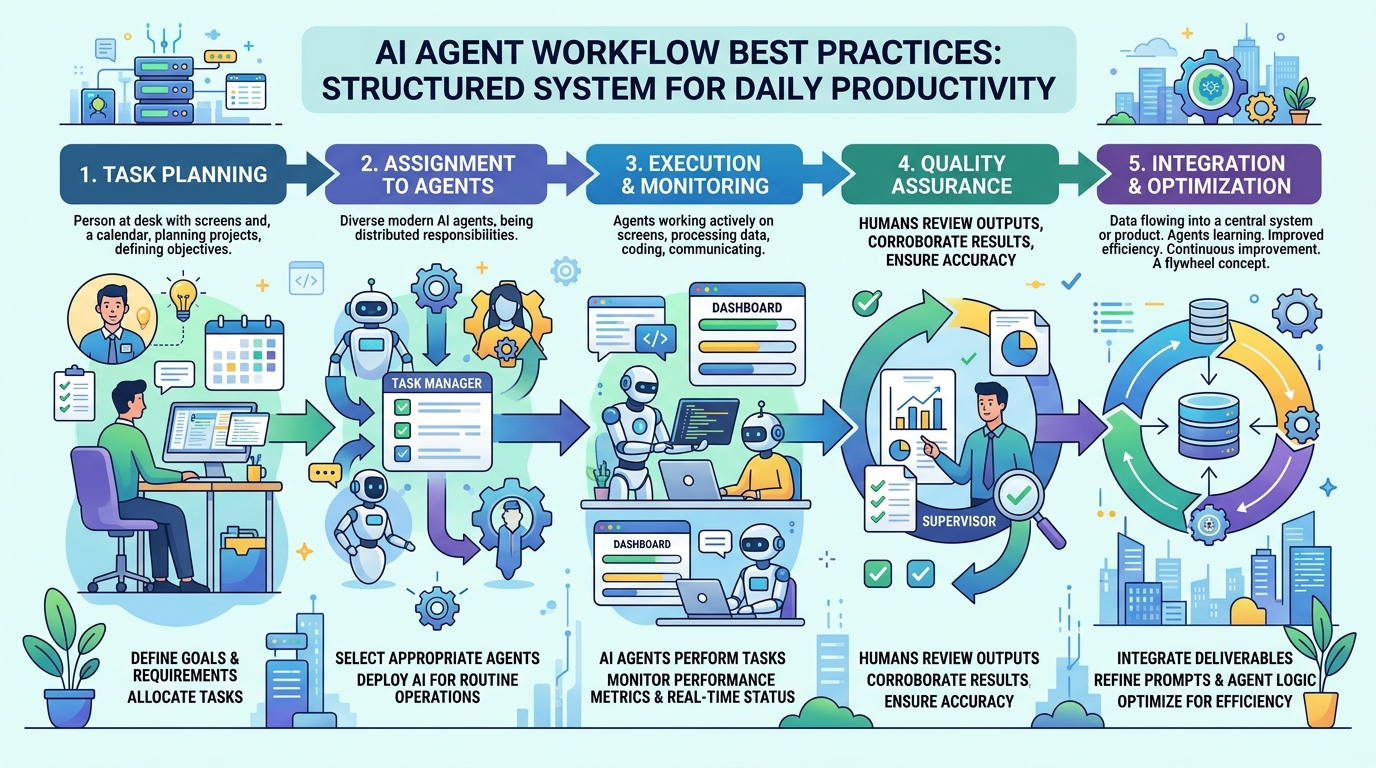
Most people use AI agents the same way they used Google in 2005: type something in, get something out, repeat. It works, but it leaves most of the value on the table.
AI agents are most useful when they have context — when they know what you're working on, what's been decided, what's in progress, and what constraints apply. Building a workflow that maintains that context is the difference between an agent that's occasionally helpful and one that's genuinely productive every session.
These are the practices that make the biggest difference.
1. Always Start With Context
The single most impactful habit: load project context before you start working, every session, without exception.
An agent with no context will ask clarifying questions, make wrong assumptions, and produce output you have to correct. An agent with good context starts contributing immediately.
Minimum viable context load:
Read CONTEXT.md. We're working on [project name] today.
With a persistent workspace:
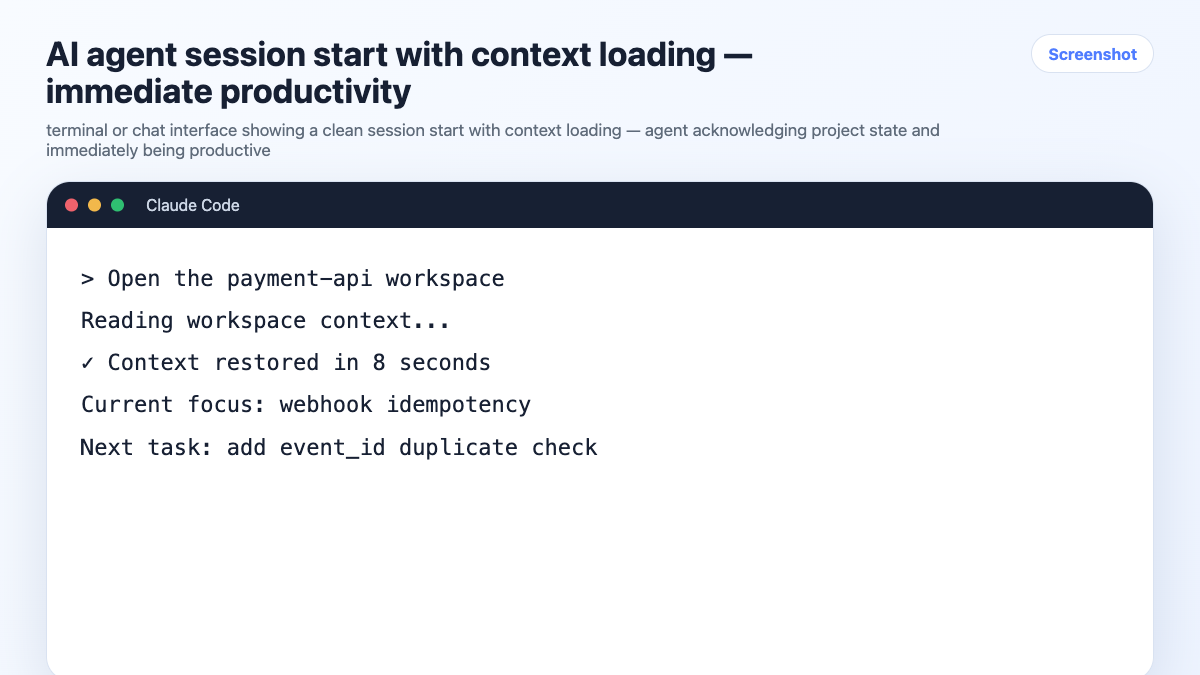
Open the [project-name] workspace.
The agent reads the current state — stack, decisions, task status — and is ready to work. No re-briefing. No warm-up questions.
2. One Session, One Project
Never context-switch mid-session. If you need to work on a different project, close the current session and open a new one with the correct context loaded.
This is the rule that prevents context bleed — when details from one project surface in another. The agent doesn't know you've mentally switched projects. It just knows what's in the window.
The habit:
- Open session → load project context → work → close session
- New project → new session → load that project's context
One session per project. No exceptions when you're doing serious work.
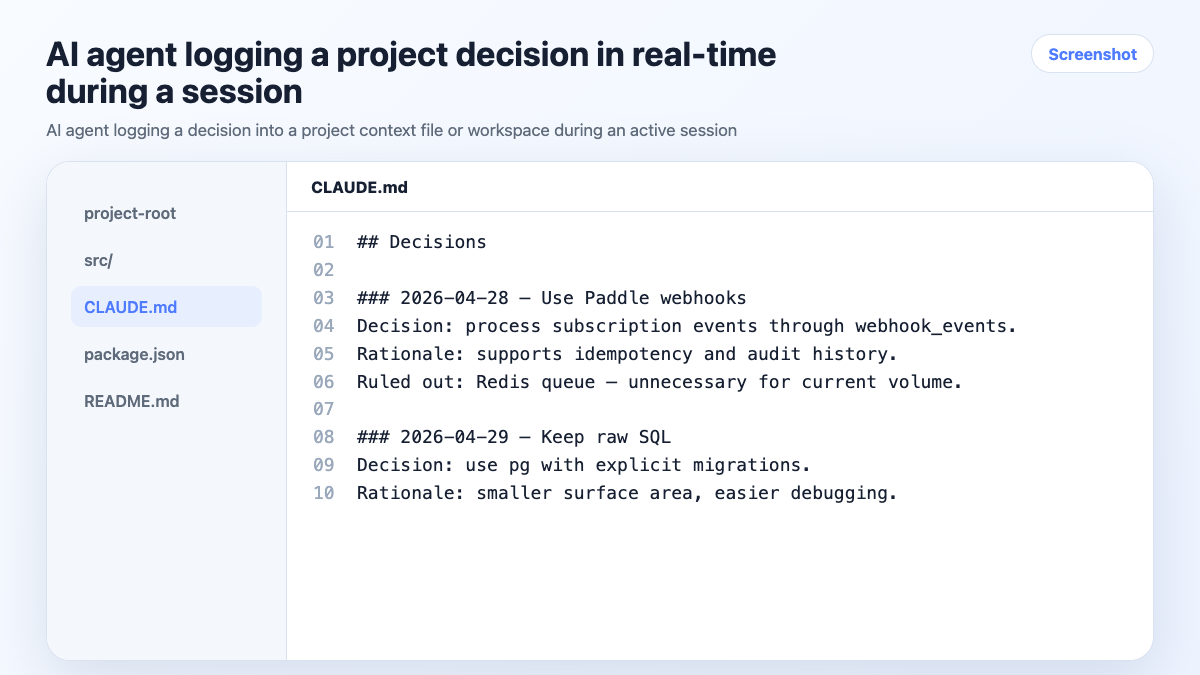
3. Log Decisions As You Make Them
Every significant decision should be captured in the project's context before you close the session. Not in your head. Not in a Slack message. In the project context where the agent can reference it next time.
What counts as a significant decision:
- Technology or library choices (and rejections)
- Scope changes
- Architecture decisions
- Client preferences or constraints
- Anything you'd be annoyed to re-litigate
The habit — in-session, before you forget:
Log this decision: we're using Zustand for state management.
Redux was considered and ruled out — too much boilerplate for this project size.
With a persistent workspace, this goes into the workspace automatically. With a context file, the agent updates it in place.
4. Maintain Task State
The agent should always know what's done, what's in progress, and what's blocked. This isn't about project management software — it's about giving the agent enough state to be useful without you reconstructing it every session.
Simple task state in a context file:
## Current Status
- [x] Auth flow — done
- [ ] Payment webhook — in progress
- [ ] Dashboard charts — not started, blocked on design
- [ ] Mobile nav — not started
End-of-session update:
Update the task status with what we finished today. What's still in progress?
Takes 30 seconds. Means the next session starts with accurate state instead of guesswork.
5. End Sessions With a Handoff
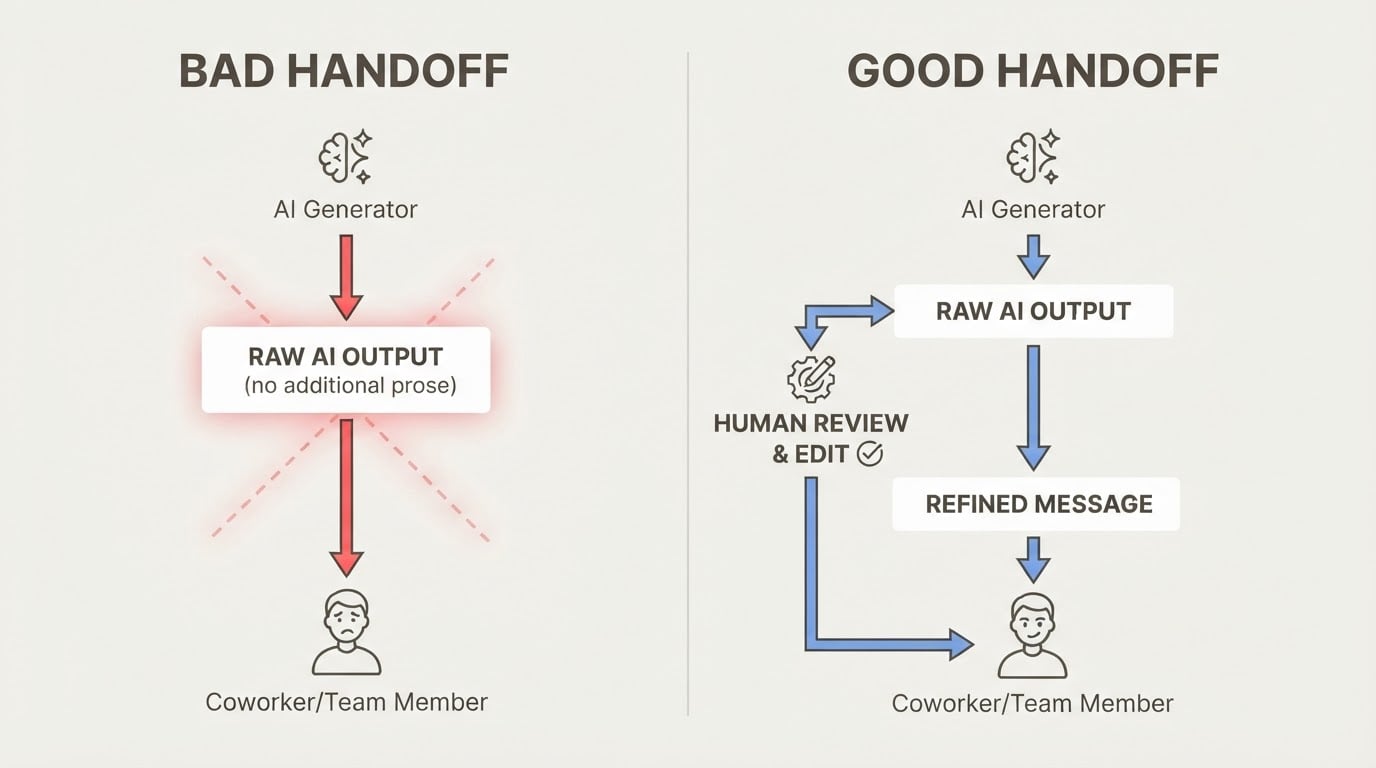
Before closing any session, spend 60 seconds on a handoff:
Summarize what we accomplished today, update task status,
and log any decisions we made.
This is the habit that keeps context files and workspaces accurate over time. Skip it a few times and the context drifts from reality — which defeats the purpose of having it.
Think of it as writing a note to your future self. Future-you will open this project next week and need to know where things stand. Make it easy.
6. Be Explicit About Constraints
AI agents make reasonable assumptions when you leave things unspecified. Sometimes those assumptions are wrong for your project.
State constraints explicitly — either in your context file or at session start:
We're not using TypeScript on this project.
We're on Node 18, not 20.
No external dependencies without approval.
The client requires WCAG 2.1 AA compliance on all UI.
The more specific your constraints, the less time you spend correcting output that doesn't fit. Constraints belong in the project context, not just in your head.
7. Use the Right Tool for the Right Task
AI agents are good at some things and not others. Knowing the difference saves time.
High-leverage AI tasks:
- Writing and editing (drafts, specs, docs, emails)
- Code generation and review within a known context
- Summarizing and synthesizing large amounts of text
- Explaining unfamiliar code or concepts
- Generating test cases and edge cases
Low-leverage AI tasks (do these yourself):
- Final decisions on architecture or product direction
- Anything requiring real-time data the agent doesn't have
- Tasks where the brief would take longer to write than doing it yourself
- Judgment calls that require knowing your specific context deeply
The agent is a force multiplier, not a replacement for judgment. Use it where it multiplies.
8. Keep Context Files Accurate
A context file that's out of date is worse than no context file. The agent will confidently use stale information — wrong stack, reversed decisions, outdated task state — and produce output that looks right but isn't.
Maintenance habits:
- Update task status at the end of every session
- Log decisions as they're made, not after
- Review the context file at the start of each week — does it still reflect reality?
- When a decision is reversed, update the file immediately
With persistent workspaces, much of this happens automatically. With manual context files, the discipline has to come from you.
9. Use Persistent Workspaces for Multi-Project Work
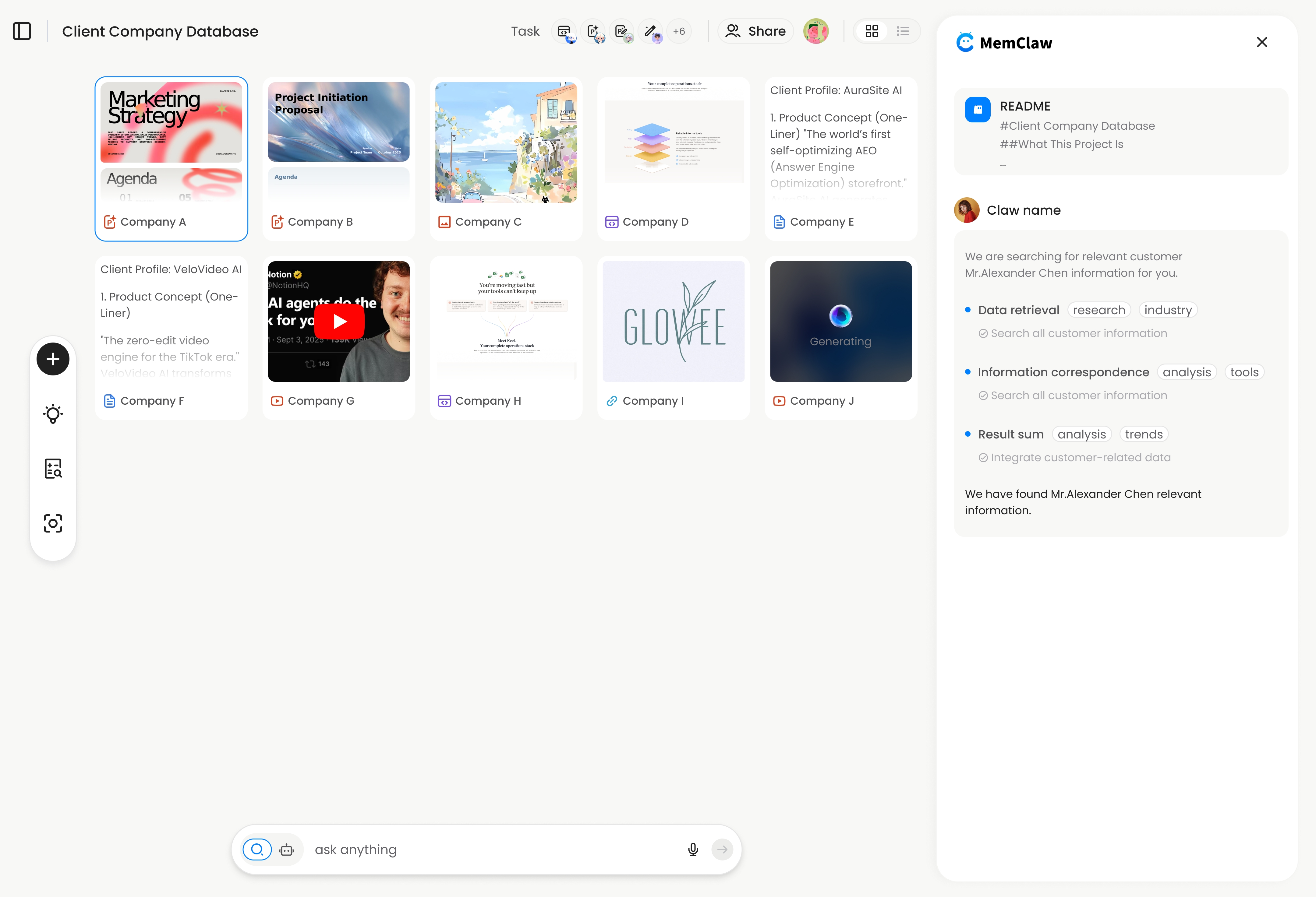
For anyone running 3+ projects simultaneously, manual context files eventually break down. The isolation depends on discipline, and discipline is the first thing to go under deadline pressure.
MemClaw persistent workspaces provide automatic context management:
- Each project has its own isolated workspace
- The agent reads it at session start automatically
- Decisions and task updates are logged in the background
- Works across Claude Code and OpenClaw
Setup:
export FELO_API_KEY="your-api-key-here"
/plugin marketplace add Felo-Inc/memclaw
/plugin install memclaw@memclaw
Create a workspace called "project-name"
From that point on, Open the project-name workspace at the start of each session gives the agent full project context in about 8 seconds.
! MemClaw persistent workspace — automatic context management for multi-project work
Try it: Get started at memclaw.me →
10. Review and Refine Your Prompts
The prompts you use repeatedly are worth investing in. A well-crafted prompt for a task you do every week pays off every time you use it.
Keep a personal prompt library — a simple doc with your best prompts for common tasks:
## PRD Draft
Write a PRD for [feature] targeting [user segment].
Problem: [problem]. Success metrics: [metrics]. Out of scope: [constraints].

## Code Review
Review this code for: correctness, edge cases, performance issues, and readability.
Flag anything that would fail in production.

## Stakeholder Update
Summarize the current status of [project] for a non-technical executive.
Under 150 words. Focus on progress, blockers, and next milestone.
Reuse and refine. The prompts that work well get better over time.
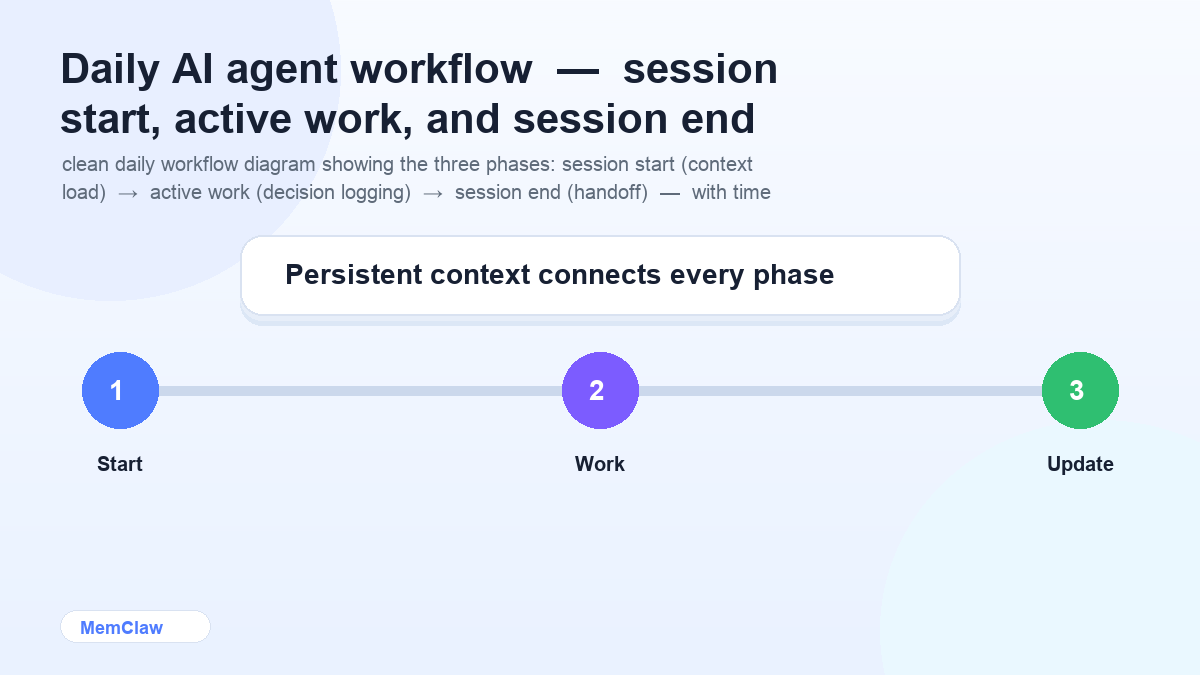
Putting It Together: The Daily Workflow
Session start (30 seconds):
Open the [project] workspace.
Agent reads context. You start working immediately.
During work:
- Log decisions as they happen
- Let the agent handle writing, code, and synthesis
- Keep one project per session
Session end (60 seconds):
Update task status. Log any decisions. Summarize what's in progress.
Context is current. Next session starts clean.
Weekly (5 minutes):
- Review active workspaces or context files
- Archive completed projects
- Check that constraints and decisions are still accurate
Frequently Asked Questions
How long does it take to set up this workflow?
The manual version (context files) takes about 15 minutes per project to set up initially. The persistent workspace version takes about 2 minutes total to install MemClaw, then 30 seconds per project to create a workspace.
Do I need all of these practices, or can I pick and choose?
Start with the three highest-impact habits: load context at session start, log decisions as you make them, and keep one project per session. Add the others as you feel the pain they solve.
What if I work alone vs. on a team?
The practices are the same. On a team, persistent workspaces add value because teammates can open the same workspace and immediately have the same context — no handoff doc needed.
How do I handle projects that span months?
Long-running projects accumulate a lot of context. Periodically archive old decisions and completed tasks to keep the active context focused. The workspace or context file should reflect the current state, not the full history.
The Core Principle
AI agents are only as useful as the context they have. Every practice in this guide is about one thing: making sure the agent always has accurate, current, project-specific context — automatically, without requiring you to re-explain everything every session.
Build the habits. The productivity compounds.
Ready to stop re-briefing your agent every session? Set up persistent workspaces with MemClaw →